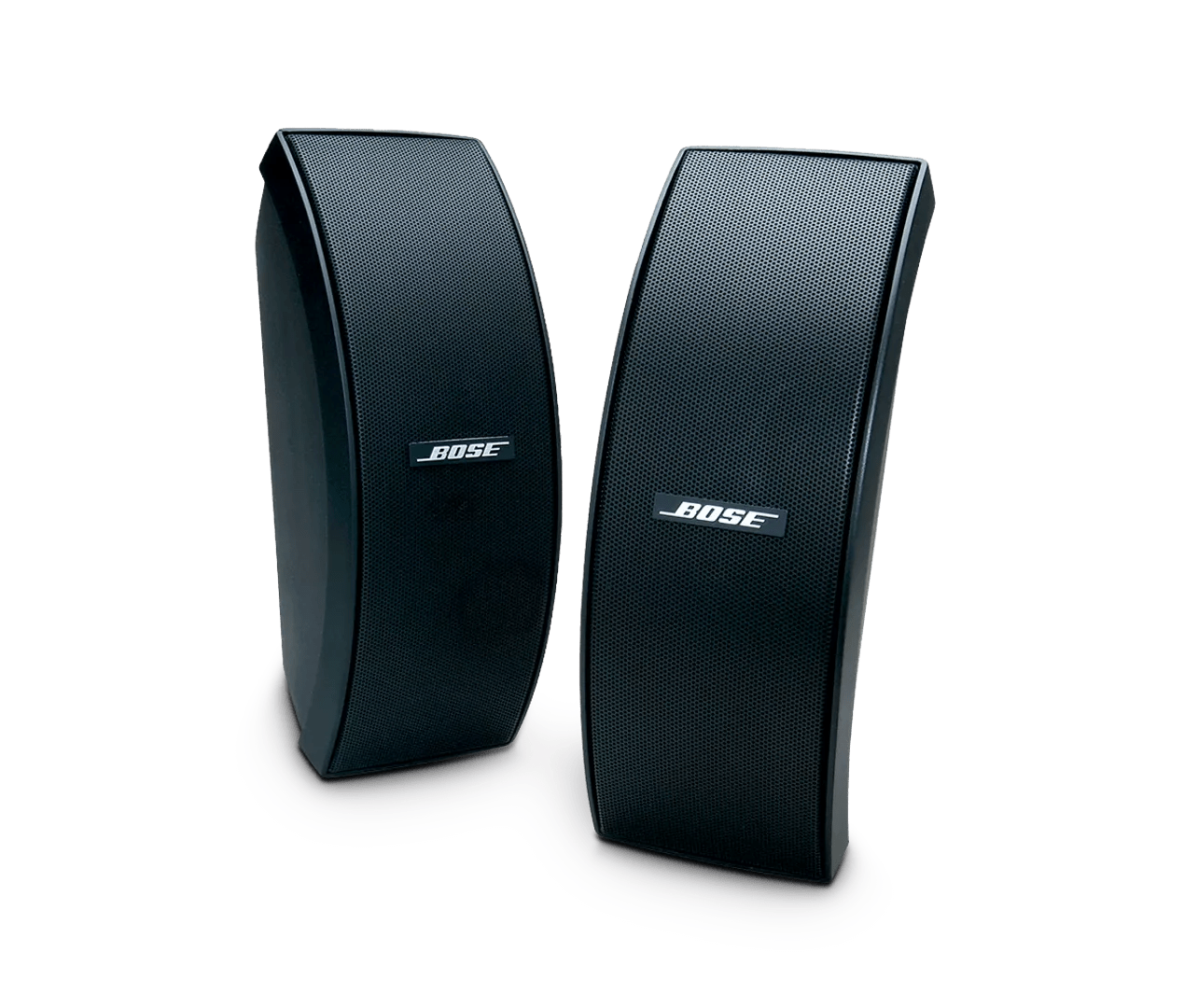
Humming, buzzing or rattling noise heard from product | 151® SE environmental speakers
151®-se-environmental-speakers
151® SE environmental speakersSold from 2004 - 2022

Humming, buzzing or rattling noise heard from product | 151® SE environmental speakers

If you hear an unexpected noise from your product:

Try the following:

Be sure the speaker is actually rattling, and that the problem is not distorted sound.

If the problem is distortion, see Poor sound quality from product.

Be sure the rattling noise is not something on or near the system.

A loose item on or near the system may be vibrating when certain frequencies or volume levels are played. Secure any loose items or move the system or items to another location if the system sound is causing nearby items to rattle.

Check the speaker ports for debris.

Speakers left outside can accumulate environmental debris. Make sure all ports and grille areas are free from debris which can limit the audio performance.

If it sounds like something is loose inside your speaker

Your speaker shouldn’t have any loose parts inside. If you think something is loose, click 'Start a repair or replacement' at the bottom of the page to check your options.

Be sure the proper speakers are selected.

Many receivers have outputs for "A Speakers" and "B Speakers." If the Bose speakers are connected to a set of outputs that are not selected, they will not play

Be sure the speakers are connected properly to the receiver.

Check the speaker wire connections so they are wired properly and firmly to the positive and negative terminals. There should be no exposed wires as this risks damaging the receiver or tripping its circuit protection mode. Also, be sure the proper set of speaker terminals are being used; many receivers have an "A Speaker" and "B Speaker" section. See the receiver's owners guide for more information.

Try a different set of speakers.

If you have another set of speakers that are compatible with the receiver, unplug your speakers and connect the other set instead. If there is no difference, the issue is with the receiver or speaker cables. If the issue is resolved, however, there is an issue with the first set of speakers.

Check the condition of the speaker wires and be sure they are secure at both ends.

Check the speaker wires for any kinks, scratches, cuts or damage. Replace any damaged wires and check that they are securely connected at both ends.

Check for sources of interference.

Electronics can pick up interference from other electronics connected to the same power circuit or connected within close proximity. Try disconnecting the power cord from any such nearby electronics (i.e. laptop/phone charger, TV, cable box, seasonal lights, microwave, etc.). If the issue is resolved, try connecting the device or your product to a different power circuit or farther away.