Was this helpful?
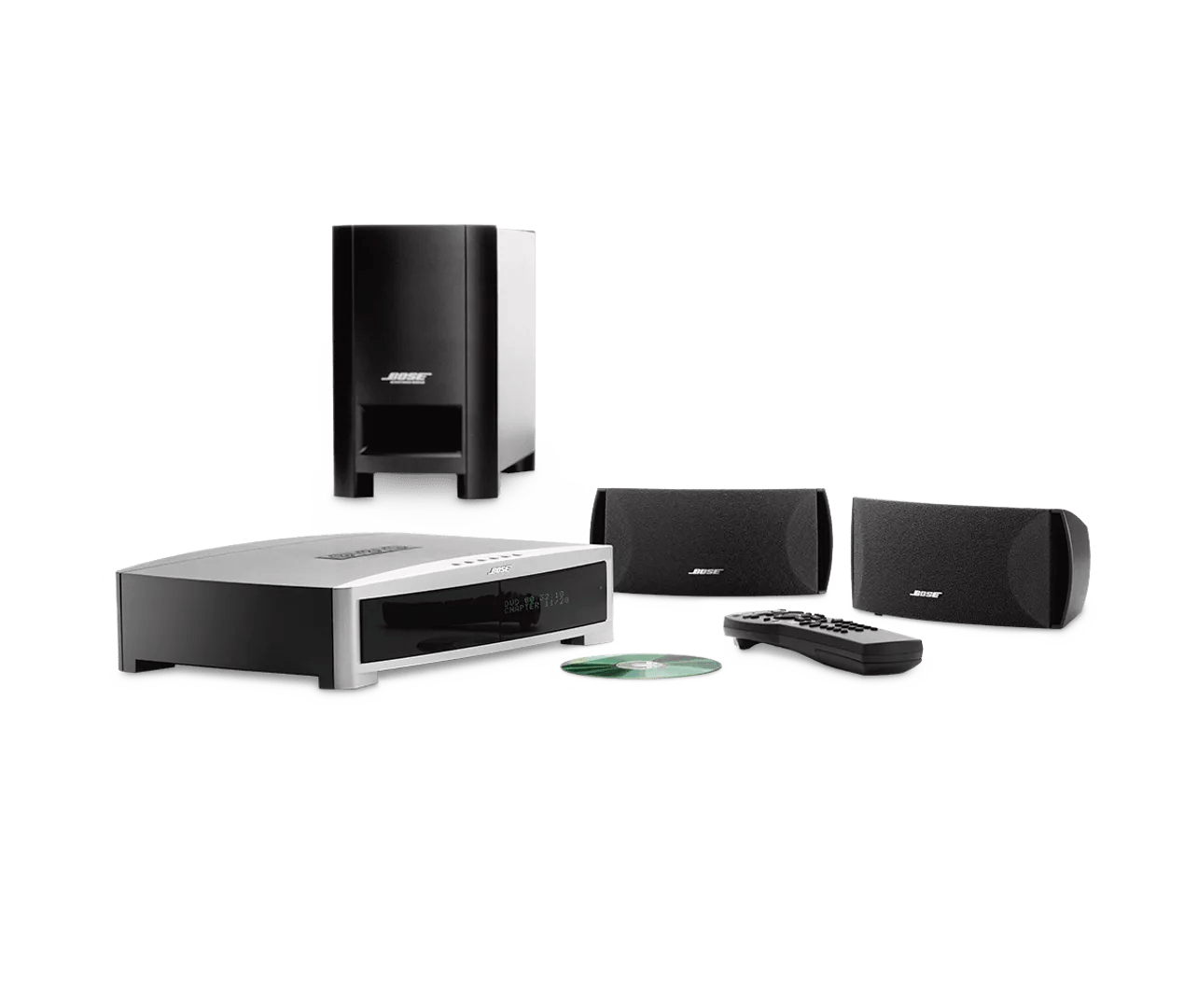
Resetting your product | 3·2·1® Series II DVD home entertainment system
Do you want to reset your product or restore its default settings?
- Reset: A reset corrects minor processors errors. Unless indicated otherwise, product settings are not lost during a reset.
- Restore factory settings: This resets your product to its factory default configuration. Unless indicated otherwise, all settings are cleared and reverted to their original out-of-box state. After, your product can be configured as if it were being setup for the first time.
Reset your 321 system by following these steps:
- Turn the system off. Wait 30 seconds
- Unplug the Acoustimass module power cord from the power outlet
- Unplug the Acoustimass module cable from the module and media center. Wait 30 seconds
- Reconnect the Acoustimass module cable at both ends
- Reconnect the Acoustimass module power cord
- Wait for the words "Bose 3.2.1" to appear and disappear from the display
- Retest the system
Restoring factory defaults only affects Settings menu options.
To restore the factory default settings:
- On the remote control, press the System button. (Tip: If the system menu does not appear on your TV, be sure the correct TV input is selected)
- Scroll right to select Media Center, then press the Enter button
- Scroll down to select Restore Settings, then press the Enter button
- Scroll up to select Yes, then press the Enter button: The display shows Have you been instructed to do this?
- Scroll left to select Yes, then press the Enter button
- Press the Exit button to exit the menu.