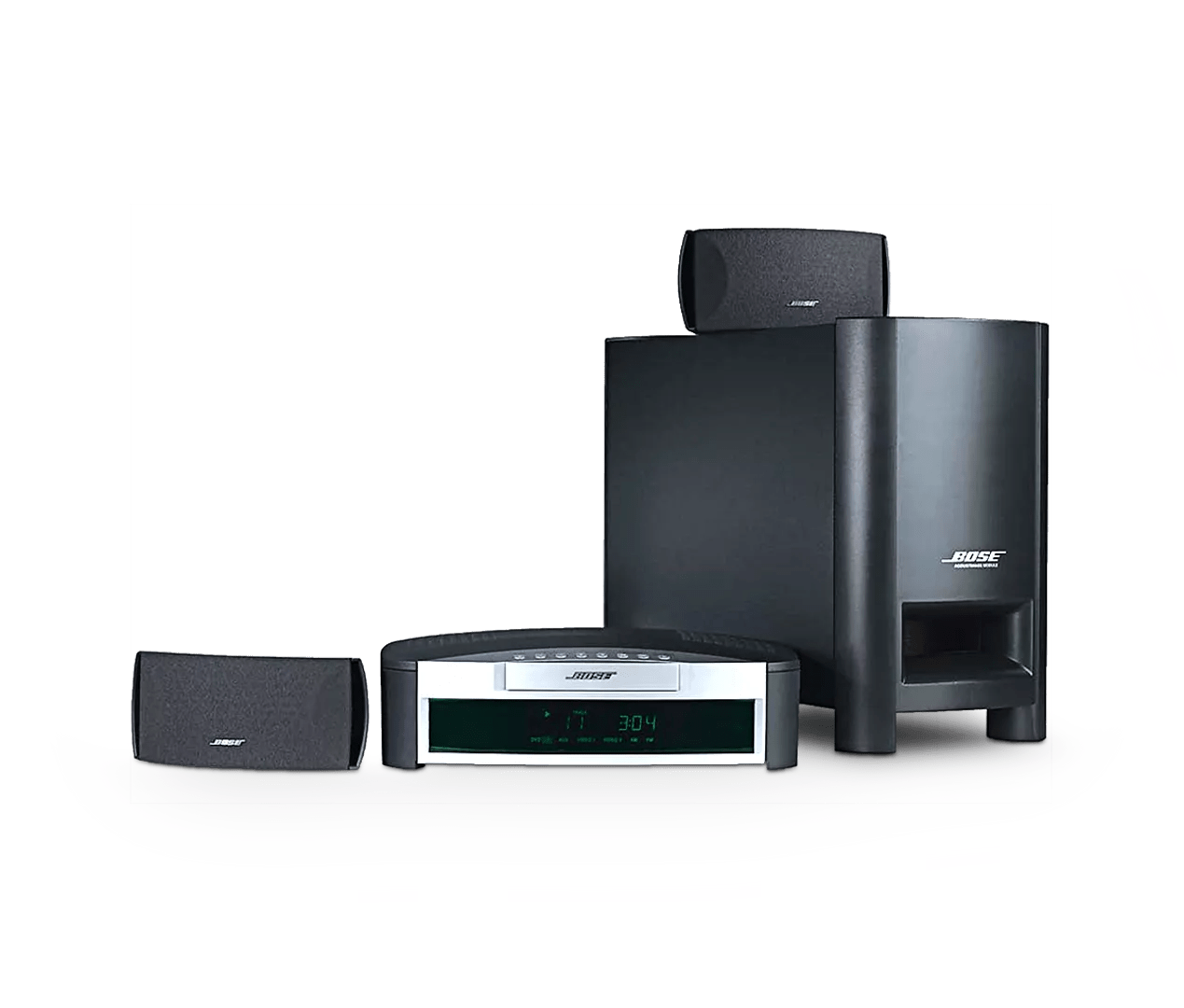
Setting parental controls | 3·2·1® home entertainment system
Setting parental controls:
Setting parental controls for rated DVDs
The Allowed Ratings setting blocks DVDs rated higher than the selected rating. For example, if Allowed Ratings is set to 5, DVDs with a rating of 6 or higher will be blocked. To select a setting:- On the remote control, press the Settings button
Tip: If the system menu does not appear on your TV, be sure the correct TV input is selected - Scroll to System Setup, then press the Enter button
- Scroll to DVD Setup, then press the Enter button
- Scroll to Parental Control setup, then press the Enter button
- Enter your password or create one, then press the Enter button
- Scroll to Allowed Ratings and select the desired restriction level
- Press the Exit button three times to exit the menu.
Setting parental controls for unrated DVDs
The Restrict Unrated Titles setting can block DVDs that do not have a rating. To select a setting:- On the remote control, press the Settings button
Tip: If the system menu does not appear on your TV, be sure the correct TV input is selected - Scroll to System Setup, then press the Enter button
- Scroll to DVD Setup, then press the Enter button
- Scroll to Parental Control setup, then press the Enter button
- Enter your password or create one, then press the Enter button
- Scroll to On or Off
- Press the Exit button three times to exit the menu.
Motion Picture Association of America (MPAA) Rating System
| Parental Control Setting | MPAA Rating | Audience Restriction |
|---|---|---|
| 8 | None | |
| 7 | NC-17 | Adult audiences |
| 6 | R | Mature audiences |
| 5 | Mature teenage audiences | |
| 4 | PG-13 | Teenage audiences |
| 3 | PG | Mature young audiences |
| 2 | Most audiences | |
| 1 | G | General |