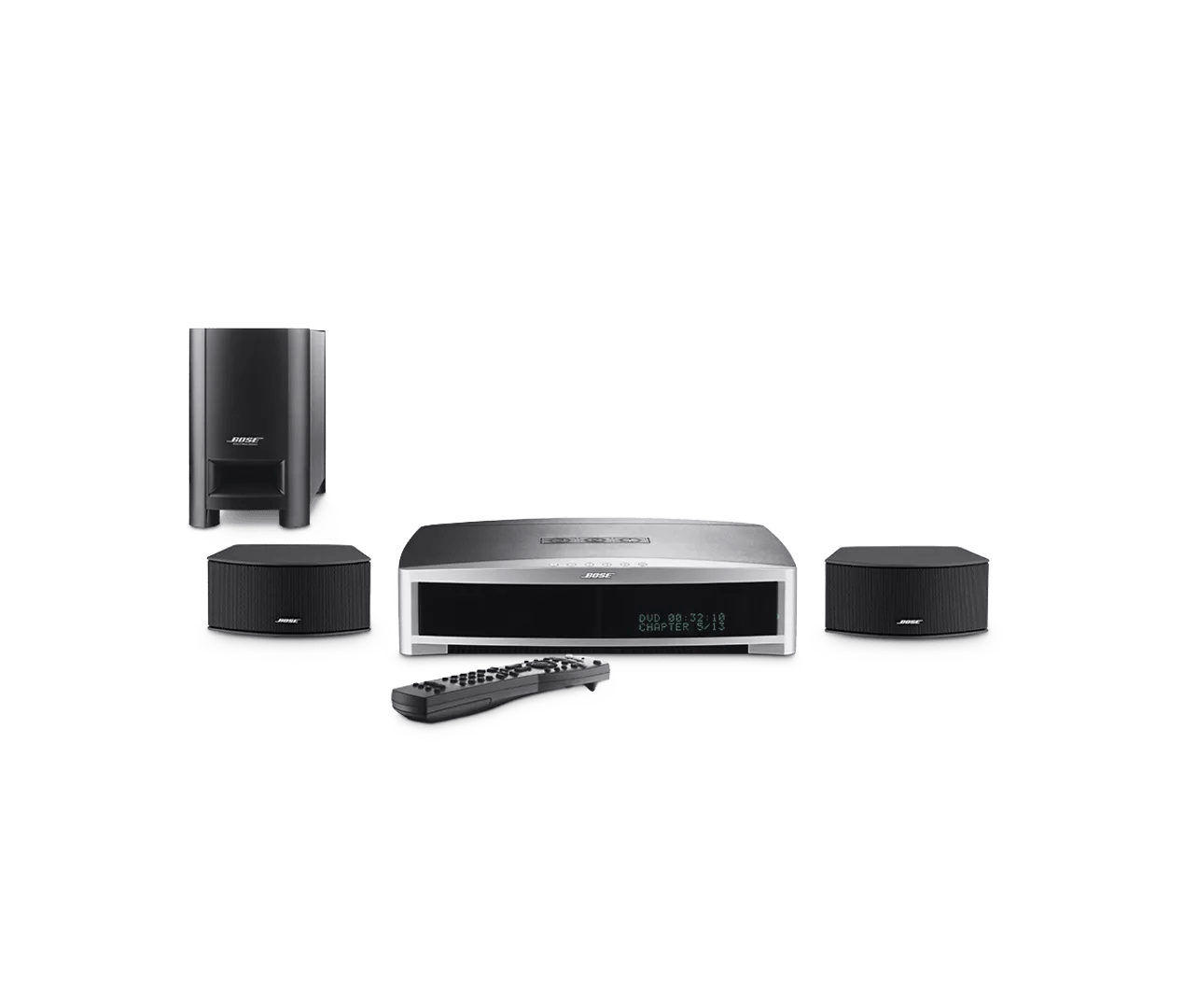
No picture from a connected video device | 3·2·1® GS Series II DVD home entertainment system
Which device is being used?
Cable box
Try a different channel.
Be sure the cable box is connected properly.
When using an RF modulator, be sure the correct TV channel is selected.
Connect the video output of the source directly to the TV.
Replace the video cable used to connect your product.
Try connecting a different audio device.
Your media center may need service.
Click here to start service
DVD or Blu-ray player
Be sure the DVD or Blu-ray player is connected properly.
When using an RF modulator, be sure the correct TV channel is selected.
Connect the video output of the source directly to the TV.
Replace the video cable used to connect your product.
Try connecting a different audio device.
Your media center may need service.
Click here to start service
DVR
Be sure the DVR is connected properly.
When using an RF modulator, be sure the correct TV channel is selected.
Connect the video output of the source directly to the TV.
Replace the video cable used to connect your product.
Try connecting a different audio device.
Your media center may need service.
Click here to start service
Game console
Be sure the game console is connected properly.
When using an RF modulator, be sure the correct TV channel is selected.
Connect the video output of the source directly to the TV.
Replace the video cable used to connect your product.
Try connecting a different audio device.
Your media center may need service.
Click here to start service
Satellite box
Try a different channel.
Be sure the satellite box is connected properly.
When using an RF modulator, be sure the correct TV channel is selected.
Connect the video output of the source directly to the TV.
Replace the video cable used to connect your product.
Try connecting a different audio device.
Your media center may need service.
Click here to start service
VCR or DVD recorder
Be sure the VCR or DVD recorder is connected properly.
When using an RF modulator, be sure the correct TV channel is selected.
Connect the video output of the source directly to the TV.
Replace the video cable used to connect your product.
Try connecting a different audio device.
Your media center may need service.
Click here to start service
Other connected video device
When using an RF modulator, be sure the correct TV channel is selected.
Connect the video output of the source directly to the TV.
Replace the video cable used to connect your product.
Try connecting a different audio device.
Your media center may need service.
Click here to start service
See if the issue is with connected devices or the built-in video player.
Confirm the TV is on and the proper input is selected.
The system will not pass a signal through in DVD mode.
Check that that the correct audio input source is selected.
If multiple audio sources are available or connected, be sure the correct source is selected. For example, if the audio device you want to hear is connected to the an input labelled AUX, be sure that AUX input selected.