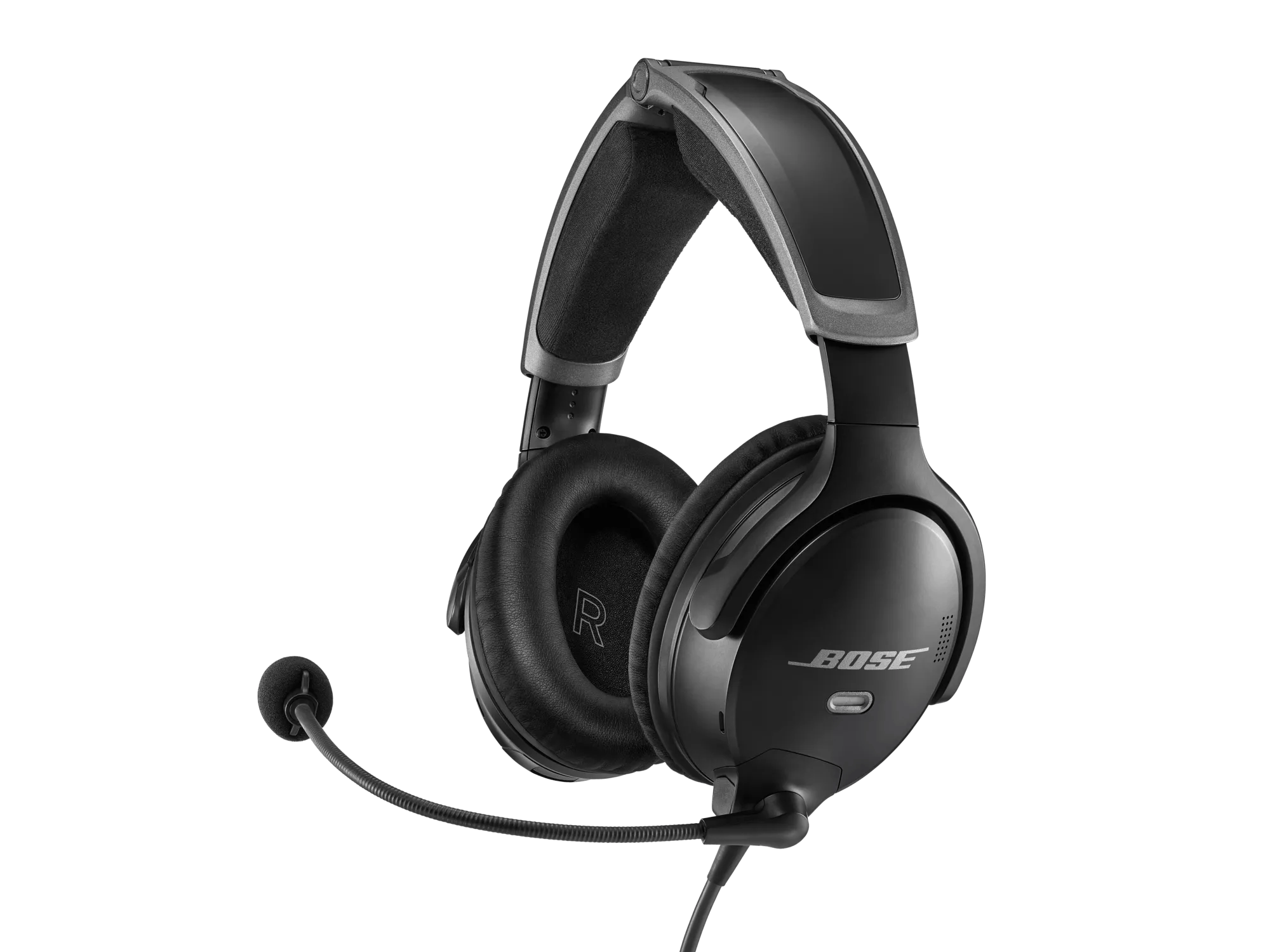
Press the Bluetooth® button to reconnect to the phone
On the control module, make sure the audio mode selector is in the MUTE or MIX position, and the Bluetooth indicator is flashing blue. If not is not flashing blue, press the Bluetooth button once.
Reboot the Bluetooth® device.
Electronics, such as cell phones, tablets or computers, might need to be reset on occasion to correct minor issues. This is typically done by shutting down the device, then powering it on again.
Clear your product's memory of previously paired Bluetooth® devices, then reconnect.
Your product remembers the last several devices it connected to so it can quickly reconnect to them. In case of an issue with the device memory, clear it, then create a new memory by re-pairing your Bluetooth devices. For more info, see
Clearing the product memory of paired Bluetooth® devices.
Remove your product from the memory of the Bluetooth® device, then try again.
In the Bluetooth settings of the Bluetooth device, find the list of previously connected products. Remove your product from the list, including any duplicate listings labeled LE (Low Energy), then reconnect it to the device. For more info, see Connecting a Bluetooth® device.
Try connecting a different Bluetooth device.
If your Bose product can connect to another device, Bluetooth functionality is working. In cases like this, the issue could be with the first device or its settings.
Connect a different Bluetooth® device.
Try another Bluetooth device to determine if the issue is related to the first device or its settings.
Bring device to the front of the body to eliminate body-block interference
Having the Bluetooth device in a back pocket, bag or a backpack could cause loss of connection.
Please Note: The human body can act as a source of interference for Bluetooth and radio signals. Bluetooth sources positioned immediately next to a person (in a pocket, for example) may result in intermittent or loss of connection. For best results have the Bluetooth source closer to the product (i.e. in a front pocket) to reduce the potential for “body-block� interference.
To improve "body-block" interference, we recommend updating your earbuds to software version1.3.x or later. See
Updating the software or firmware of your product for additional help.
Â