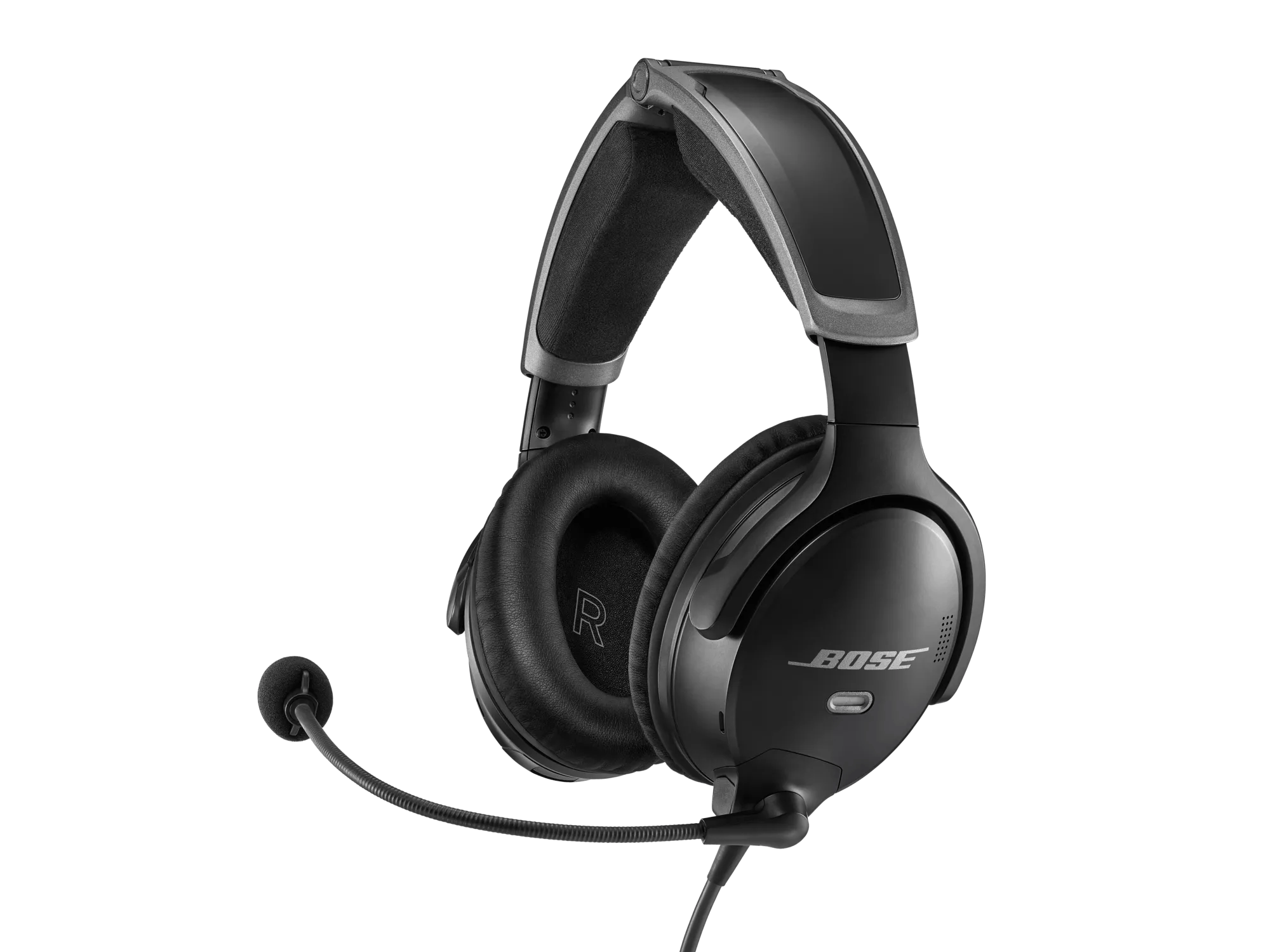
Microphone does not pick up sound | Bose A30 Aviation Headset
When does the issue occur?
All the time during normal use
Make sure the white dot or the word TALK on the microphone base faces your mouth.
If needed, twist the microphone base.
Make sure the microphone is fully connected to the headband.
If the issue only occurs while connected to an intercom, check the intercom squelch setting.
Determine if the 6-pin-to-G/A adapter is being used.
Determine if any non-Bose adapter cables are being used.
Try a different adapter, rotating the mic plug or reposition its depth in the jack until a connection is made. If the issue persists, contact the manufacturer of the adapter or device being connected.
Check if you can hear your own voice in the headset during Bluetooth® phone calls while disconnected from the aircraft.
Check if the headset works while connected but powered off.
Connect the headset to a different panel jack or, if possible, to another aircraft.
Disconnect all other headsets connected to the aircraft.
Plug in a different headset.
Clean the headset cable connectors with isopropyl alcohol.
When the headset is connected to the aircraft and making a Bluetooth phone call
Be sure your product is within 30 feet (9 meters) of the Bluetooth® device.
If the issue only occurs while connected to an intercom, check the intercom squelch setting.
Check if the headset works while connected but powered off.
Check if you can hear your own voice in the headset during Bluetooth® phone calls while disconnected from the aircraft.
Try connecting a different Bluetooth® device.
If your earbuds connect to another Bluetooth device, it suggests that their Bluetooth is working properly. The issue may be with the first device or its settings.
Reboot the Bluetooth® device.
Make sure the Secondary Audio Mode switch is in the MUTE or MIX
- Only one secondary audio source can be heard at a time
- Audio from a secondary source will never override intercom communications
- When MUTE or MIX are selected, incoming and outgoing phone calls automatically mute all other secondary audio sources
- During a phone call, intercom and phone call audio are mixed