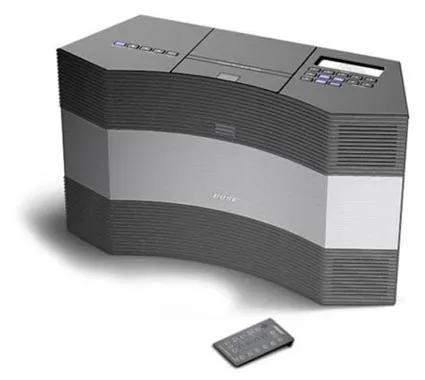


If the track time counter on the system display progresses normally and does not skip when the audio does, see Intermittent audio from product.
Much like rebooting a smartphone, your product might need to be reset on occasion to correct minor issues. For more information, see Resetting your product.
Other electronics can cause interference affecting your Wave system if they're on the same power circuit or nearby. Try moving the Wave system away from (or unplug the power to) such devices like chargers, old electronics, holiday lights, or microwaves. If that helps, plug the Wave system (or the device causing the problem) into a different power outlet, or move them farther apart.
If these steps do not resolve your issue, please click Start Repair or Replacement below to explore your available options.
Note: If you are unable to provide a valid Serial Number or Date of Manufacture code for your product, we are not able to process any repair, exchange or trade in transactions.
Bose Customer Support can still provide troubleshooting support if required.
If you need help locating your serial number, please refer to the Serial Number Location article for your product, which provides instructions on where to find it.

