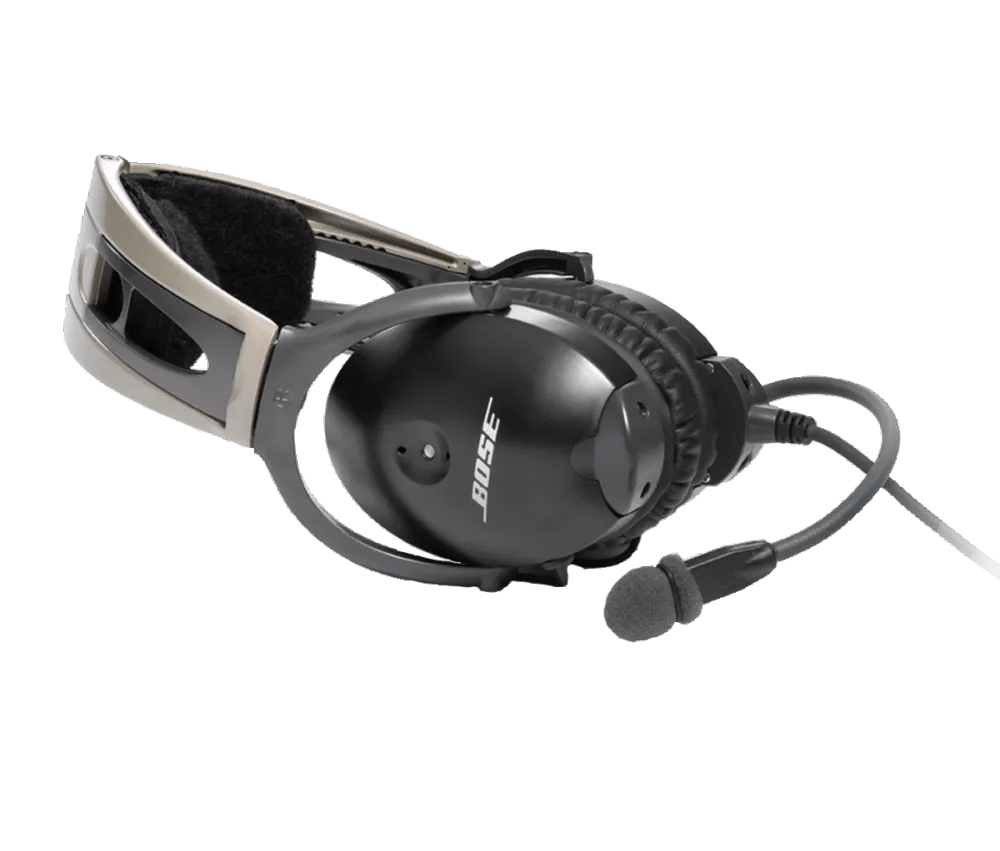
Determine if any recent changes have been made to the headset or aircraft.
If any changes or modifications have been made to either the headset or the aircraft, look into whether or not those changes could have unexpectedly caused this issue.
Connect the headset to a different panel jack or, if possible, to another aircraft.
Non-TSO equipment, worn jacks/loose connections, or incorrectly wired jacks (i.e. reversed stereo or mic / ground wires) in the aircraft can cause issues. If available, try connecting the headset to another jack in the aircraft or to jacks in a separate aircraft. If the headset works fine when connected elsewhere, the panel jack or wiring to the jack is the issue.
Determine if the issue occurs when your headset is powered off.
Your headset works in passive mode (powered off with no noise cancellation). If the issue still occurs while the headset is powered off, the issue is related to signal coming being received by the headset from the aircraft panel (i.e. the connections, wiring, or interference).
Determine if the issue occurs when the mic is in use.
If the issue only occurs when speaking through the microphone, the Down Cable may be defective. Follow the link for more information on how to service your product. Depending on your product and region, you will be provided a contact number or the ability to setup service online.
Click here to start serviceBe sure the headset scrims are clean and free of debris.
Check for blockages in the scrim (the cloth grille inside earcup opening). Excessive debris can result in low audio or poor sound quality.
Replace worn ear cushions.
The issue may be caused by the lack of a proper seal by the ear cushions around the ear. Also check to be sure the cushions are securely attached to the earcup. Replacing worn ear cushions will aid in comfort, the performance of the active noise reduction and battery life
Determine if the tone of the noise changes when the avionics panel is touched.
If the tone changes when the avionics panel or any other area of the plane is touched, there may be a grounding issue with the aircraft or the intercom connections and associated wiring.
Plug in a different headset.
If available, connect a different headset to the aircraft to determine if the issue is related to the aircraft panel or its settings.