Check the volume level
The earbuds remember the last volume level that was used. If the volume was previously lowered, it will return to that same level the next time the earbuds are connected. If the audio seems too quiet, increase the volume using the connected device or the controls on the earbuds.
Check for a loose cable connection
Over time, normal use can place strain on the earbud cable and connector. Inspect the cable for signs of damage, kinks, or excessive bending, particularly near the earbuds and connector plug, as a loose connection can affect audio performance.
Ensure the connector is fully inserted into the audio device. If the device is using a protective case, cover, or adapter, verify that it is not preventing the connector from making full contact.
Be sure the openings on your headphones are clean and free of debris.
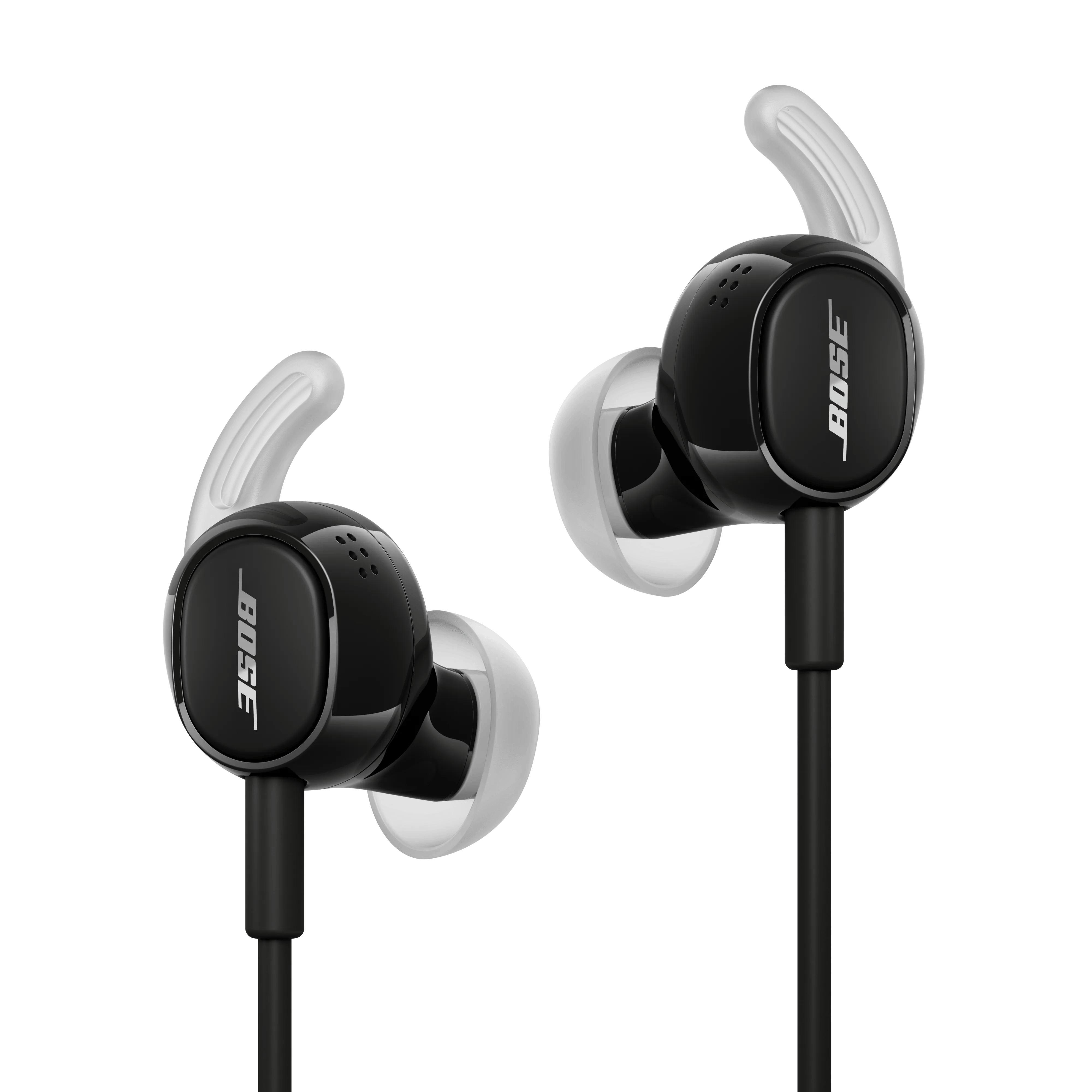
Check if anything is blocking any openings on your headphones, ear tips or the mesh grilles under the ear tips (i.e. ear wax, dust or other debris). For more info, see Storing and cleaning your product.
Try a different app.
If the issue only occurs with a particular app, it is likely related to the app or app settings.
Try playing different types of media.
Different media types might produce different quality sound. For example, Podcasts, music stored locally on your phone, MP3s, streaming music services (Spotify, Pandora), videos on your device or stored in the cloud, etc. can all vary in quality. Try different media to determine if the issue is specific to certain media.
Try connecting a different audio device.
If available, connect another audio device using the same cables and connections to determine if the issue is related to the first device or its settings.
If connected, bypass any adapters or extension cables.
If your product connects to the device using an extension cable or adapter, disconnect the extension cable or adapter to determine if the issue is related to it.
Plug in a different pair of headphones.
Connect another pair of headphones to the audio device to determine if the issue is with the device or its settings.