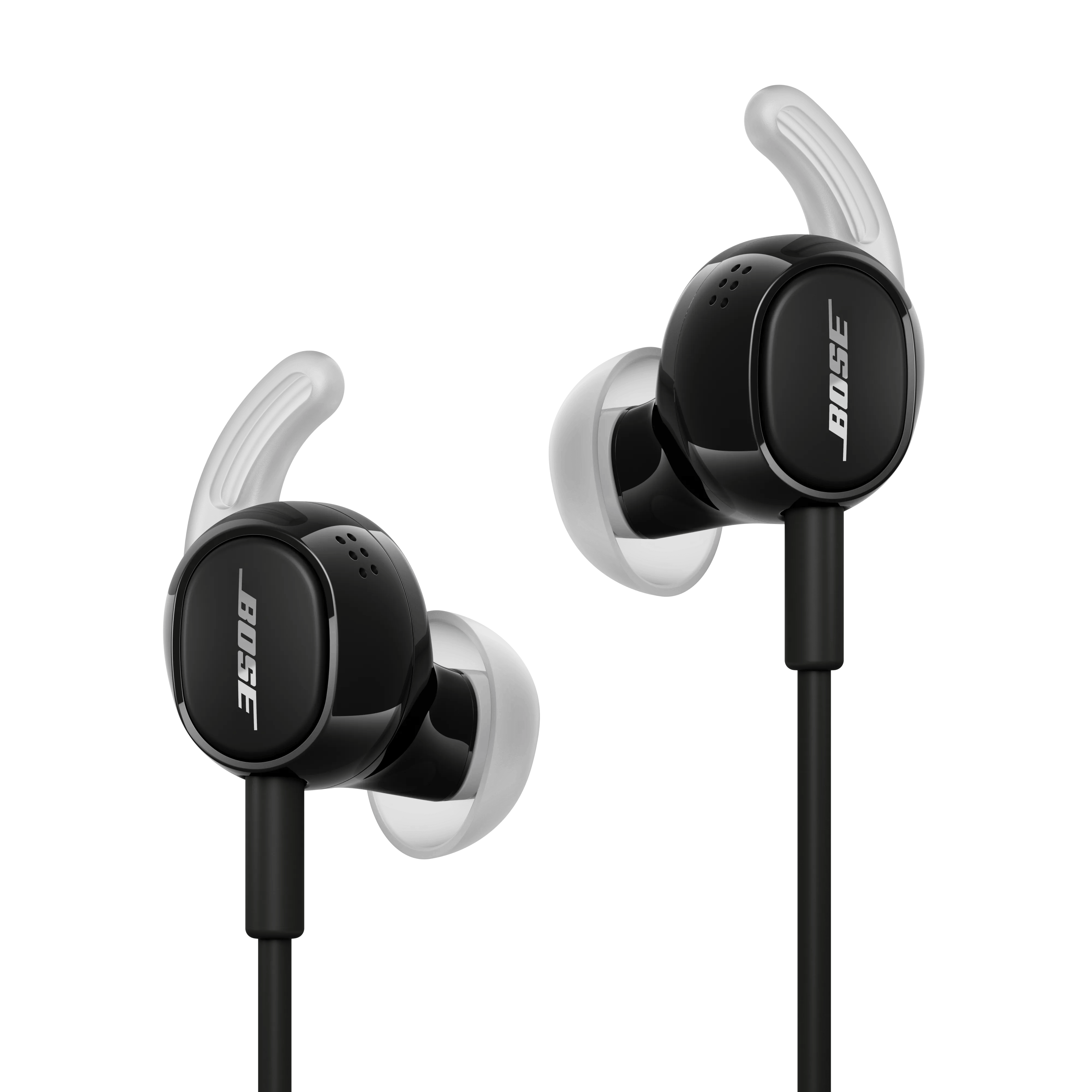


Over time, normal use can place strain on the earbud cable and connector. Inspect the cable for signs of damage, kinks, or excessive bending, particularly near the earbuds and connector plug, as a loose connection can affect audio performance.
Ensure the connector is fully inserted into the audio device. If the device is using a protective case, cover, or adapter, verify that it is not preventing the connector from making full contact.Inspect the USB cable for any signs of damage, including cuts, fraying, bent connectors, exposed wires, or excessive wear.
Damage to the cable can cause audio interruptions, connectivity problems, or prevent the headset from being detected by your device.
If the USB plug or any part of the cable is damaged service may be required.
If the issue started recently, verify whether your device received a software or security update. Updates can sometimes affect how USB accessories interact with the device. If a recent update was installed, review any available support information from the device manufacturer or contact their support team for guidance on troubleshooting USB-related issues.