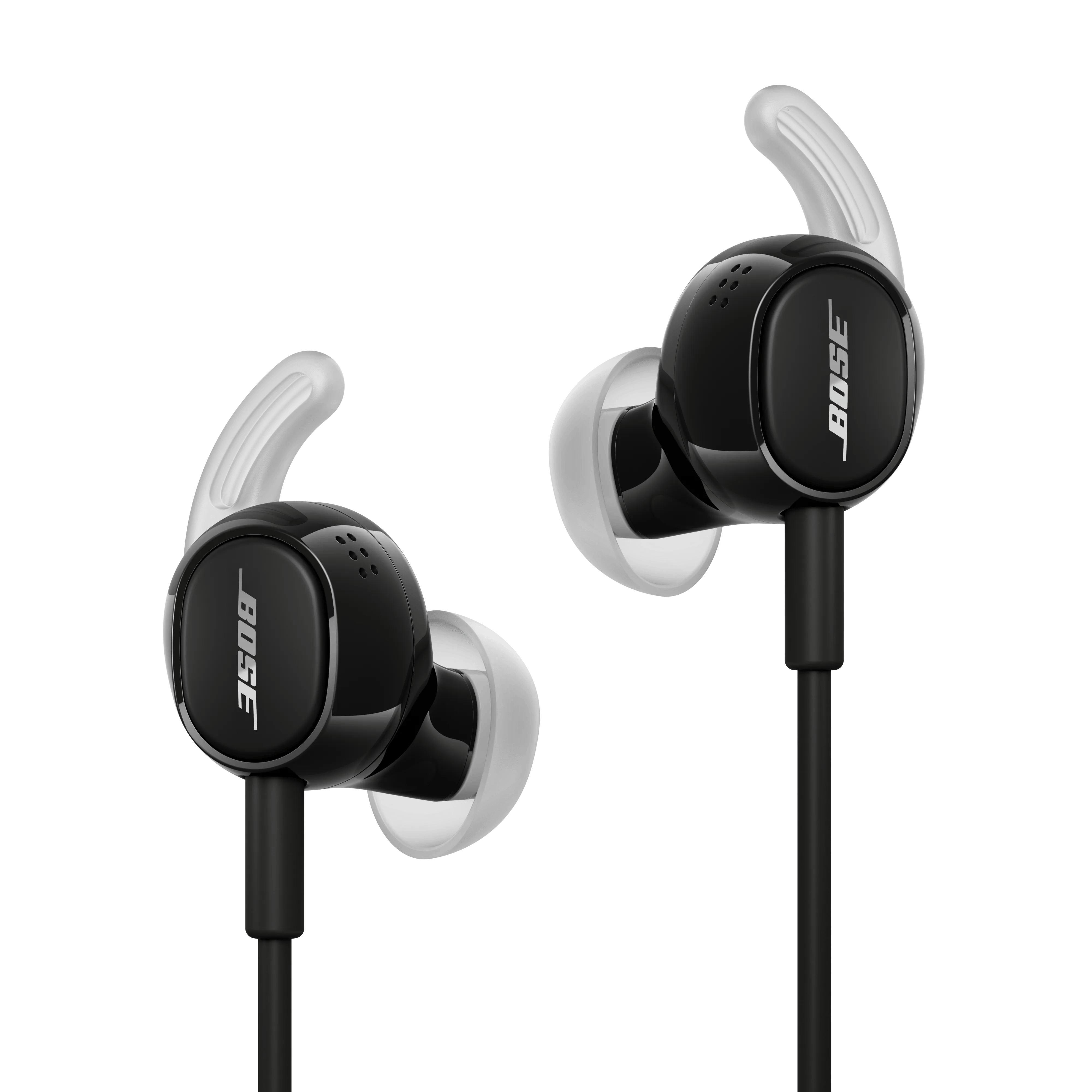
Poor Sound Quality | Bose Noise Cancelling Wired Earbuds
bose-noise-cancelling-wired-earbuds
Bose Noise Cancelling Wired EarbudsSold from 2026

Poor Sound Quality | Bose Noise Cancelling Wired Earbuds

Do you hear static or distorted audio while in noisy environments?

In very loud settings—such as airplane takeoffs, concerts, emergency sirens, or construction zones—your headphones' noise-cancelling microphones can become overwhelmed, which may cause brief crackling or distortion. This can happen even in Quiet or Aware mode.

It’s similar to when someone talks too loudly into a phone—the sound gets distorted until they lower their voice. Your headphones react in the same way to intense external noise.

This is normal and doesn’t damage the product. To reduce it, try moving away from the loud source when possible. For example, on a plane, sitting farther from the engines can help.

Try a different app.

If the issue only occurs with a particular app, it is likely related to the app or app settings.

Try connecting a different audio device.

If available, connect another audio device using the same cables and connections to determine if the issue is related to the first device or its settings.

If connected, bypass any adapters or extension cables.

If your product connects to the device using an extension cable or adapter, disconnect the extension cable or adapter to determine if the issue is related to it.

Plug in a different pair of headphones.

Connect another pair of headphones to the audio device to determine if the issue is with the device or its settings.

Check for a loose cable connection

Over time, normal use can place strain on the earbud cable and connector. Inspect the cable for signs of damage, kinks, or excessive bending, particularly near the earbuds and connector plug, as a loose connection can affect audio performance.

Ensure the connector is fully inserted into the audio device. If the device is using a protective case, cover, or adapter, verify that it is not preventing the connector from making full contact.

Check that the USB-C port is clean and free of debris.

Use a flashlight or other light source to check if any lint or debris has entered the USB-C port on the device, which can interfere with the connection.

Ensure the wax guards are clear of debris

The eartips contain integrated wax guards that may clog over time. Refer to Storing and cleaning your product for safe cleaning instructions.