Was this helpful?


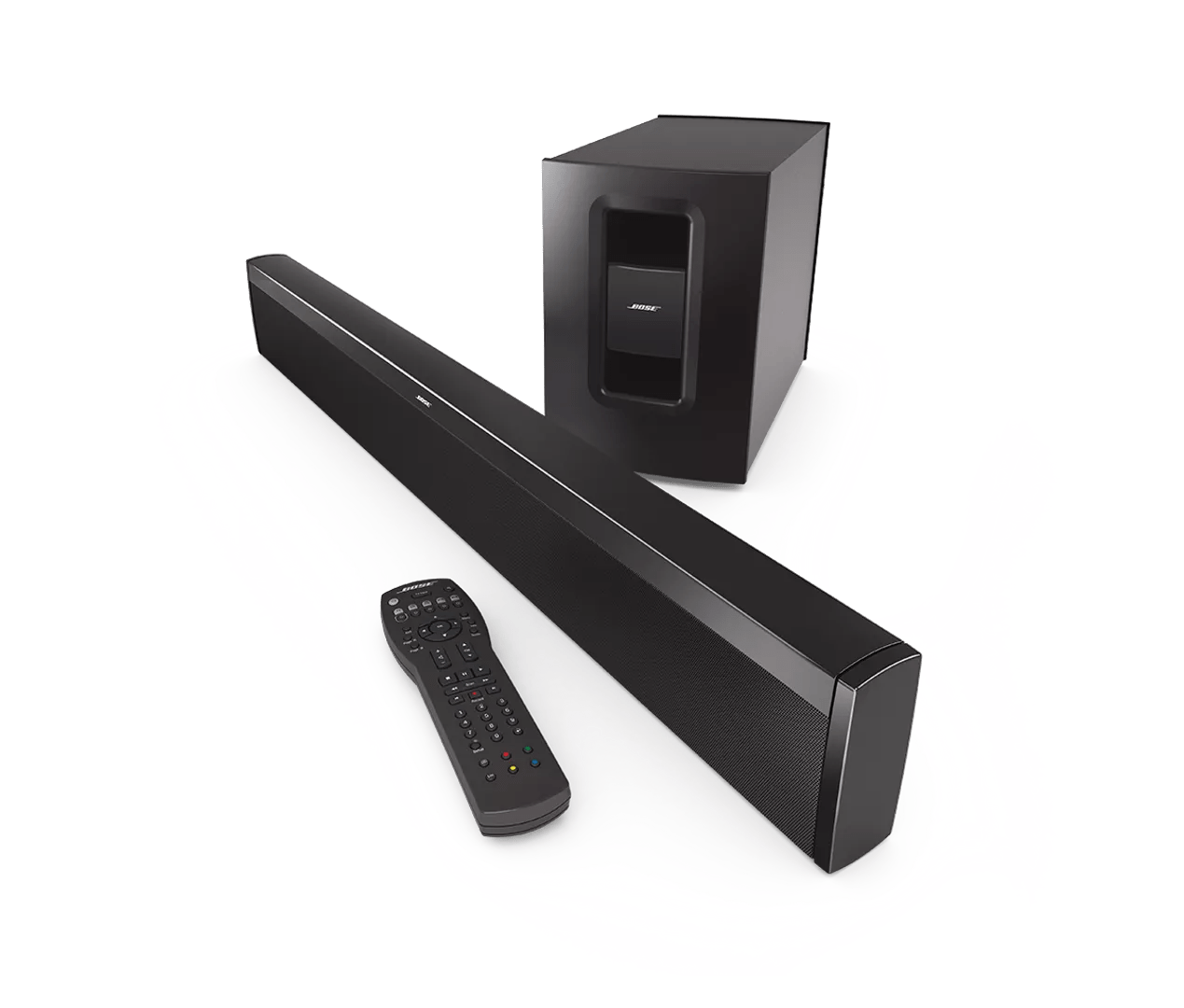
If the remote sensor on your product is in a very bright area (e.g. in excessive sunlight or lighting), the light interference could affect the ability of your product to detect the IR light commands from your remote control. If there is excessive light on your product, try reducing it.
Much like rebooting a smartphone, your product might need to be reset on occasion to correct minor issues. For more information, see Resetting your product.

