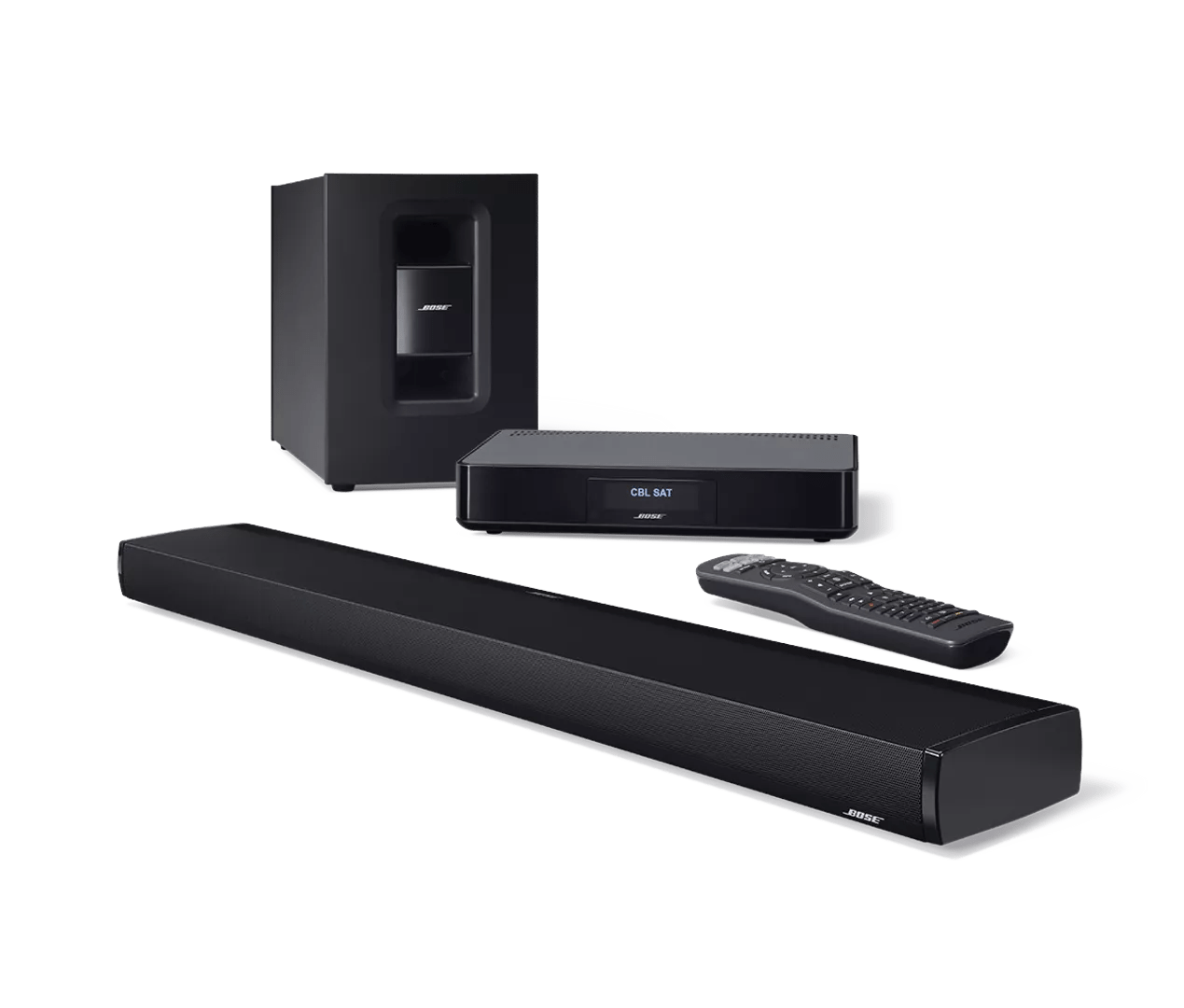
Programming your remote | CineMate® 130 home theater system
Control connected devices with CEC.
To test CEC control of connected devices
- Power off your system
- To test control of your TV, power it off. Or, to test another device (i.e. cable box or Blu-ray player), power off that device and power on your TV.
- On your Bose remote, press the button for the device you want to control (i.e. TV or CBL-SAT). If CEC is working, both the device and your system should power on
- Try some other common controls (i.e. channel, guide, chapter, etc.).
Note: CEC might not control all functions of all devices.
Program the remote.
Alternatively, you can also program your remote to control a device via IR (infrared). Programming your remote to control a device overrides CEC control of that device.
- Power on the source device you want to control
- Locate the code for the source brand in the Universal Remote Device Codes book
Tip: If you need the code booklet, search for and select your product at bose.com/support, then click the Downloads tab - On the remote control, press and hold the appropriate source button until all six source buttons glow, then release it. Only the appropriate source button glows
- Enter the code for the source brand
Tip: If all six buttons blink three times, an invalid code was entered. Try again - Press Volume +
- Test the source for common functions. For example:
- For TVs, press the channel buttons, check if the TV Menu appears when you press Menu, then check if the arrow keys navigate the menu
- For cable/satellite boxes, press Guide to check if the guide appear, then check if the arrow keys navigate the guide
- For Blu-ray players, press Menu or Guide to check if the menu appears, then check if the arrow keys navigate the guide
- For game systems, check if the arrow keys navigate the menus
- If your source responds to common functions, press Exit to save your settings.
- Press Volume + to try another code
Tip: If all six source buttons blink three times, there are no additional codes for the source. - Test the source for basic functions
- If necessary, repeat until your source responds to common functions
- Press Exit to save your settings.