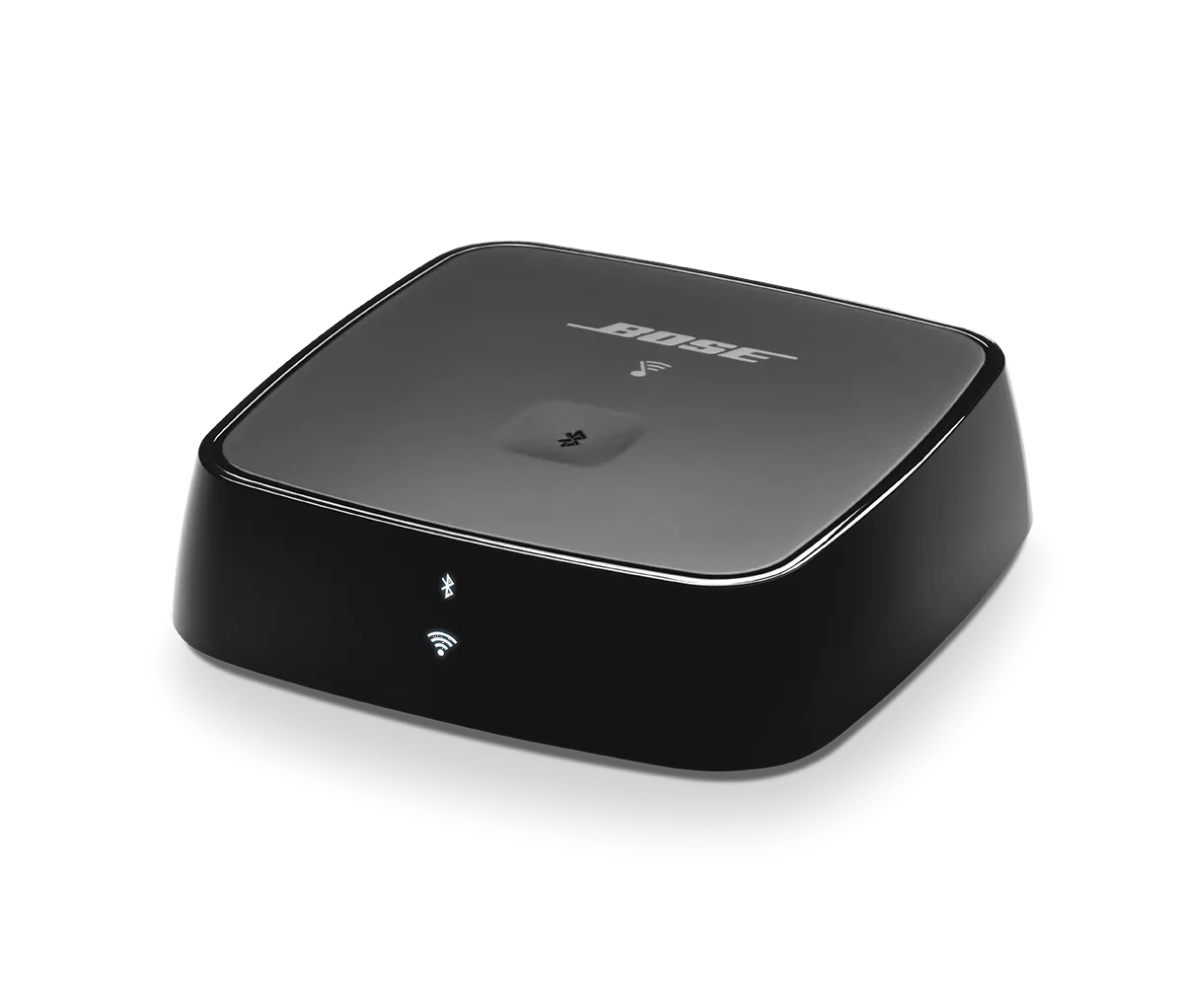
Clear your Bose product memory of previously-connected Bluetooth® devices.
On the Bluetooth device, remove all entries of your Bose product from the Bluetooth menu. Then, try connecting again.
In the Bluetooth menu of the Bluetooth device, you'll find a list of Bluetooth products that have been previously connected. Your Bose product might show up one or more times in the list (i.e. any Bose entries that begin with "LE-"). Select each entry for your product and remove it by selecting Forget, Unpair, Delete or something similar. After, try connecting again. For more info, see Connecting a Bluetooth device.
Try playing different types of media.
Different media types might produce different quality sound. For example, Podcasts, music stored locally on your phone, MP3s, streaming music services (Spotify, Pandora), videos on your device or stored in the cloud, etc. can all vary in quality. Try different media to determine if the issue is specific to certain media.
Try a different app.
If the issue only occurs with a particular app, it is likely related to the app or app settings.
Try a different app.
If the issue only occurs with a particular app, it is likely related to the app or app settings.
Reset your product.
Much like rebooting a smartphone, your product might need to be reset on occasion to correct minor issues. For more information, see Resetting your product.
Replace the cables used to connect your product
Try replacing the cables that connect your product. If no issue is heard with new cables, the first set of cables is the issue.
Check for sources of wireless interference.
It's possible that interference from other wireless devices are affecting the wireless functionality of your product. Check for other wireless devices in the area of your product (i.e. another router, cordless phone, wireless printer, smart TV, etc.). To determine if a device might be interfering, try unplugging its power cord or disabling Wi-Fi on the device. If the issue is resolved when a particular device is removed, try placing that device farther away from your product, if possible. Additionally, if the device has a wireless channel setting, try a different channel.
Try disconnecting other nearby wireless devices that might interfere with Bluetooth® signal.
Some wireless devices can cause interference with a Bluetooth signal.
Common examples include:-
- 2.4 GHz router
- cordless phone
- wireless speaker adapters
- home security motion sensors
- fluorescent lights
- microwaves
- wireless mice and keyboards
If there are such devices, disconnect one at a time and check if the issue improves. If so, consider relocating your product or the device.