Was this helpful?


2. On your device, turn on the Bluetooth feature. The Bluetooth menu is usually found in the Settings menu.
3. Select your system from the device list. Look for the name you entered for your system in the Bose app. If you didn’t name your system, the default name appears: Bose S1 Pro+.
Once connected, the Bluetooth light glows solid white. Your system’s name appears in the mobile device list.
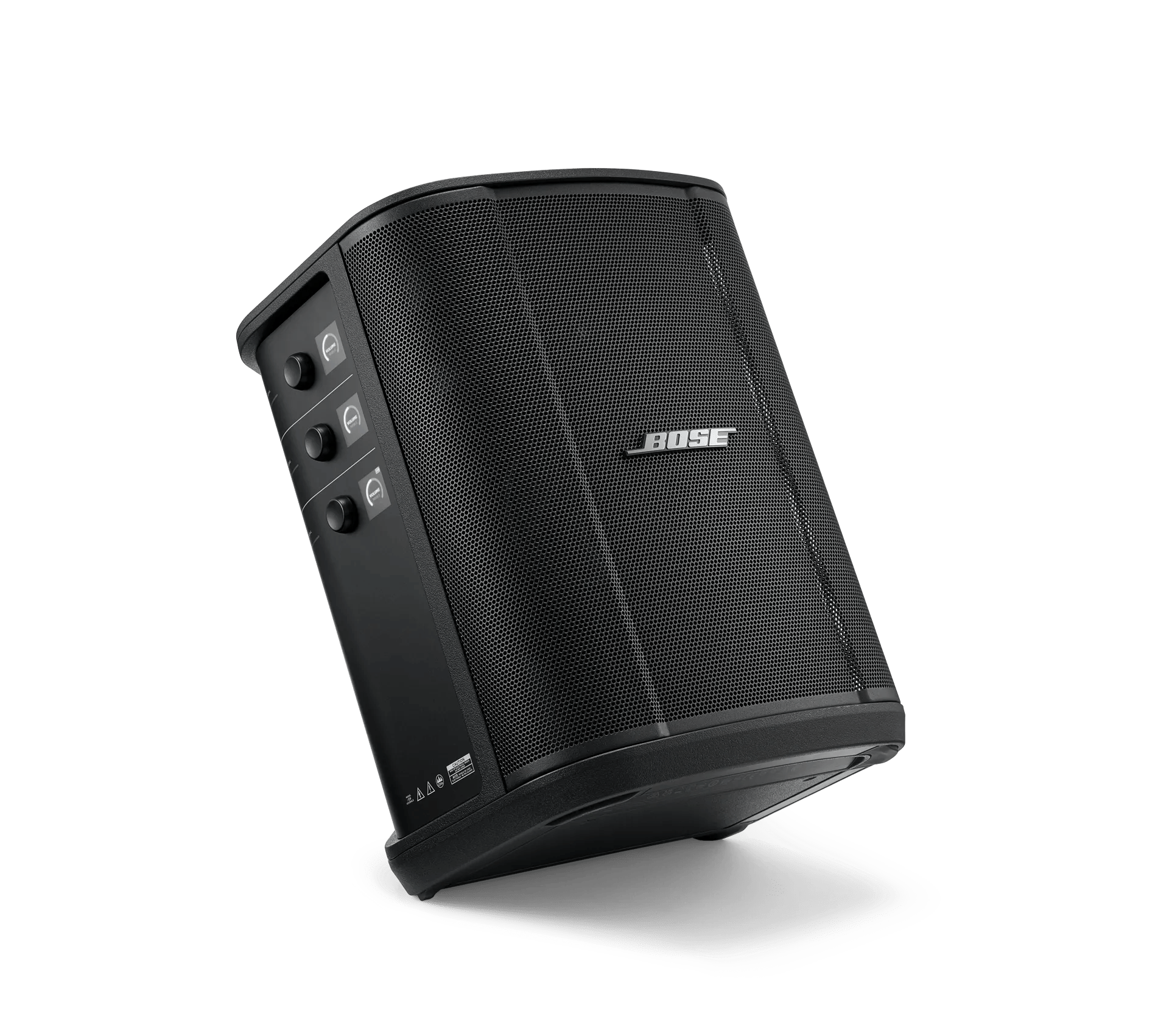
Channels 1 and 2 are for instruments and microphones. The channel inputs are suited for a wide range of input types and have the proper gain staging to minimize noise when channel volume is set for your desired output level.Channel 3 is for Bluetooth devices and line-level audio sources.NOTE: You can connect both your mobile device and a line-level audio source to Channel 3 at the same time. If you do, the system mixes the audio from each source, meaning that any adjustments you make to the channel volume, treble, or bass affect both sources. To adjust your mobile device volume independently, use your device controls.You can connect and play audio from one Bluetooth device at a time.A mono input. Use a 1/4\" (6.35 mm) TRS cable to connect a line-level audio source, such as a mixer or instrument effect.A stereo input. Use a 1/8\" (3.5 mm) TRS cable to connect a line-level audio source, such as a mobile device or laptop.

