Was this helpful?
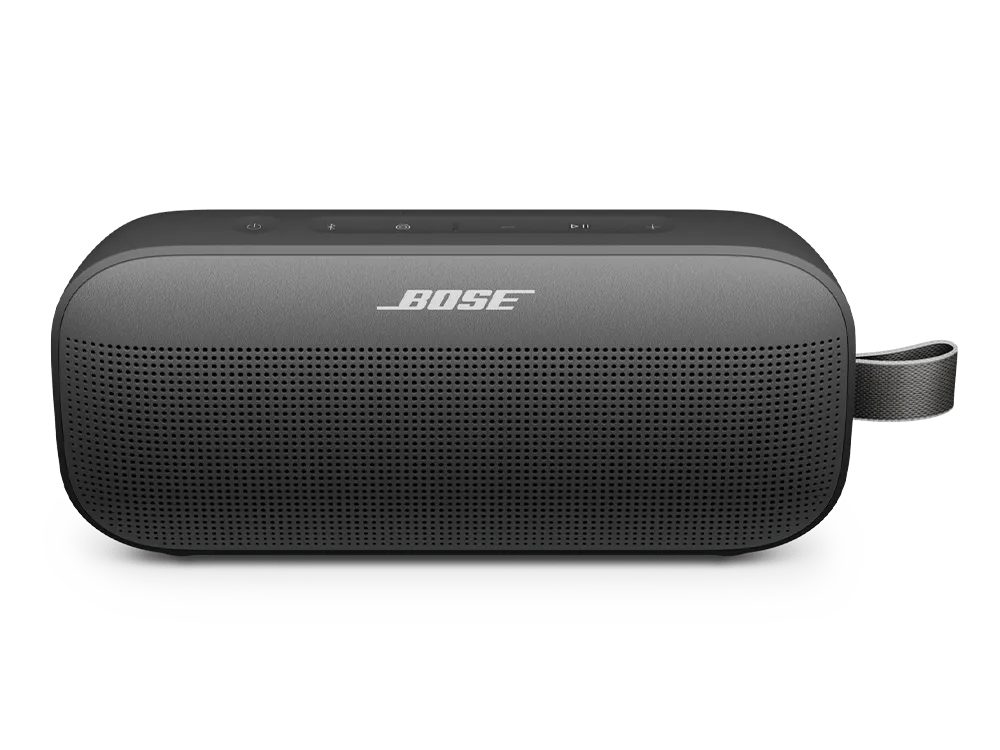
Difficulty using Party or Stereo modes | Bose SoundLink Flex Portable Speaker (2nd Gen)
Party and Stereo modes work with the following Bose app-compatible speakers:
- SoundLink Flex Portable Speaker (2nd Gen)
- SoundLink Max Portable Speaker
- SoundLink Micro Portable Speaker (2nd Gen)
- SoundLink Plus Portable Speaker
Ensure both Bose-app-compatible speakers are powered on and have the Speaker Link shortcut enabled.
Check for and install any available product updates.
If using two of the same speakers, name them differently in the Bose app.
Try moving the products further apart
If you're experiencing audio delays when linking your speakers, adjusting the distance between them can help improve interference and synchronization. Keep them within Bluetooth range, which is about 33 feet (10 meters). However, this range can be reduced by walls, metal objects, doors, or other Bluetooth devices in the area.
On the Bluetooth® device, remove all entries of your Bose product from the Bluetooth menu. Then, try connecting again.
Clear your Bose product memory of previously-connected Bluetooth® devices.
Reset the SoundLink Flex Speaker
Resetting the speaker resets the product controls and reboots the speaker. It doesn’t clear any device settings.
NOTE: Make sure the USB-C cable isn’t connected to the speaker.
- Press and hold the Power button
for 15 seconds until the speaker powers off.
- The speaker will automatically reboot.