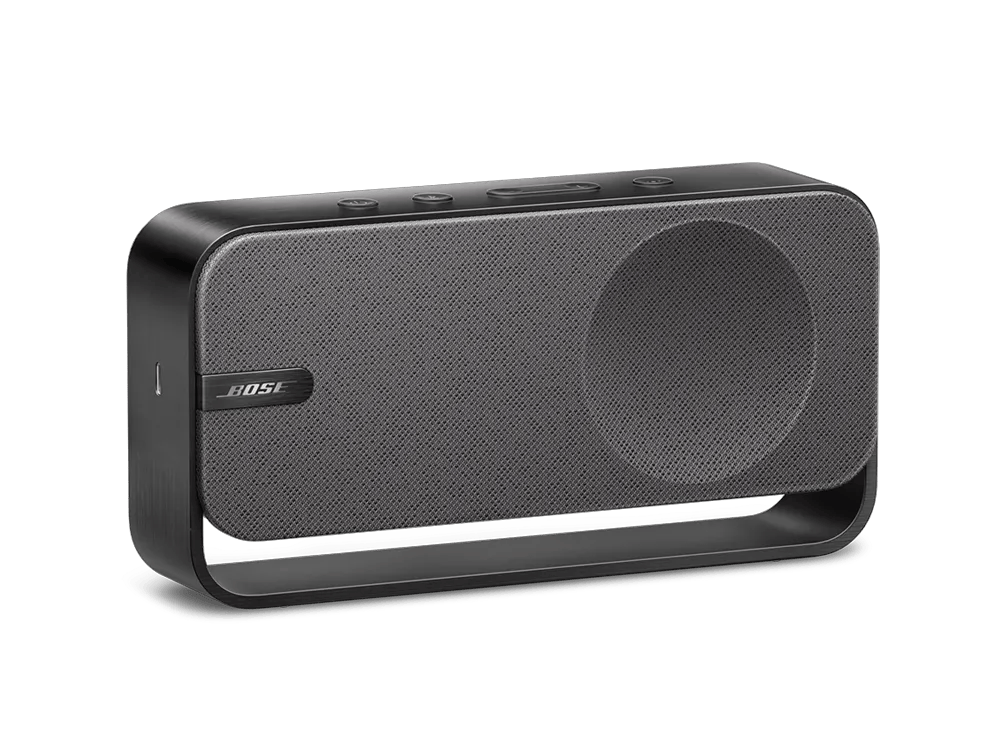
This speaker can only connect to another SoundLink Home
This speaker can only connect with another SoundLink Home in Stereo Mode. Connecting to other SoundLink Speakers (such as SoundLink Color, Revolve, Flex or Max) is not supported.
This speaker does not support Party Mode
This speaker can only connect to another SoundLink Home Speaker in Stereo Mode, where the primary speaker will play the Left channel, the secondary speaker will play the Right channel and the volume levels are synced.
Party mode, where both speakers play both channels and volumes are adjustable independently, is not supported.
Try moving the products and Bluetooth® device closer together.
In Party/Stereo mode, the Bluetooth device connects to the first product, then the first product connects to the second product. To prevent the products or device from disconnecting, keep them with Bluetooth range, which is about 33' (10 m). This range, however, can be reduced by interference, like walls, metal, doors or other Bluetooth devices in the area. Check if the issue is resolved when your Bluetooth device and products are in close proximity.
On the Bluetooth® device, remove all entries of your Bose product from the Bluetooth menu. Then, try connecting again.
In the Bluetooth menu of the Bluetooth device, you'll find a list of Bluetooth products that have been previously connected. Your Bose product might show up one or more times in the list (i.e. it might be listed a second time with \"LE\" in the name). Select each entry for your product and remove it by selecting
Forget,
Unpair,
Delete or something similar. After, try connecting again. For more info, see
Connecting a Bluetooth® device.
Clear your Bose product memory of previously-connected Bluetooth® devices.