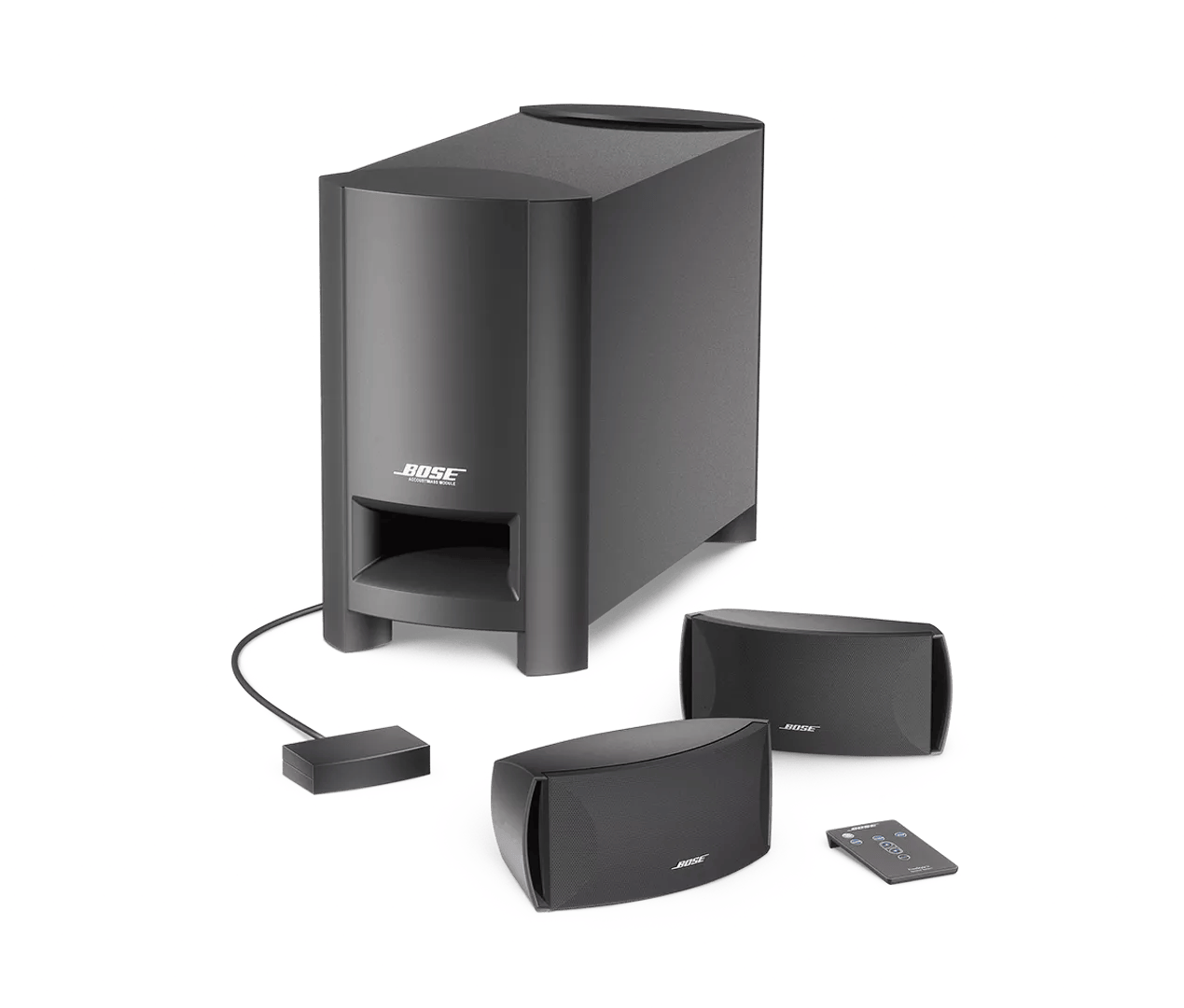
Determine if the problem is specifically related to bass performance.
Reset your product.
Much like rebooting a smartphone, your product might need to be reset on occasion to correct minor issues. For more information, see
Resetting your product.
Try a different app.
If the issue only occurs with a particular app, it is likely related to the app or app settings.
Try connecting a different audio device.
If available, connect another audio device using the same cables and connections to determine if the issue is related to the first device or its settings.
Check for sources of interference.
Electronics can pick up interference from other electronics connected to the same power circuit or connected within close proximity. Try disconnecting the power cord from any such nearby electronics (i.e. laptop/phone charger, TV, cable box, seasonal lights, microwave, etc.). If the issue is resolved, try connecting the device or your product to a different power circuit or farther away.
Check the condition of the speaker wires and be sure they are secure at both ends.
Check the speaker wires for any kinks, scratches, cuts or damage. Replace any damaged wires and check that they are securely connected at both ends.