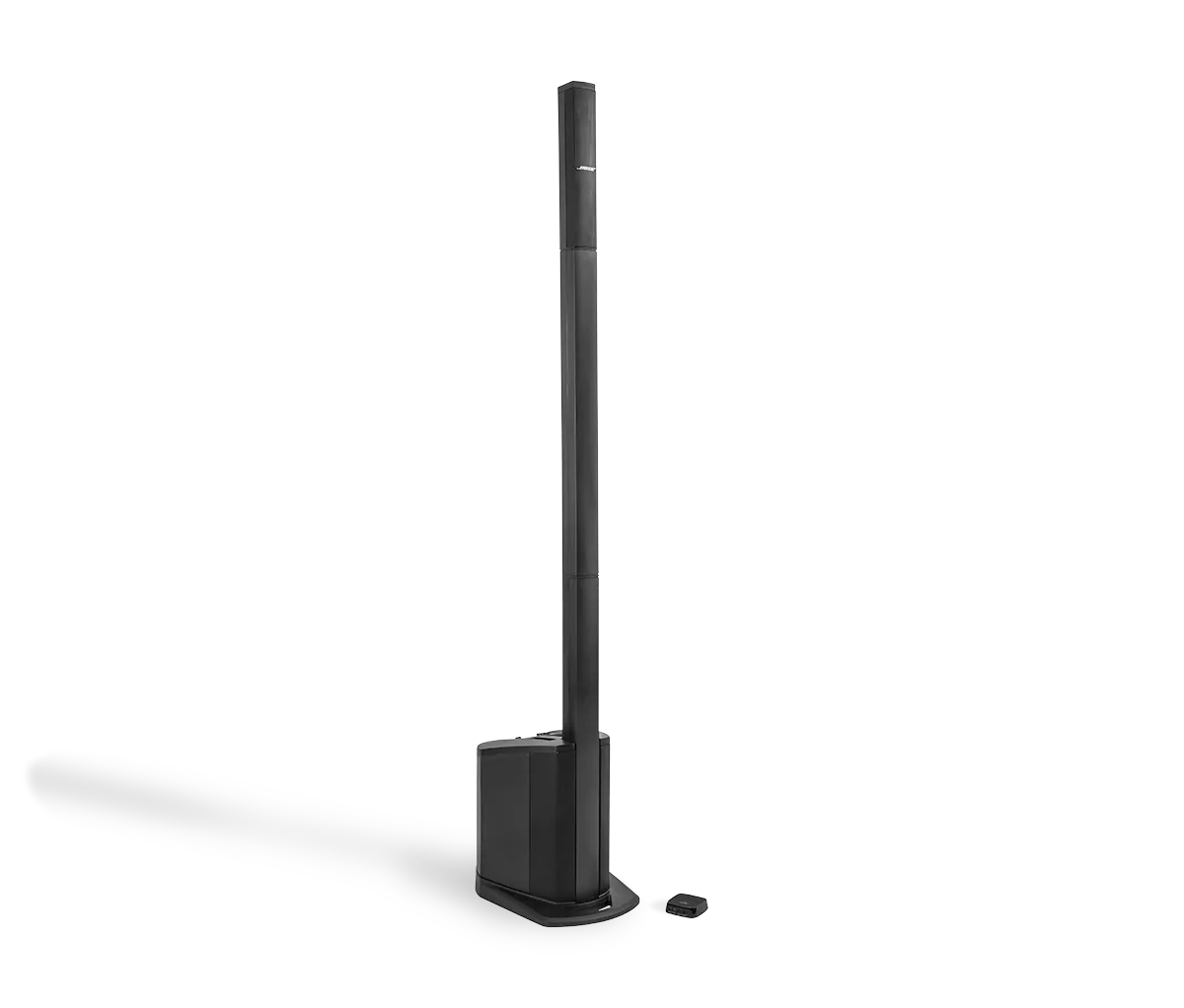
Be sure the system is set up properly and all connections are secure.
Check the volume level of the Bose system.
Be sure the system volume is not turned down. Using the volume control, gradually increase the volume level.
Be sure the levels are set properly.
If levels are not set properly, performance will suffer. Follow these guidelines when setting levels:
- Check the signal LED to be sure the input trim level is sufficiently set. The LED should be solid green, indicating a strong signal
- If the LED is not solid green, increase the channel volume level, stopping before the LED is red
For information on LED status, see
Understanding LED indicator status lights and information. For informatoin on setting levels, see
Gain Staging and Setting Input Levels.
Be sure the system is set up properly.
Be sure the L1 system power is on.
Reset your system
A reset is used to correct occasional product issues. It is not something that a product should require repeatedly. For more info, see
Resetting your product.
Reset your product.
Much like rebooting a smartphone, your product might need to be reset on occasion to correct minor issues. For more information, see
Resetting your product.
Replace the input cables.
Try different input cables using the same source and same channel. If this solves the problem, the original cables may be defective.
Plug in a different audio source.
Connected a different audio source to determine if the issue is related to the source: If audio is being sent to your system from a a microphone, try a different microphone; if an instrument is connected, try a different instrument.
Condenser microphones are not compatible with this system.
Condenser microphones require power that this system cannot provide.
For condenser microphones, turn on phantom power.
Condenser microphones require phantom power to operate. If phantom power is off, turn it on. (Tip: You might hear a pop when phantom power is applied. To avoid a popping sound, turn down the system volume while applying phantom power.)