Determine if the problem is specifically related to bass performance.
Be sure the system is set up properly and all connections are secure.
Be sure the system is set up properly.
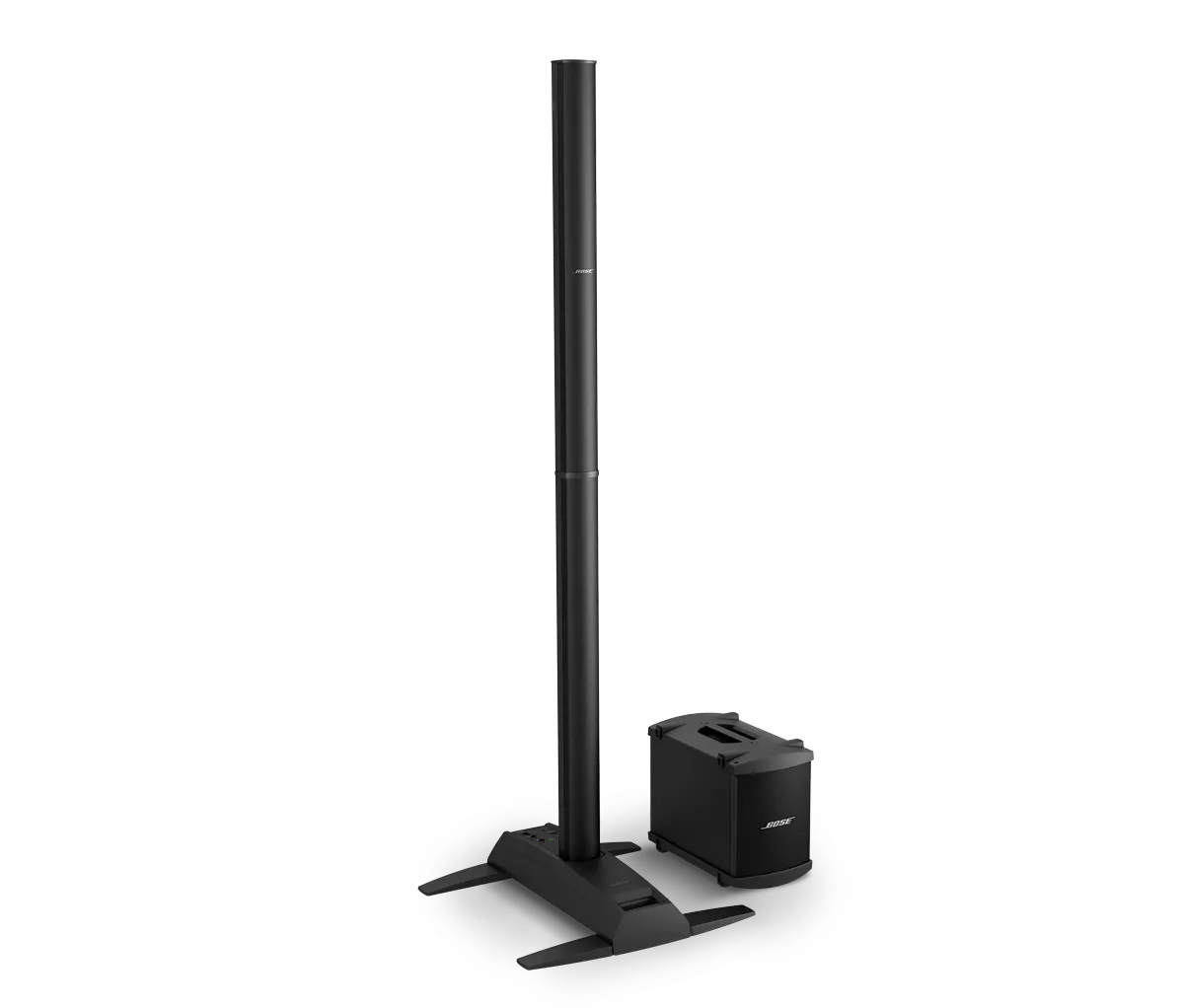
Be sure the Cylindrical Radiators are pointed towards the audience.
If the Cylindrical Radiators are pointed away from the audience, volume, bass response, treble response and sound quality may be reduced.
Point the bass module toward the audience.
If the bass module is pointed away from the audience, bass response, volume and sound quality may be reduced.
Be sure the levels are set properly.
If levels are not set properly, performance will suffer. Follow these guidelines when setting levels:
- Check the signal LED to be sure the input trim level is sufficiently set. The LED should be solid green, indicating a strong signal
- If the LED is not solid green, increase the input trim level, stopping before the LED is red
- When the input trim level is correct, increase channel volume and master volume to the desired levels
Check the source volume level.
The source volume may be set too low or it may be muted. If it has a power switch or volume control, be sure it is on and set to the desired level.
Reset your system
A reset is used to correct occasional product issues. It is not something that a product should require repeatedly. For more info, see
Resetting your product.
Reset your product.
Much like rebooting a smartphone, your product might need to be reset on occasion to correct minor issues. For more information, see Resetting your product.
Plug in a different audio source.
Connected a different audio source to determine if the issue is related to the source: If audio is being sent to your system from a a microphone, try a different microphone; if an instrument is connected, try a different instrument.
Replace the input cables.
Try different input cables using the same source and same channel. If this solves the problem, the original cables may be defective.
Determine if the room is too crowded or large.
Larger audiences will absorb more sound, and a system in a full room will be quieter than in an empty room. Bose does not recommend use of the system in rooms with over 350 people.
Determine if the system is running at its maximum output
When you are running your L1® at maximum output and introduce an additional source or signal, the limiter may kick in to prevent distortion and prevent damage. As a result, the level of the entire system is reduced. This is normal operation.
If this happens often, consider reducing the volume or moving to a larger L1 system.