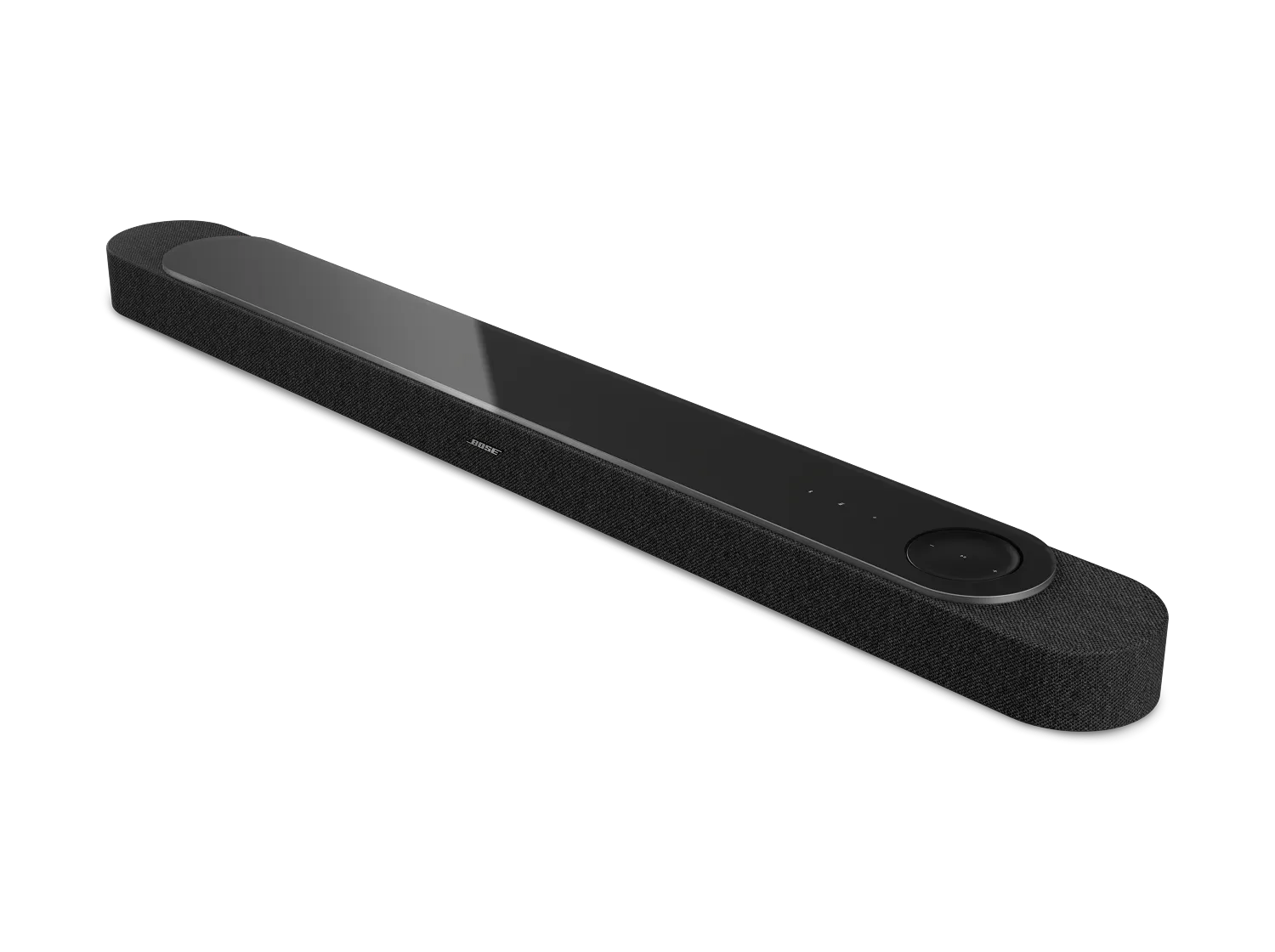
If audio has been paused and un-paused, try turning your soundbar off and back on.
With some devices, pausing audio can cause audio to become slightly out-of-sync with accompanying video each time playback is resumed. If sync issues seem to worsen each time audio is paused and resumed, turn your soundbar off and back on using the Bose app or TV remote control.
Try adjusting the Audio Delay setting for your soundbar.
The Audio Delay setting lets you delay the sound you hear from your soundbar to compensate for video sync issues.
- In the Bose app
 , tap the Audio button. If this button is not shown, tap the product control icon
  in the lower-left corner.
If you have more than one Bose product, tap the products icon  in upper-left corner, select your soundbar, then tap the Audio button.
 - Scroll down to the bottom of the screen and select Audio Delay.
- Try a setting from 0 (no delay) to 200 (max delay) and check if the audio syncs to the accompanying video.
Check for audio delay / sync settings in menu of the TV or other connected devices.
Many TVs or video devices (i.e. streaming media box or Blu-ray player) have audio settings, including an audio delay setting. Check for this setting in the menu of the TV and/or the device playing the video and, if available, adjust the setting.
Try playing something else to check if the issue is related to certain media.
Play different content on your system (i.e. a different channel or DVR recording) to determine if the issue is related the content.
Reset your soundbar.
Much like rebooting a smartphone, your product might need to be reset on occasion to correct minor issues. For more information, see Resetting your soundbar.
Check for and install any available updates for the TV.
Updates often improve product features and stability. Many TV are updateable via an Internet connection or a USB connection. For Internet-connected TVs, look for an Update option in the TV menu. If the TV does not have an Internet connection, look for update instructions on the manufacturer's website or contact customer service for the TV.