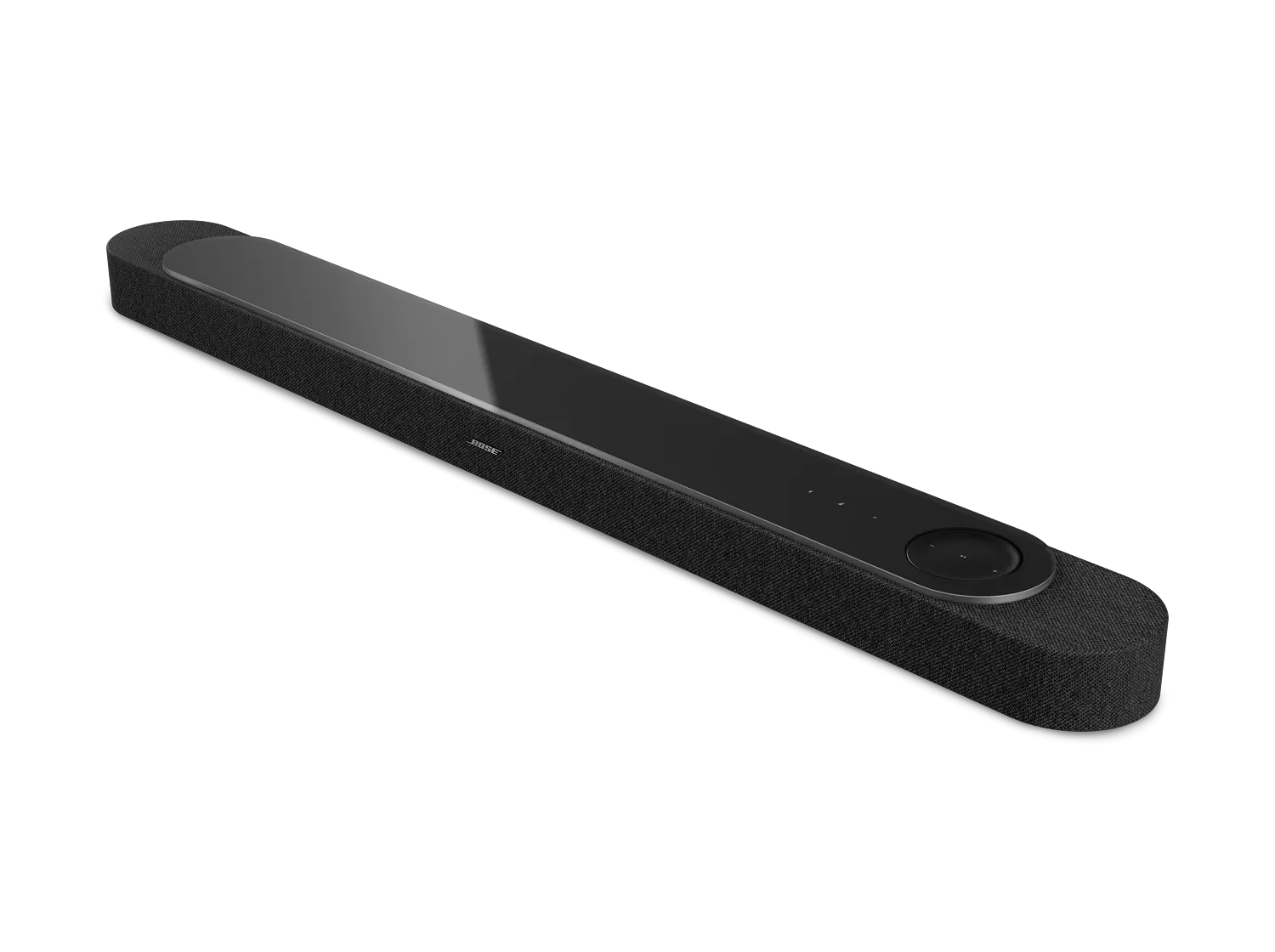
Using Recovery Mode | Bose Lifestyle Ultra Soundbar
Recovery Mode instructions
- This process should not be used if the soundbar has been restored to its factory default settings. Restoring the soundbar to its factory settings removes any stored Wi-Fi network credentials which are needed for the Recovery mode to complete.
- The status light will blink green to indicate the soundbar has entered recovery mode. The soundbar will then try to download and install the latest update. The status light blinks white while downloading and installing the update. This can take several minutes (often around 20 minutes). When the status light turns off, open the Bose app and add the soundbar to your account
- If the status light does not blink green after the four button presses, restart the process and continue alternate taps of the Action and Microphone Off buttons for 30 seconds
- If the soundbar has not previously connected to your Wi-Fi network, follow the steps above, then try connecting to your Wi-Fi network. For more info, see Connecting to a Wi-Fi network
- If a red status light appears, the soundbar needs service
To enter Recovery mode:
- Disconnect the soundbar from power and wait 30 seconds.
- Reconnect the soundbar to power.
- When the status light on the front of the soundbar illuminates, follow the steps below within ten seconds:
Tip: Do not rapidly alternate button presses. Wait one second between presses- On the soundbar, tap the Action button once
- Tap the Microphone Off button once
- Tap the Action button a second time
- Tap the Microphone Off button a second time.