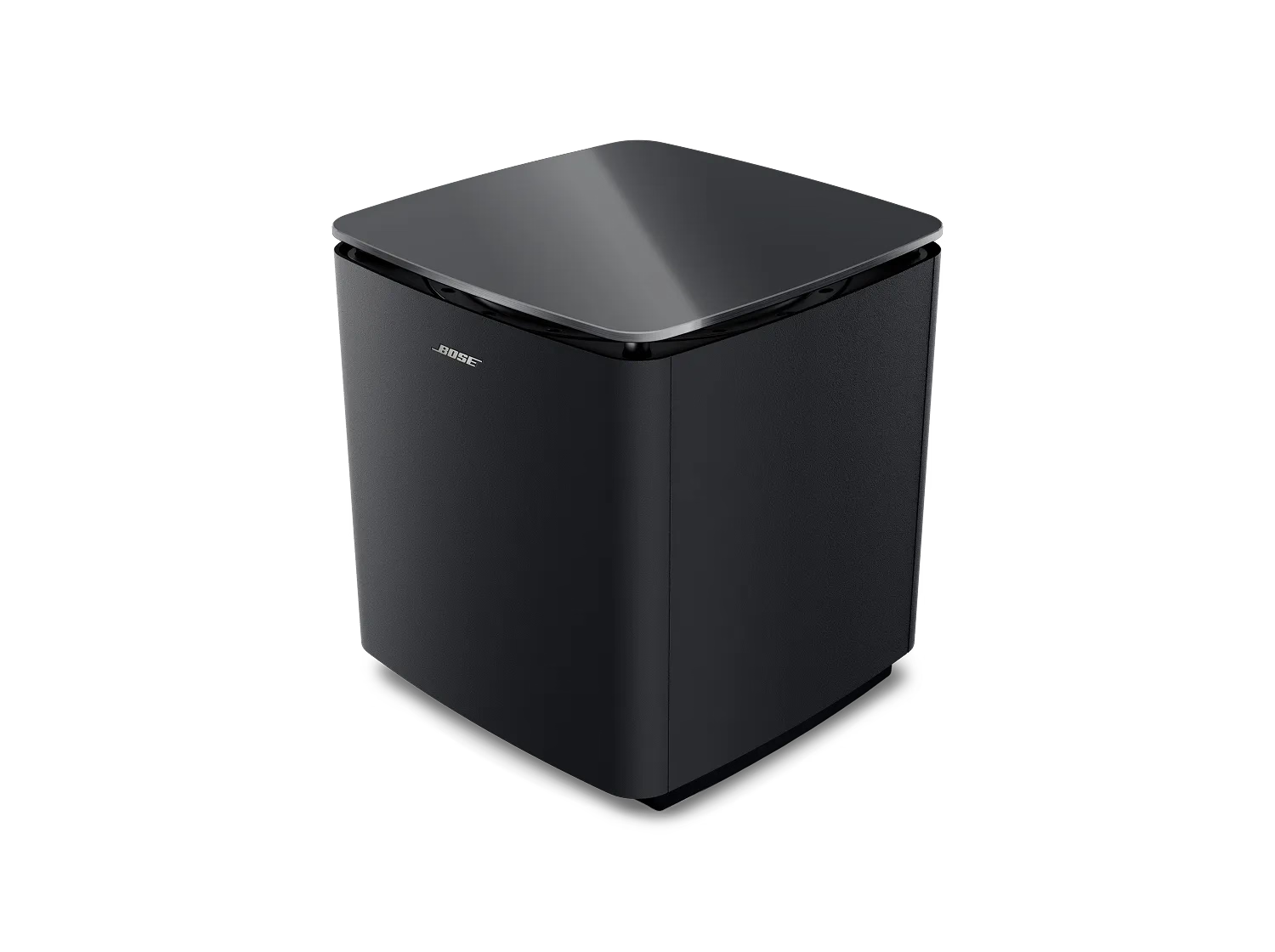


| STATUS LIGHT ACTIVITY | SYSTEM STATE |
|---|---|
| Slowly pulses and cycles through various colors | Initial power on and ready for set up |
| Slowly pulses white | Powering on |
| Quickly blinks amber | Connecting to soundbar |
| Solid white | Connected to soundbar |
| Quickly blinks white | CustomTune sound calibration in progress |
| Slowly pulses white | Update downloading NOTE: If the subwoofer is connected to the Bose Lifestyle Ultra Soundbar using an audio cable, wireless connectivity is disabled and the subwoofer won’t receive software updates |
| Dim white | Network standby (wireless connection) |
| Dim amber | Low power standby (wired connection) |
| Quickly blinks red | Error. See Flashing Red Status Indicator on the Subwoofer |

