Was this helpful?
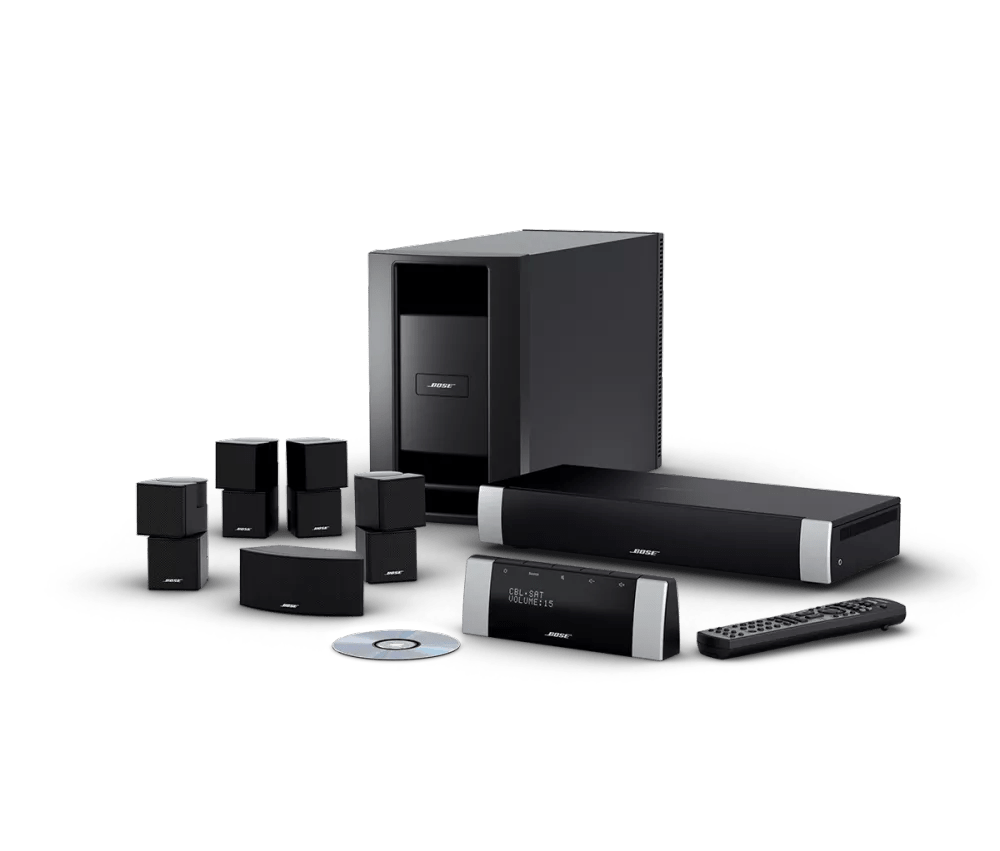
Resetting your product | Lifestyle® V30 home theater system
To reset the Lifestyle system:
- Turn the system off. Wait until “Saving your settings” disappears from the display.
- Unplug the media console power cord from the power outlet.
- Unplug the audio input cable from the media console.
- Unplug the Acoustimass module power cord from the power outlet.
- Unplug the audio input cable from the Acoustimass module. Wait 30 seconds.
- Reconnect the audio input cable to the Acoustimass module.
- Reconnect the audio input cable to the media console.
- Reconnect the Acoustimass module power cord.
- Reconnect the media console power cord.
- Wait for the words \"Bose Lifestyle\" to appear and disappear from the display before turning the system back on.
- Retest the system.
To restore the factory default settings:
How would you like to Factory Reset your system?
Using the on-screen menu
- On the remote control, press the System button. (Tip: If the system menu does not appear on your TV, be sure the correct TV input is selected)
- Scroll right to select Media Center, then press the Enter button
- Scroll down to select Restore Settings, then press the Enter button
- Scroll up to select Yes, then press the Enter button: The display shows Have you been instructed to do this?
- Scroll left to select Yes, then press the Enter button
- Press the Exit button to exit the menu.
Using the system buttons
- Turn the system off. Wait until \"Saving your settings\" disappears from the display panel
- Disconnect the media center power cord from the power outlet
- On the display panel, press and hold the \"Volume -\" (second button from right) and \"On/Off\" (far left) buttons
- While holding those buttons, plug the power cord back into the power outlet
- Continue holding those buttons until \"BOSE LIFESTYLE\" disappears from the media center display
- Turn the system on by pressing the \"FM\" button on the remote.
Note: The house code setting of the remote may need to be set to default (all down) or \"0\" for the console to respond. Once the reset is finished the House code can be changed. - Select a language, the system will then open the system menu on the setup tab
- Turn the system off again, and wait until \"Saving Your Settings\" disappears from the display panel