Was this helpful?


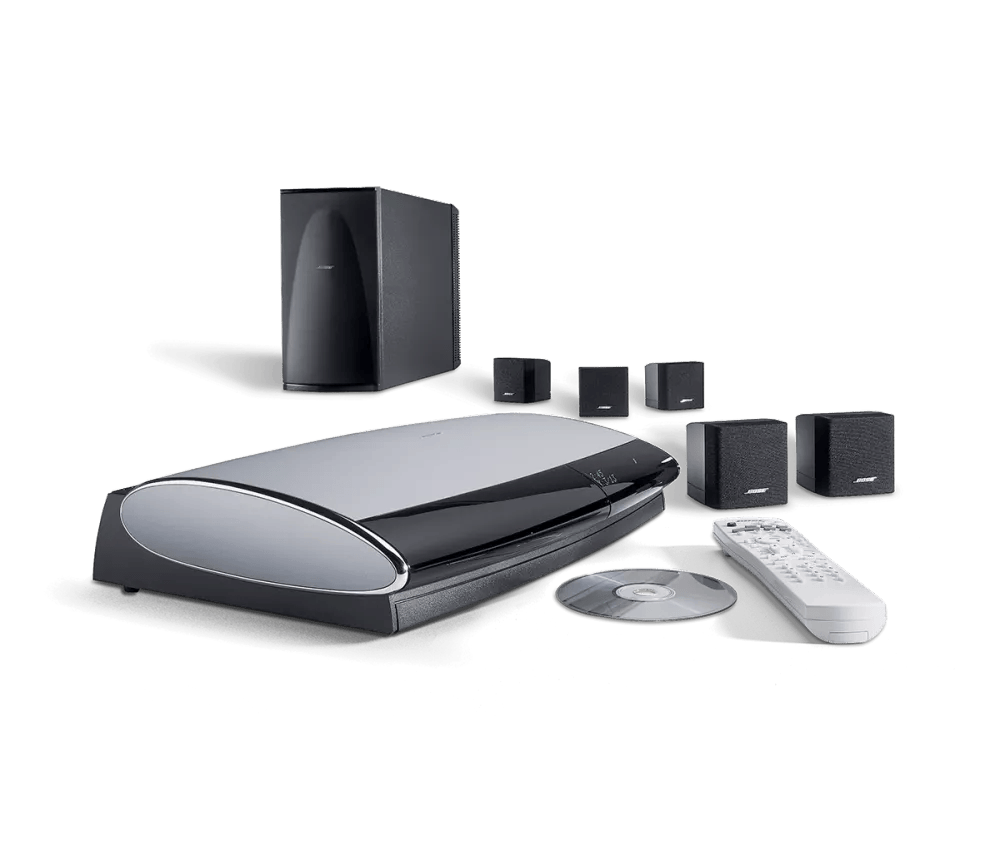
Place the disc in your system with labelled side of the disc facing upward. If there is no label, try the other side.
Different disc players can respond differently to burned media. If you have trouble playing burned discs, try burning a different brand of disc. You can also try different disc burning software. In the software settings, try selecting a slower burning speed (e.g. 4x or 8x). Additionally, if the software has an option to finalize the disc, select that also before burning.

