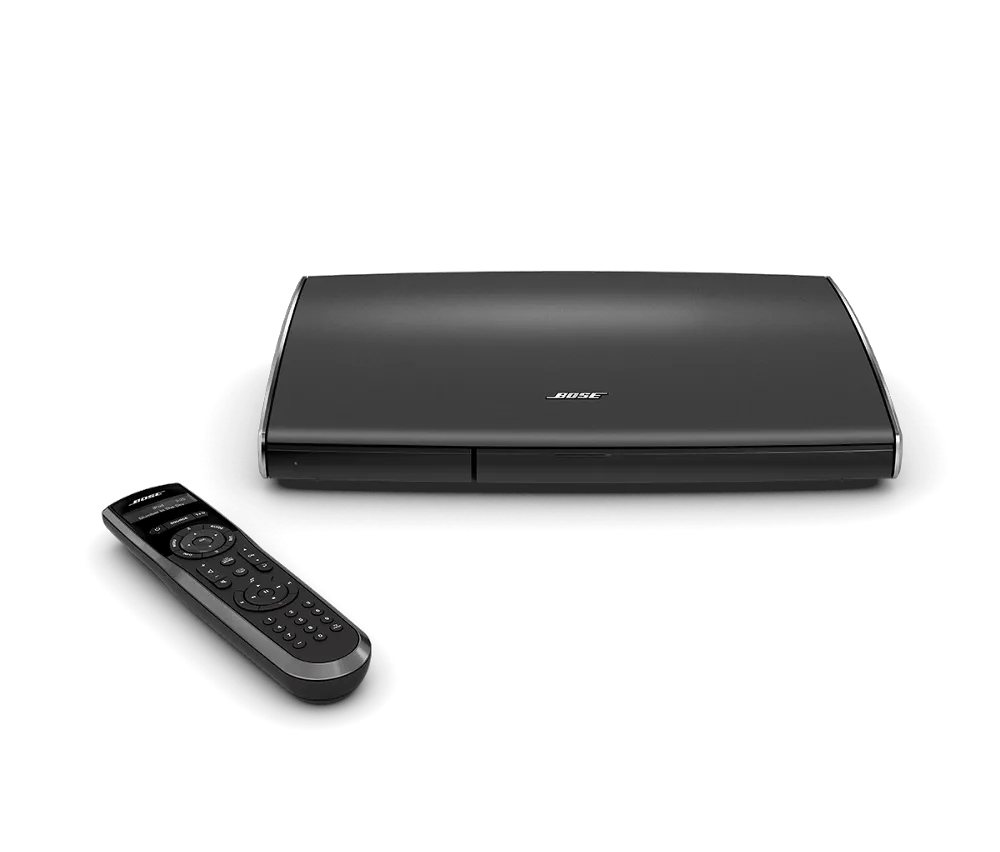


Be sure the power connections to your product are secure both to the AC (mains) outlet and to your product.
If the outlet is controlled by a wall switch, be sure the switch is on. You can also verify if the outlet works by connecting another electronic device, such as a lamp. If connected to a power strip (or surge protector), try bypassing the power strip and plug the power cord directly to a wall outlet.

