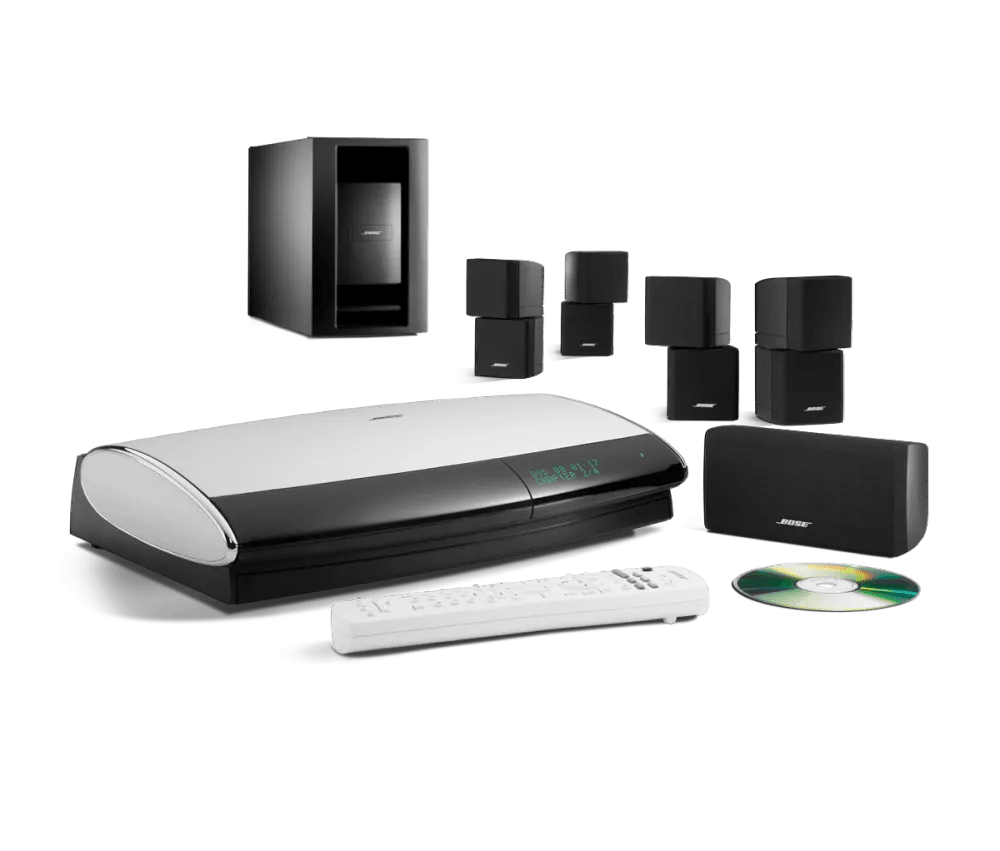
Changing display language | Lifestyle® 28 Series III DVD home entertainment system
lifestyle®-28-series-iii-dvd-home-entertainment-system
Lifestyle® 28 Series III DVD home entertainment systemSold from 2006 - 2010

Changing display language | Lifestyle® 28 Series III DVD home entertainment system

Be sure the house code is set properly.

The PMCII house code must match that of the main room remote control. If the house code is set incorrectly, there will be no remote response. For more information on setting the house code for the PMCII, see Changing house code settings.

To change the PMCII remote control display language:

Before you begin

You must first change the display language of the Lifestyle system console. Once the console language is set, you can sync the language.

To set the remote language

  1. Press the Setup button
  2. Use the center bar to scroll down to Language
  3. Press the Right arrow: The display shows Personal Music Center II followed by Please wait configuring in the new language.

To select a language for the system menus:

  1. On the remote control, press the System button
    Tip: If the system menu does not appear on your TV, be sure the correct TV input is selected
  2. Scroll right to select Media Center
  3. Scroll down to select Display Language
  4. Scroll right to select the language options
  5. Scroll up or down to select a language
  6. Press the Exit button to exit the menu.