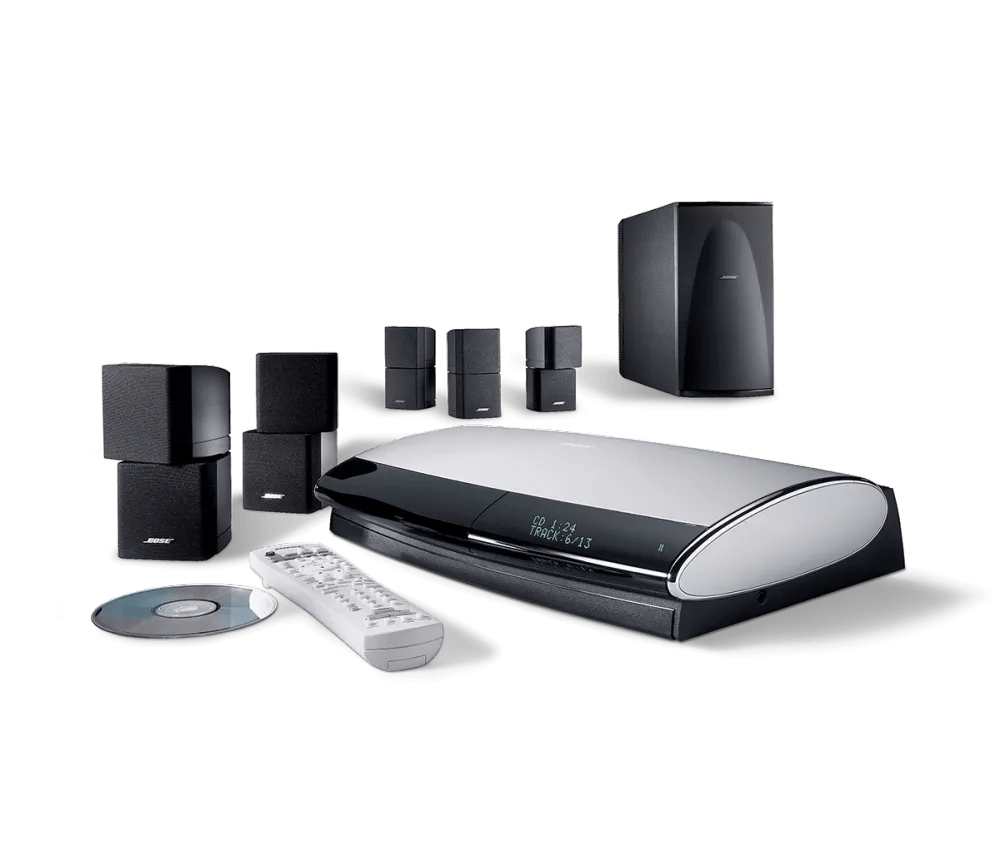
Understanding uMusic system | Lifestyle® 38 DVD home entertainment system
Which version of uMusic is the system running?
uMusic
Presets:
Press the Rating – button to make a song (and songs like it) less likely to play in the current preset. (Pressing the minus button does not delete a song or exclude it from playing in this preset.)
Press the Rating + button to make a song (and songs like it) more likely to play in the current preset.
Skipping a song also influences the uMusic system, though not as strongly as pressing the Rating – button. The amount of the effect is related to how long you allow the song to play before skipping it.
By using an exclusive preset, each listener helps the uMusic intelligent playback system distinguish individual reactions to what it plays. Consider each preset a center point for that person's musical taste. Over time, the center may shift, as changes in taste and listening habits are noted by the preset.
No preset is locked into its assignment. At any time, you can completely clear the memory of a Stored Music preset, then reassign it to another person or purpose. It is strictly your choice. uMusic is always learning.
Playlist:
The song list can not be viewed unless the the playlist is active and being played.
The system allows for only one playlist.
Note: uMusic is learning while in Playlist mode. Pressing the Rating + and – buttons and playing or skipping songs will apply ratings to the currently selected preset.
Encore:
Note: uMusic is learning while in Encore mode. Pressing the Rating + and – buttons and playing or skipping songs will apply ratings to the currently selected preset.
Whole CD:
Note: uMusic is learning while in Whole CD mode. Pressing the Rating + and – buttons and playing or skipping songs will apply ratings to the currently selected preset.
uMusic+
uStations:
Press the Rating – button to make a song (and songs like it) less likely to play in the current uStation. (Pressing the minus button does not delete a song or exclude it from playing in this uStation.)
Press the Rating + button to make a song (and songs like it) more likely to play in the current uStation.
Skipping a song also influences the uMusic system, though not as strongly as pressing the Rating – button. The amount of the effect is related to how long you allow the song to play before skipping it.
By using an exclusive uStation, each listener helps the uMusic intelligent playback system distinguish individual reactions to what it plays. Consider each uStation a center point for that person's musical taste. Over time, the center may shift, as changes in taste and listening habits are noted by the uStation.
No uStation is locked into its assignment. At any time, you can completely clear the memory of a uStation, then reassign it to another person or purpose. It is strictly your choice. uMusic is always learning.
Playlist:
The song list can not be viewed unless the the playlist is active and being played.
The system allows for nine playlists.
Note: uMusic+ is not learning while in Playlist mode. Pressing the Rating + and – buttons and playing or skipping songs will not apply any ratings.
Encore:
Note: uMusic+ is learning while in Encore mode. Pressing the Rating + and – buttons and playing or skipping songs will apply ratings to the currently selected uStation.
Whole CD:
Note: uMusic+ is not learning while in Encore mode. Pressing the Rating + and – buttons and playing or skipping songs will not apply any ratings.