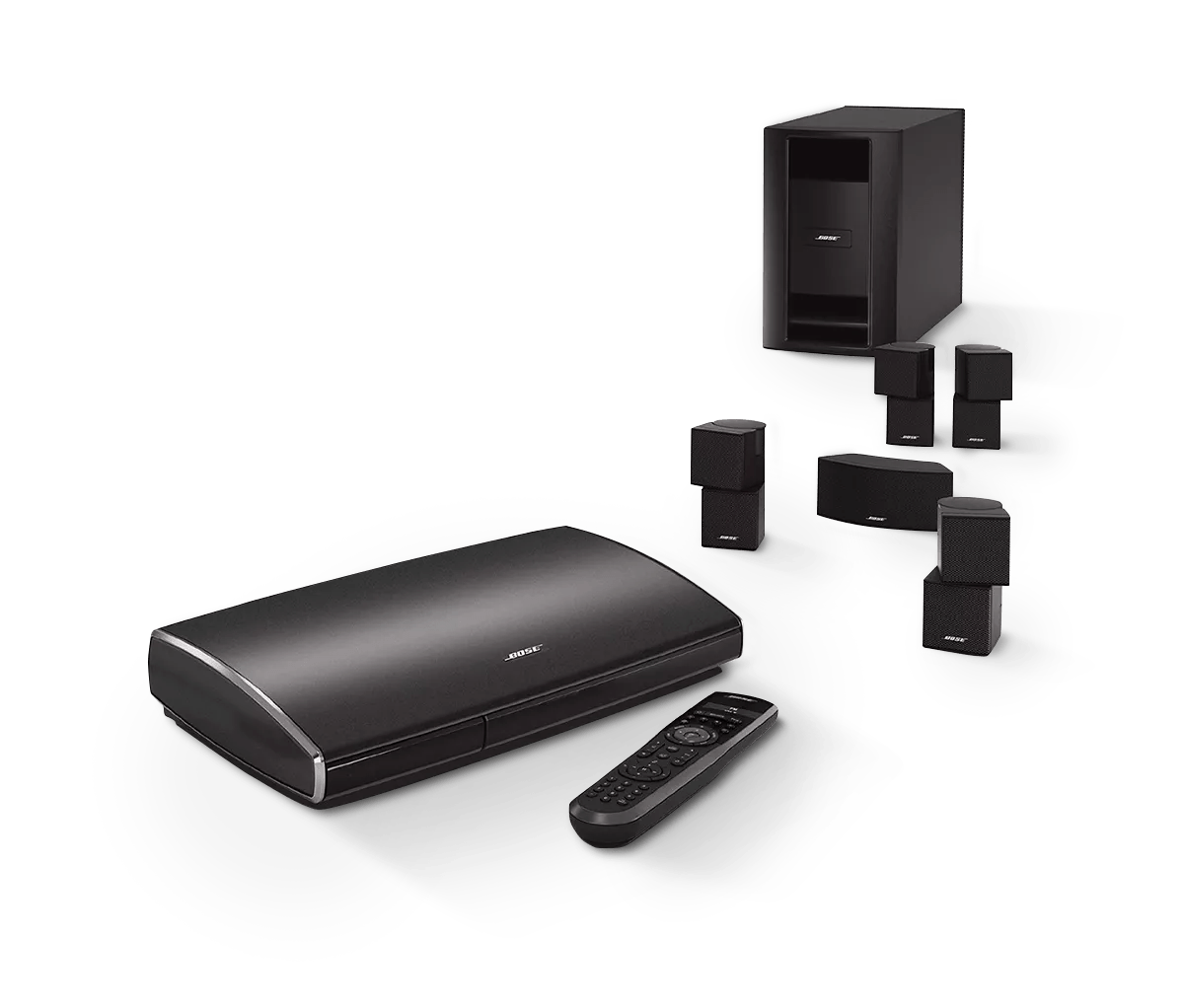
Product will not turn on | Lifestyle® 535 series II home entertainment system
lifestyle®-535-series-ii-home-entertainment-system
Lifestyle® 535 series II home entertainment systemSold from 2013 - 2014

Product will not turn on | Lifestyle® 535 series II home entertainment system

Be sure the system is set up properly and all connections are secure.

A connection may have come loose or may be connected incorrectly. For more info, see Setting up your product.

Check the power connections at your product and at the power source.

Be sure the power connections to your product are secure both to the AC (mains) outlet and to your product.

Try the buttons on the product, the buttons on the remote control or the controls in the SoundTouch app (if using a SoundTouch accessory).

Try both the buttons on your product and the buttons on your remote. If you added an optional SoundTouch accessory to your system, try the controls in the SoundTouch app as well. If buttons work on one but not another, see Remote is intermittent or does not control your Bose product, Buttons on product do not work or work intermittently or App is blank, unresponsive, won't open or crashes.

Be sure the power cord is connected to a working power outlet.

If the outlet is controlled by a wall switch, be sure the switch is on. You can also verify if the outlet works by connecting another electronic device, such as a lamp. If connected to a power strip (or surge protector), try bypassing the power strip and plug the power cord directly to a wall outlet.

Replace the power supply.

In case there is an issue with the power supply, try replacing it. If you have a safe way to test the power supply and are comfortable doing so, you can check if the power supply is supplying the voltage shown on the power supply label. It is not, replace it..