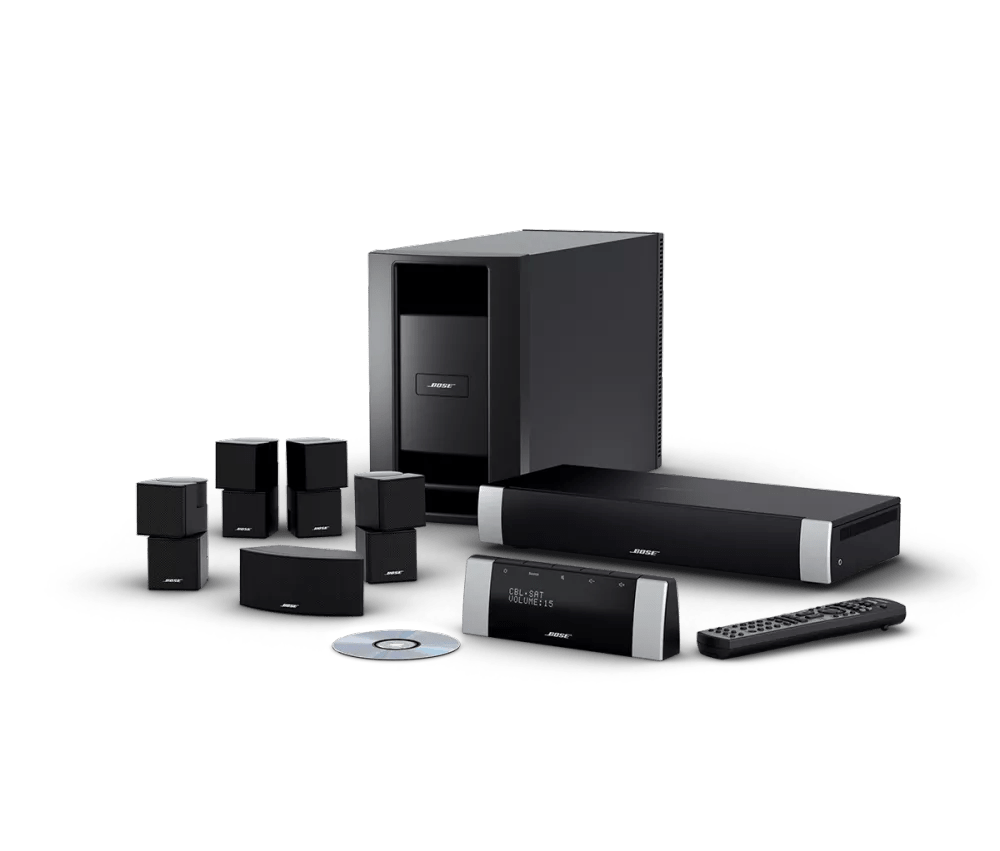
Try using the remote while standing close-by the system console.
Determine if "Other Rooms Are On" appears on the display.
- Press and hold the On/Off button on the display panel until "Saving Your Settings" appears on the display or the display goes blank. This is done to be sure all rooms connected to the media center, including the main room, are off
- With the system off, look at the display panel and select FM using the expansion remote. If the message "Other Rooms Are On" appears on the display panel, the expansion remote is working. Verify the setup of the expansion product(s)
To verify the setup of an expansion product connected without an AL8, see
Expansion set up without an AL8Make sure the proper expansion remote is being used.
A remote designed to operate another system will have partial or no functionality when used with the wrong system. Verify that the model number on the back of the remote is compatible. For information on Compatible Bose Expansion Remotes, see Specifications for the media center
Make sure the proper variant of the remote is being used.
A remote designed to operate a system sold in another region will have no functionality. The model number on the back of the remote (or within the battery compartment) must end in -27 to operate a media center made in North America or -40 to operate a media center made outside North America. These numbers refer to the frequency (in megahertz) at which the remote communicates to the media console.
Be sure the house code on the expansion remote is set properly.
The house code of the expansion room remote control must match that of the main room remote control, otherwise, there will be no remote response. Determine the house code setting of the system and verify that house code setting on the expansion room matches. For more information, see
Changing house code settings
Try new batteries in the remote.
In case the battery or batteries in your remote are low or have no power, replace them. Alkaline batteries are recommended over rechargeable batteries, which might output lower voltage. (Note: Battery testers are not always reliable since they might detect power but not indicate if there is adequate power for the remote.)
Determine if there is an issue with the expansion remote by configuring the main remote as an expansion remote.
- Remove the battery cover on the back of the main room remote (an RCV1T) and set switch 5 to the up position
- Set the position of switches 6, 7, 8 and 9 to match the Room Code switch settings of the expansion remote
- Press and hold the On/Off button on the display panel until "Saving Your Settings" appears on the display or the display goes blank. This is done to be sure all rooms connected to the media center, including the main room, are off
- With the system off, look at the display panel and select FM using the expansion remote. The message "Other Rooms Are On" will appear on the top line of the display. If the bottom line correctly reads "-- FM", the expansion remote is defective and needs to be replaced
- Return the position of switches 5, 6, 7, 8 and 9 on the main remote to the down position
- Replace the battery cover
The MC1 Display Panel & MC1 Media Console may need service.
If the steps provided do not resolve your issue, the MC1 Display Panel & MC1 Media Console may need service. Follow the link for more information on how to service your product. Depending on your product and region, you will be provided a contact number or the ability to setup service online.
Click here to start service