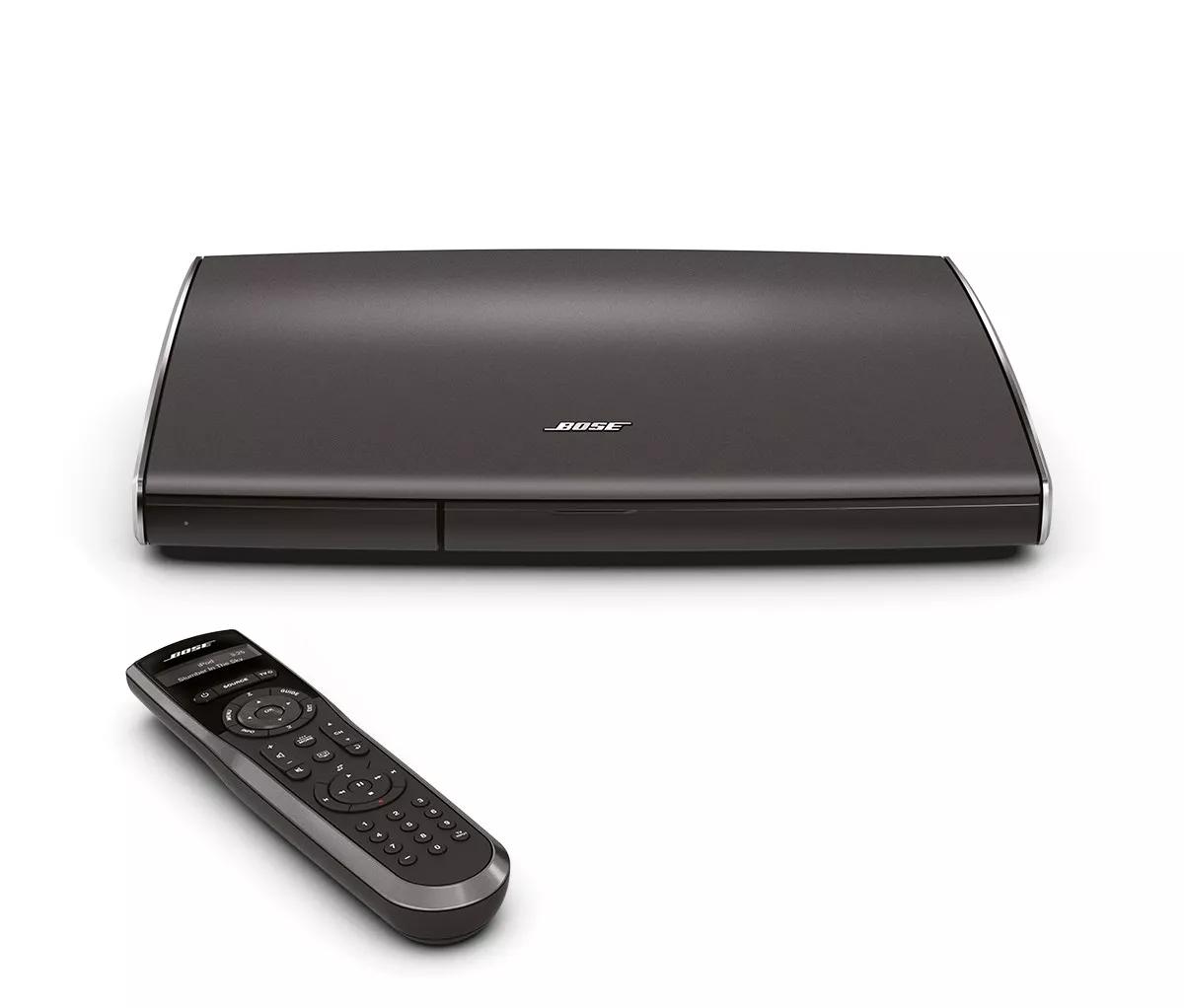
See if the on-screen update process advances when the USB drive is connected.
When your system detects a connected USB drive during an update, the on-screen update process automatically advances. If it does not advance when the drive is connected, see
System will not recognize USB key.
Make sure the USB drive is clear of all data (other than the update file) before trying to run the update.
If there is any data on the USB drive of any type, including hidden files, it can potentially prevent the update from running properly.
If a message states the update is already installed, your product is already up-to-date.
If the software version on the USB drive is already installed, the system will show a message stating this and ask if you want to check for a new update. If you just downloaded the update from a computer, it is the most recent update and no newer version is available to install.
Uninstall and reinstall the Bose app.
In case an issue occurred with the app, uninstall it from your device, download and reinstall it, then try again.
Be sure the computer is using a compatible operating system.
The System Updater software is only compatible with certain operating systems. The Bose.com page containing the download link displays the compatible operating systems.
For information on how to determine the computer's operating system, see
Determining the computer's operating system.
For compatible operating systems, see product specifications.
For information on sending a USB key pre-loaded with software, see the Software Update Order Procedure.
Reset your product.
Much like rebooting a smartphone, your product might need to be reset on occasion to correct minor issues. For more information, see Resetting your product.
Reboot the computer.
Reboot your computer by powering it off completely and then powering it back on again. This can help to resolve minor processing issues with the computer.
Try installing the update again.
Try downloading the app to a different computer.
If you are able to download and run the app on another computer as expected, the issue is related to the first computer.