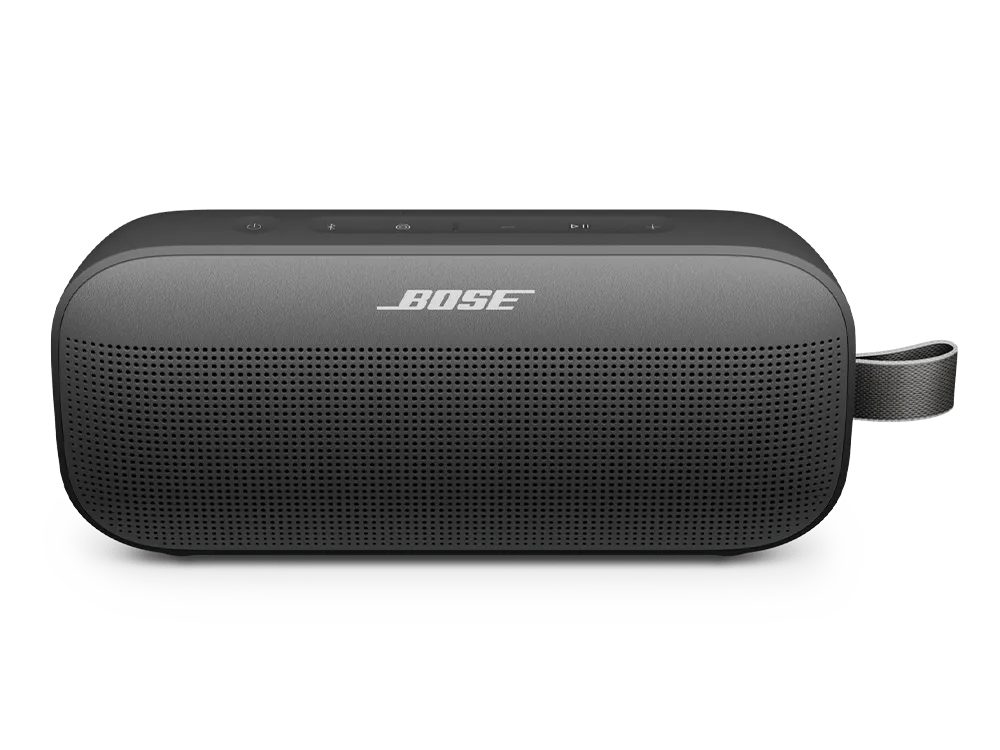
Microphone does not pick up sound | Bose SoundLink Flex Portable Speaker (2nd Gen)

Microphone does not pick up sound | Bose SoundLink Flex Portable Speaker (2nd Gen)

The special edition SoundLink Flex speakers do not have a microphone.

The special edition SoundLink Flex portable speaker (both first and second generations) does not contain a microphone and does not have speakerphone functionality. Serial numbers of these speakers begin with either 086252 or 086253.

Select how the device is connected:

Using a Bluetooth® connection

Keep your product within 33 feet (10 meters) of your personal device.

Distance and obstacles like walls, doors, or other electronics can weaken the Bluetooth signal. If you're having trouble, try moving your personal device and product closer together or relocating other devices that may cause interference.

Be sure the phone is not muted.

Check the phone to see if the mute functionality has been enabled. Check for a visual representation of the muting aspect for the phone. For more information refer to the manufacturer of the device.

Reset your product.

Much like rebooting a smartphone, your product might need to be reset on occasion to correct minor issues. For more information, see Resetting your product.