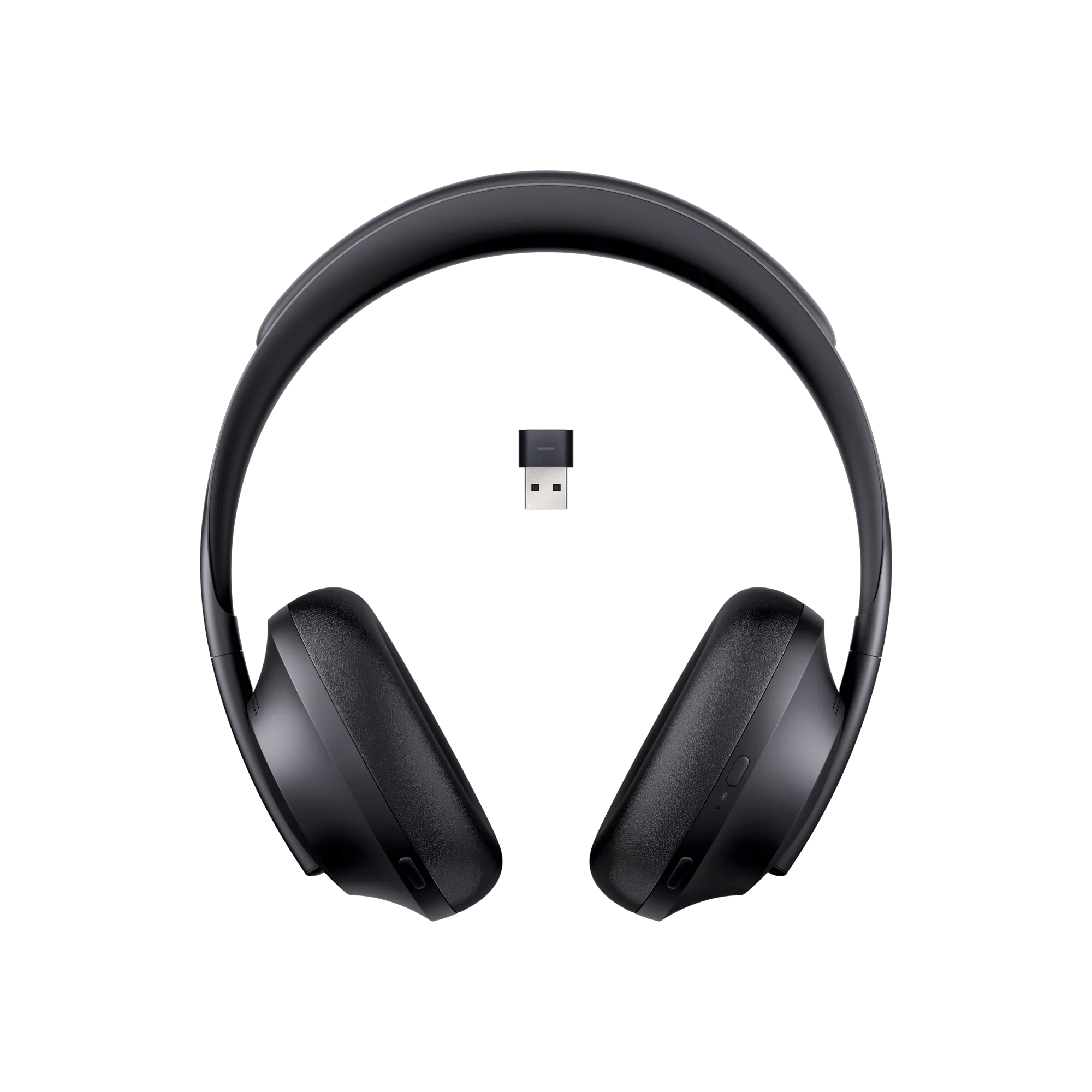
Make sure the Bose USB Link is set as the primary audio device.
Check the computer's audio output and make sure the Bose USB link is set to the default device.
Be sure your headset is within 100 feet (30 meters) of the Bose USB Link
Try moving closer to the USB Link. You may be out of range.
Raise the ringtone volume on the phone.
The headset will provide an incoming, two note ringtone if a specific ringtone (i.e. audio clip) is not sent to the headset from the phone or is not supported by the device followed by a voice prompt of the caller ID (if enabled in the headset) Be sure the ringtone volume setting is not too low or muted. On some phones, ringtone volume can only be adjusted when no other audio is playing through the phone, while on others it can only be change through a settings menu
Keep your product within 33 feet (10 meters) of your personal device.
Distance and obstacles like walls, doors, or other electronics can weaken the Bluetooth signal. If you're having trouble, try moving your personal device and product closer together or relocating other devices that may cause interference.
Try connecting a different Bluetooth device.
If your Bose product can connect to another device, Bluetooth functionality is working. In cases like this, the issue could be with the first device or its settings.