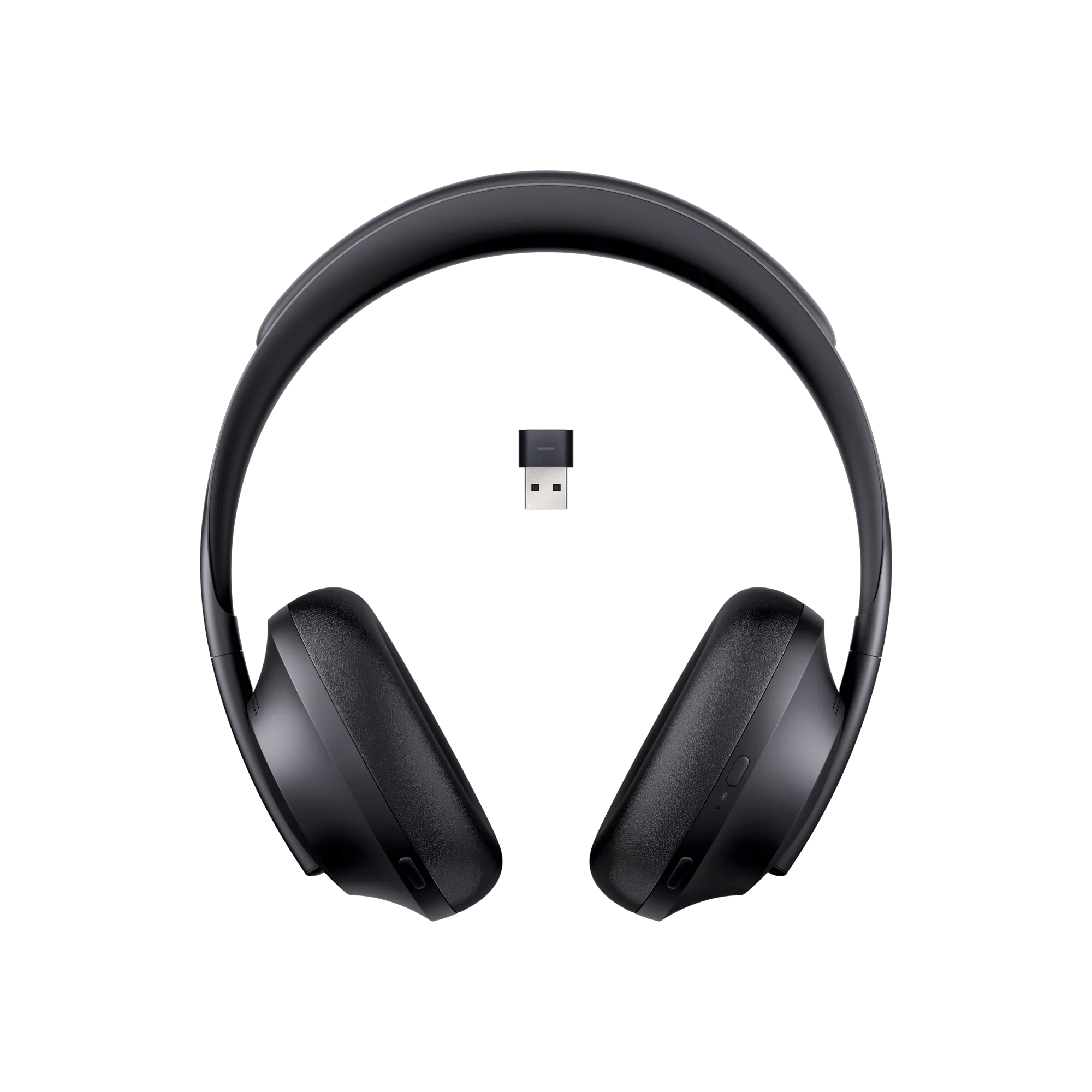


You can also check the battery level of the headphones in the Bose app.
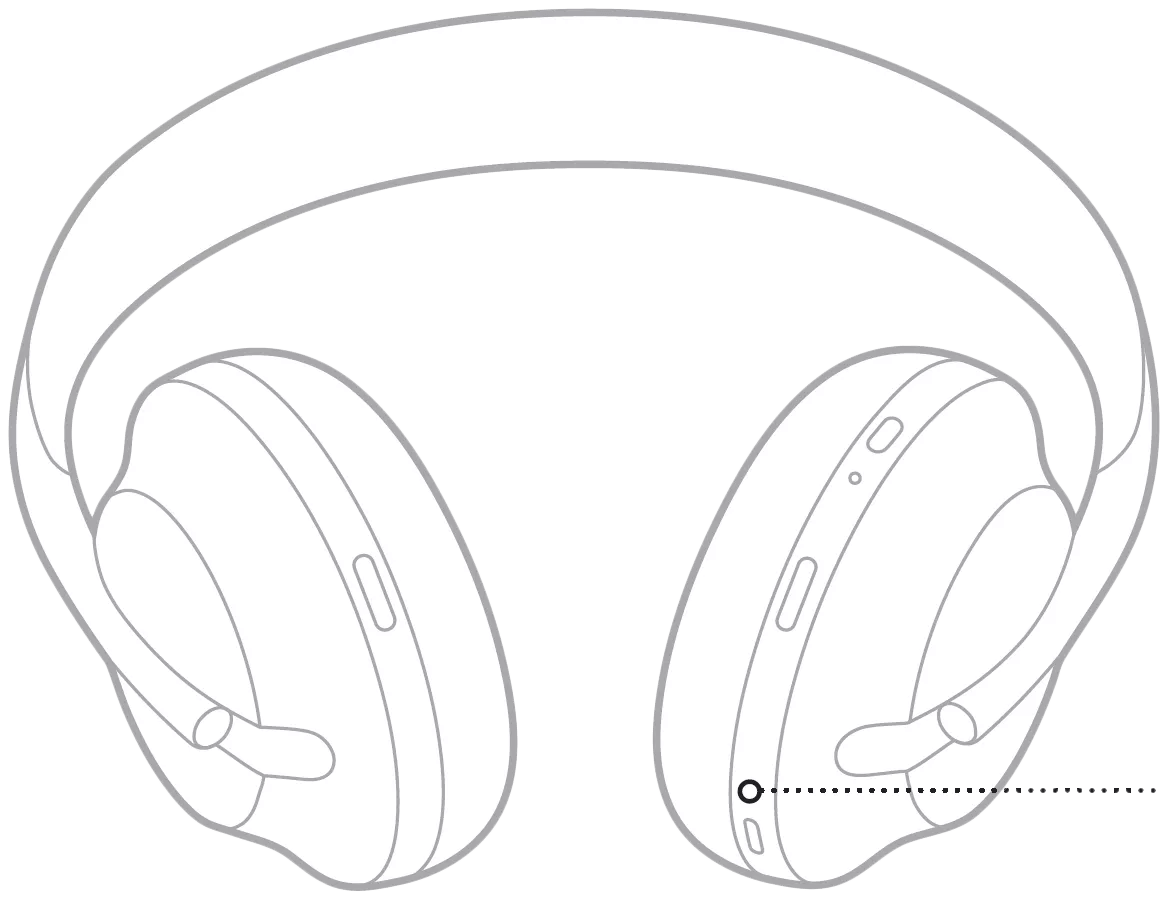

 Indicates: Charging

 Indicates: Needs to charge
 Indicates: Updating headphones
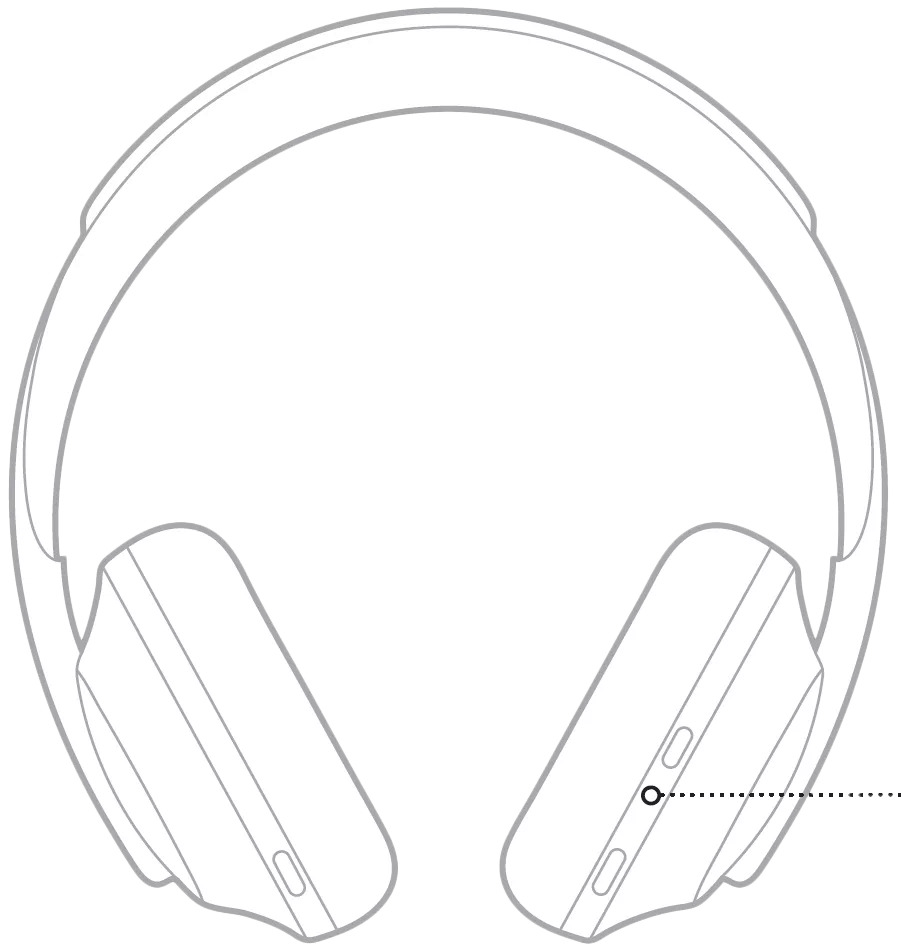
 Indicates: Ready to connect
Indicates: Connecting


| LED State | Indicates |
|---|---|
| Blinking Blue (1 sec.) | Ready to connect |
| Blinking Blue (0.5 sec.) | Connecting |
| Solid Blue | Connected |
| Solid Purple | Headset is paired to the dongle and MS Teams client is running |
| Blinking Purple (0.5 sec. x10) | Seeking clarification - Possibly attempting to locate Teams client |
| Off | Standby |

