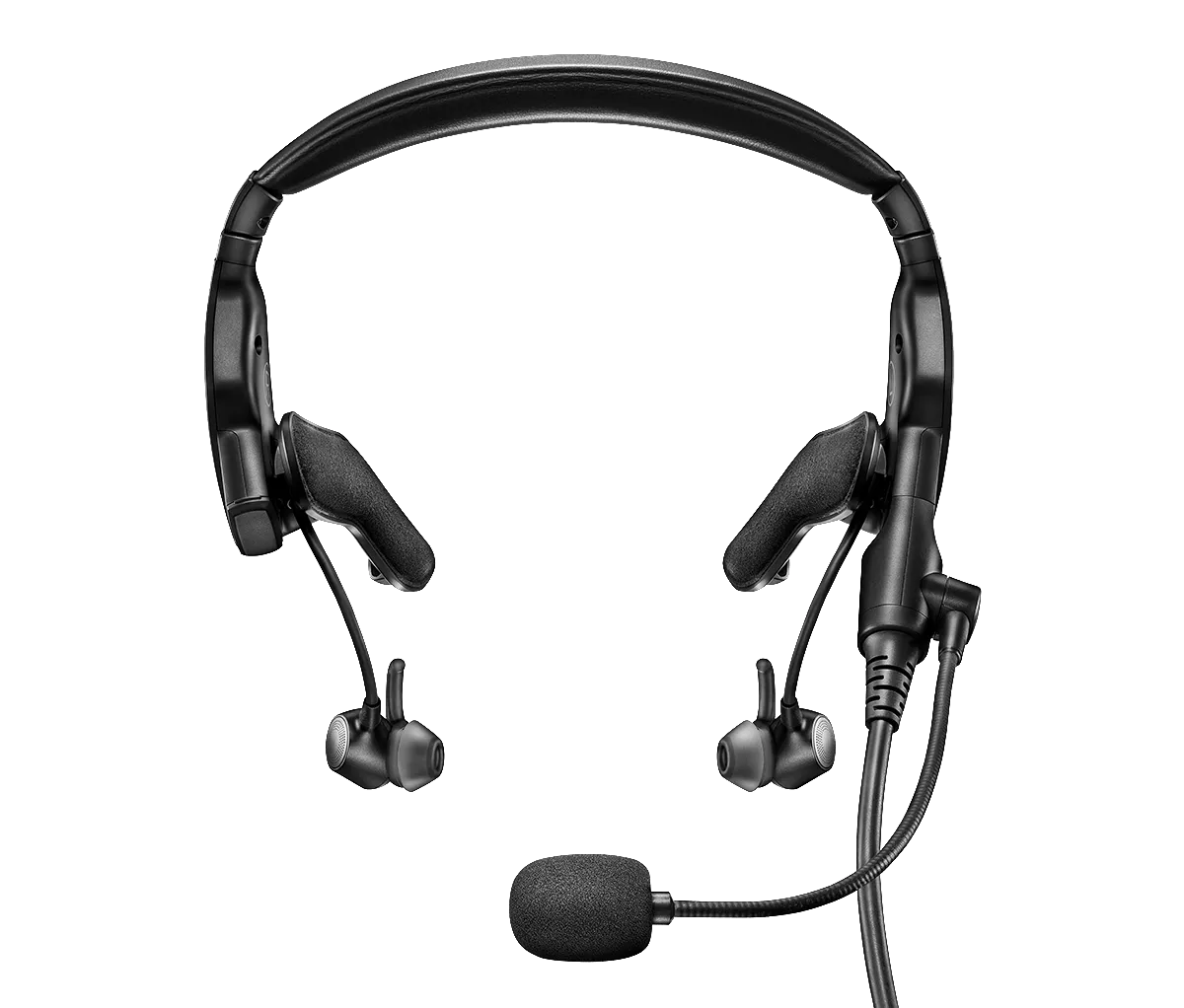
Determine if any recent changes have been made to the headset or aircraft.
If any changes or modifications have been made to either the headset or the aircraft, look into whether or not those changes could have unexpectedly caused this issue.
Re-insert the headset cable to the aircraft panel.
- Disconnect the down cable where it attaches to the panel
- Inspect the connections for damage or debris and remove any debris that is found. If there is damage to any the connections, they may need to be replaced
- Firmly reconnect the down cable to the panel
Note: Typically, a clicking or popping sound is heard when taking the plug in and out of the jack; this noise confirms the headset is receiving audio.
If you have ever unplugged the microphone cable from the headset, disconnect it again and check for debris or damage at the connectors.
Check if the issue only occurs at certain altitudes.
In non-pressurized aircrafts, the effectiveness of noise-cancellation decreases as the alititude increases. The headset might also produce a whining sound in these situations. For info on maximum altitude for full noise cancellation, refer to the headset specifications.
Plug in a different headset.
If available, connect a different headset to the aircraft to determine if the issue is related to the aircraft panel or its settings.
For 6-pin aircraft-powered installed connections, check the condition of the plug on the headset and the jack on the aircraft.
Check for any debris in the connector on the aircraft and check if any of the six pins are missing inside the headset plug.
Note: If the aircraft has a jack for an older model Bose AHX headset that was wired to provide mono audio to the right earcup, the jack will need to be rewired since the electronics in the newer A20 cable differ.
Clean the headset cable connectors with isopropyl alcohol.
The connectors at the end of the headset cable might have debris or corrosion on them. Apply a small amount of isopropyl alcohol to a cloth, wipe the metal connectors, then dry them with a clean cloth. Once cleaned and dried, connect the headset and try again.
Make sure you are using the correct eartip size to ensure a proper and secure fit.
Using an eartip that is too big or small for your ears will affect audio quality and noise cancellation.
Make sure you are using StayHear+ eartips.
These headphones are designed specifically for use with StayHear+ eartips. Use of any other eartips, including original StayHear tips, will result in low audio, poor sound quality and/or reduced noise cancellation.
Your StayHear+ Tips should look like this:
![\"stayhear]()