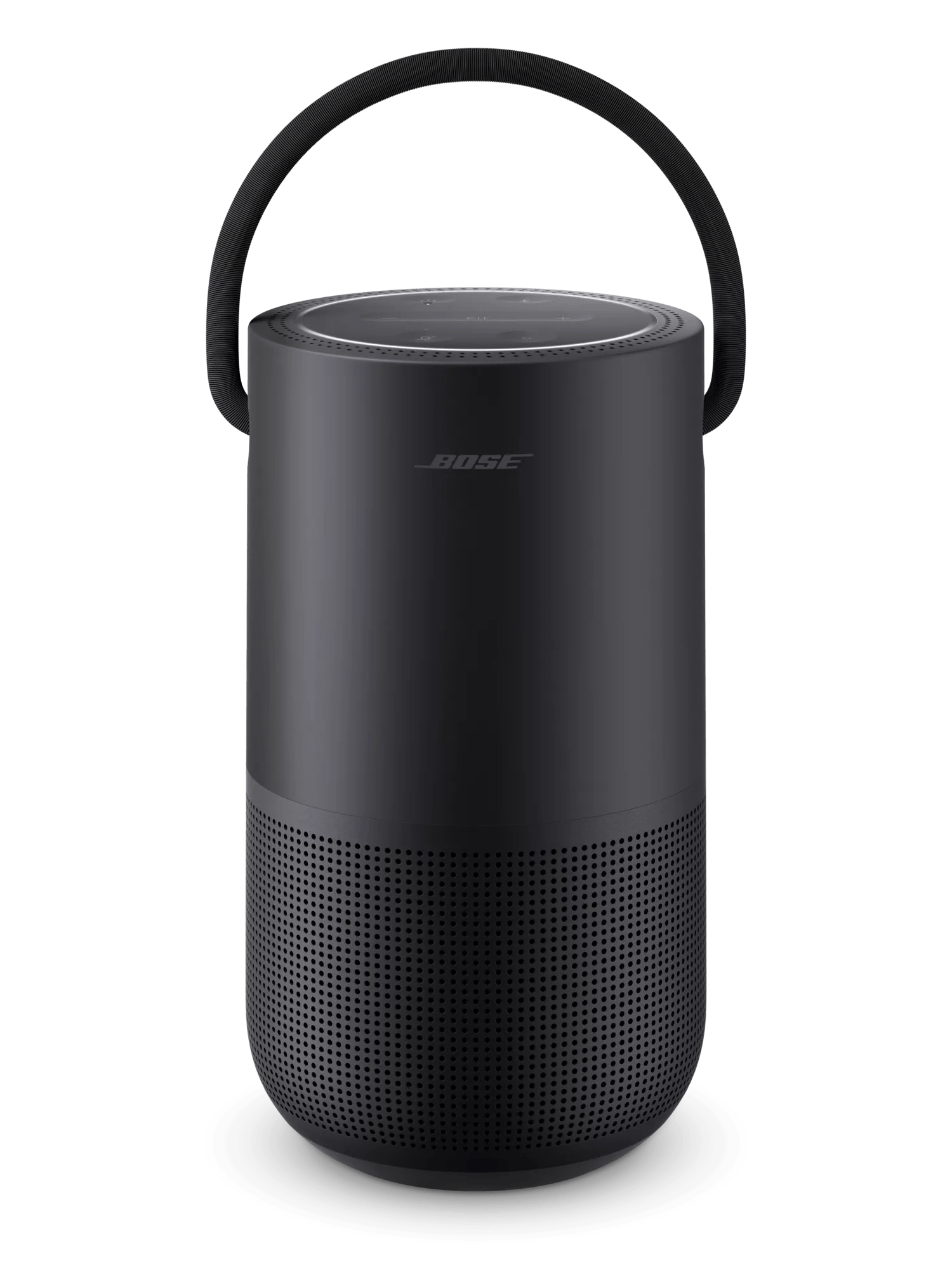
Product will not turn on | Bose Portable Smart Speaker
If you're using the charging cradle:
Try the following:
Bypass the charging cradle.
Try both the buttons on the product and the controls in the Bose app.
Check if either the buttons on your product or the controls in the Bose app can operate your product. If controls work on one but not the other, see Buttons on product do not work or work intermittently or App is blank, unresponsive, won't open or crashes.
If using a charger other than the one provided with the speaker, check if the USB charger meets the power requirement for your speaker.
- Your speaker came with a 3 A (3,000 mA) charger
- Chargers with an current output lower than 3 A will charge your product more slowly
- Some chargers with low current output might not charge your speaker at all
- Be sure to use a safety agency-approved power supply that meets local safety agency requirements (i.e. UL, CSA, VDE, CCC, etc.)
Connect your speaker to power and allow time for it to charge.
- 3 Amp chargers (like the one provided with your speaker) take about two minutes
- 1–2 Amp chargers take about 25 to 35 minutes
- 0.5 Amp chargers take about an hour
- If your speaker is not up-to-date, it could take several hours to recharge the speaker using a low power charger
When done listening to your speaker, if you don’t need voice assistant functionality, press and hold the Power button for two seconds to fully power off the speaker and conserve its remaining battery life. The speaker will not appear in the Bose app when it is fully powered off.
If the speaker could be powered on after being connected to power for an hour, update the speaker.
Reset your product.
Try a different charger.
Charge times can vary based on the charger. Chargers with a higher current rating generally charge products faster than those with a lower rating. Chargers typically list a current rating on the label in amps (A) or milliamps (mA). A current rating of 1 A / 1000 mA or higher is recommended.
