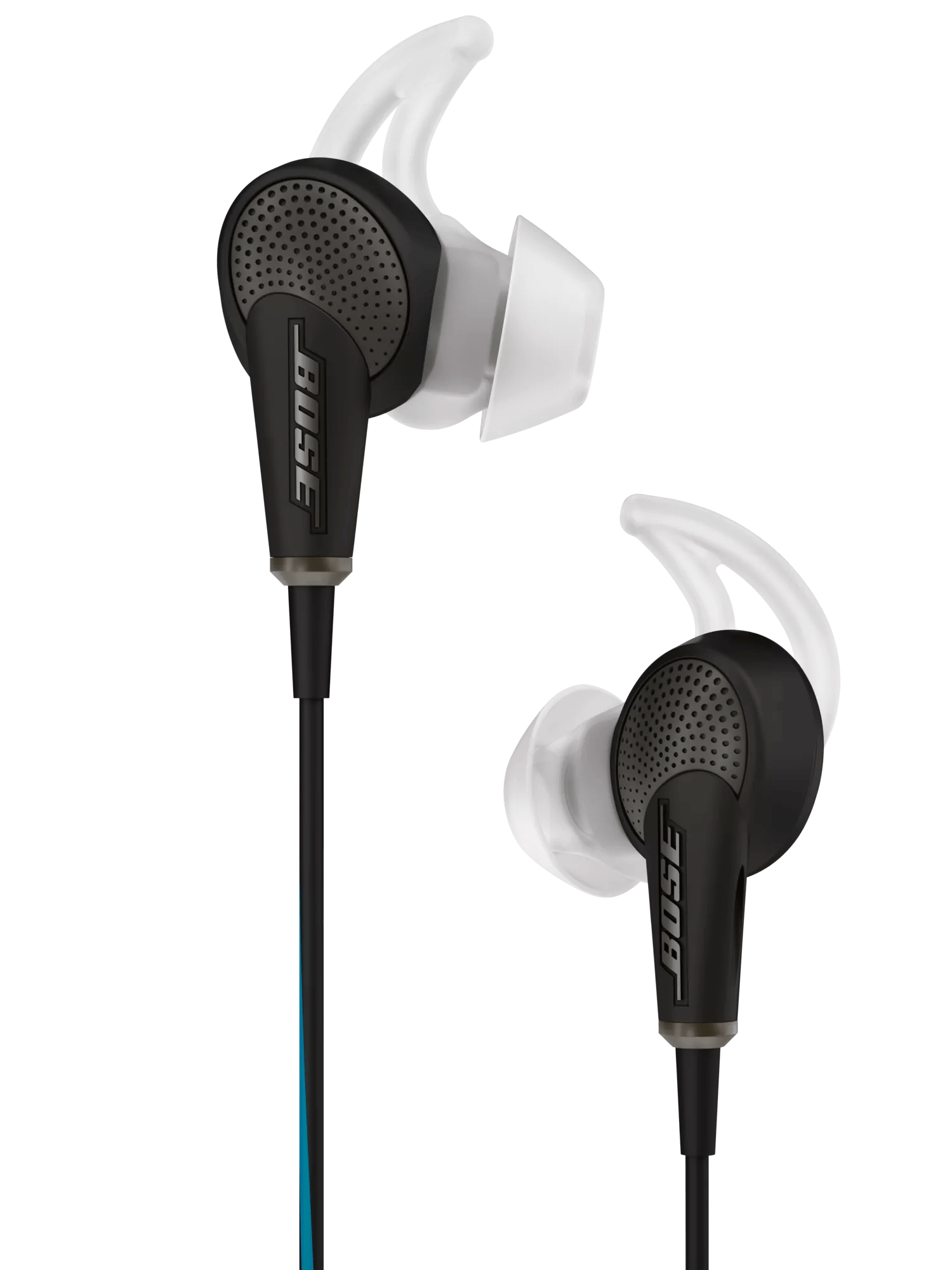


In very loud settings—such as airplane takeoffs, concerts, emergency sirens, or construction zones—your headphones' noise-cancelling microphones can become overwhelmed, which may cause brief crackling or distortion. This can happen even in Quiet or Aware mode.
It’s similar to when someone talks too loudly into a phone—the sound gets distorted until they lower their voice. Your headphones react in the same way to intense external noise.
This is normal and doesn’t damage the product. To reduce it, try moving away from the loud source when possible. For example, on a plane, sitting farther from the engines can help.
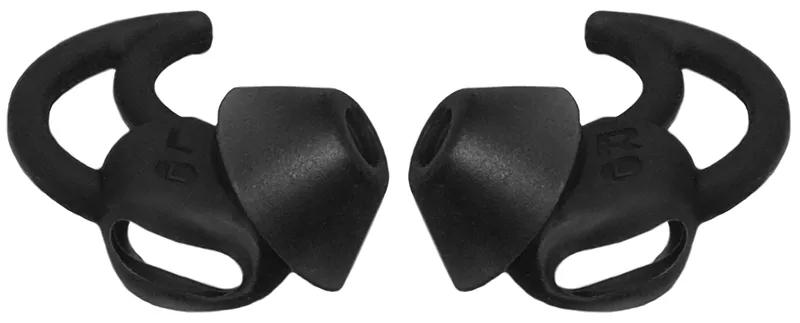
Check if anything is blocking any openings on your headphones, ear tips or the mesh grilles under the ear tips (i.e. ear wax, dust or other debris). For more info, see Storing and cleaning your product.

