Reboot the connected device.
Electronics might need to be reset from time-to-time—much like rebooting a computer. Power off the device, then power it back on and try again.
Remove and reseat the input cable at both ends.
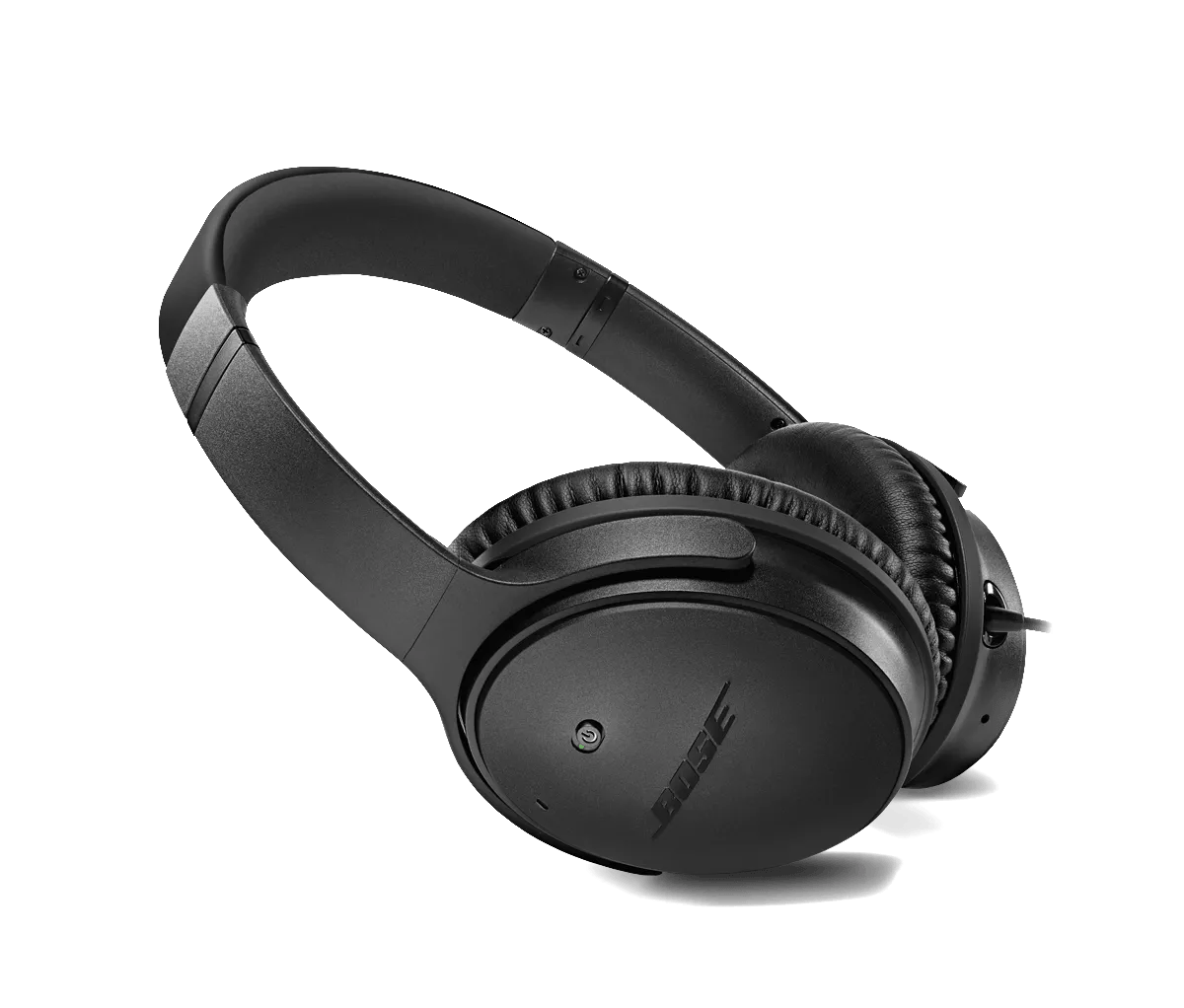
For the best sound quality the input cable must be securely connected at both ends. This may require an extra amount of pressure to properly seat the cable into the earcup. Carefully, but firmly, press the connector into its socket at the earcup until a slight click is felt.
Try a different app.
If the issue only occurs with a particular app, it is likely related to the app or app settings.
Try connecting a different audio device.
If available, connect another audio device using the same cables and connections to determine if the issue is related to the first device or its settings.
If connected, bypass any adapters or extension cables.
If your product connects to the device using an extension cable or adapter, disconnect the extension cable or adapter to determine if the issue is related to it.