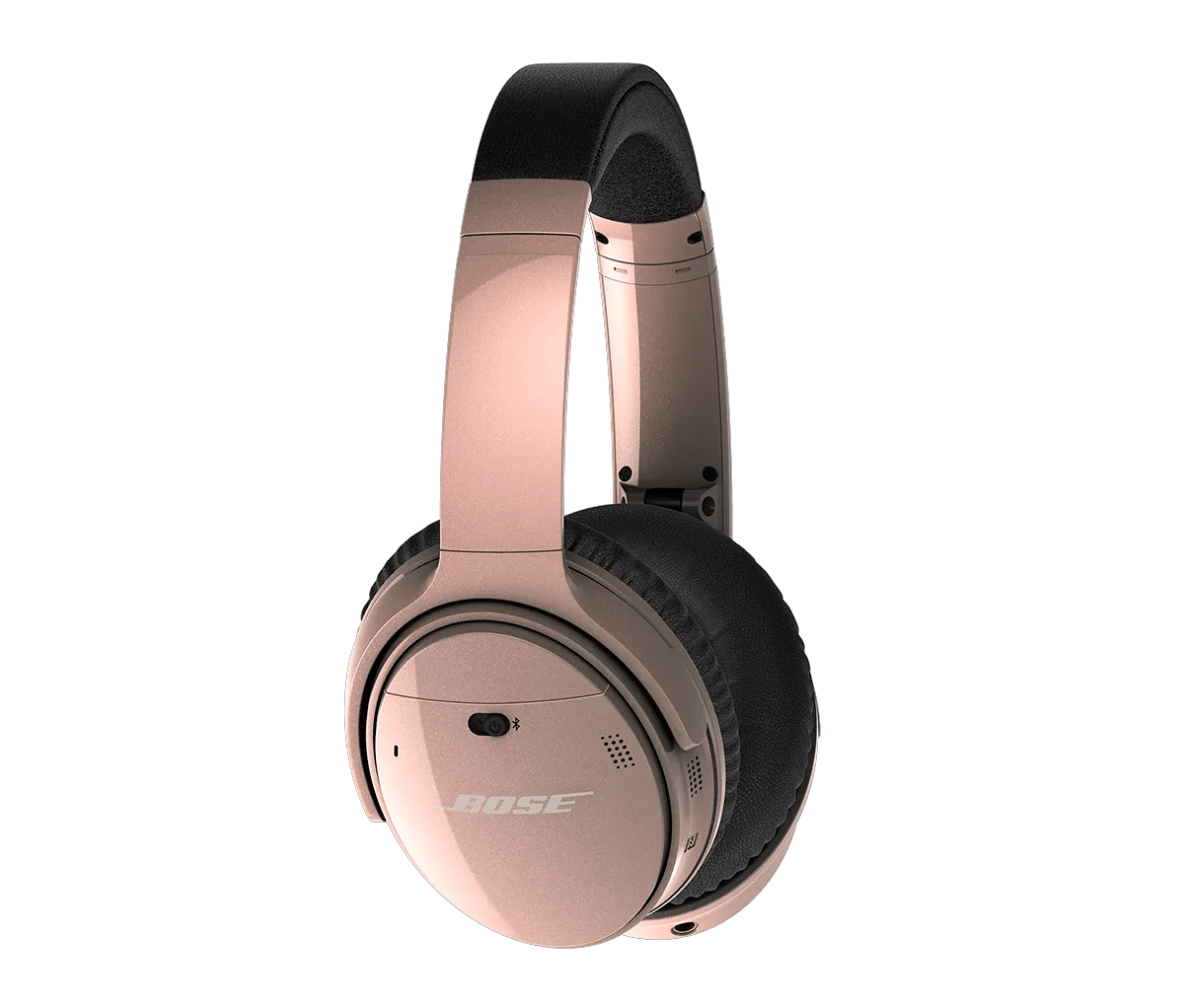
Determine if an iPhone or other Apple device is paired to the headset.
When the Bluetooth® antenna of an Apple device is obstructed the user of the headset may experience poor Bluetooth performance. In the case of the iPhone, the Bluetooth antenna is located along the top side of the device. It is recommended that the phone be stored on the right side of the body (belt clip, pocket, hand) and to assure the top of the phone is exposed while on an active call using the headset.
If using your product outdoors, check for differences when used indoors.
Since there are fewer boundaries and reflective surfaces outdoors, Bluetooth® signal might not reach as far. Check if the product functions better indoors to determine if the environment is the issue.
Move to a less windy environment
Wind noise may enter the microphone capsule and render other audio unintelligible. Moving away from this area may allow for clear audio reproduction
Keep your product within 33 feet (10 meters) of your personal device.
Distance and obstacles like walls, doors, or other electronics can weaken the Bluetooth signal. If you're having trouble, try moving your personal device and product closer together or relocating other devices that may cause interference.
Try disconnecting other nearby wireless devices that might interfere with Bluetooth® signal.
Some wireless devices can cause interference with a Bluetooth signal.
Common examples include:-
- 2.4 GHz router
- cordless phone
- wireless speaker adapters
- home security motion sensors
- fluorescent lights
- microwaves
- wireless mice and keyboards
If there are such devices, disconnect one at a time and check if the issue improves. If so, consider relocating your product or the device.
If you're experiencing intermittent audio during phone calls, check your cellular reception.
This issue may be caused by a weak connection to the cellular network. Enabling Wi-Fi calling in your phone's settings while connected to your home network can help, or you can try the call again once the reception improves.
Place another phone call.
Try placing another call—preferably to another number—to determine if the issue occurs all the time or only with certain people, which could result from poor reception with the phone service or device you call.
Try connecting a different Bluetooth device.
If your Bose product can connect to another device, Bluetooth functionality is working. In cases like this, the issue could be with the first device or its settings.