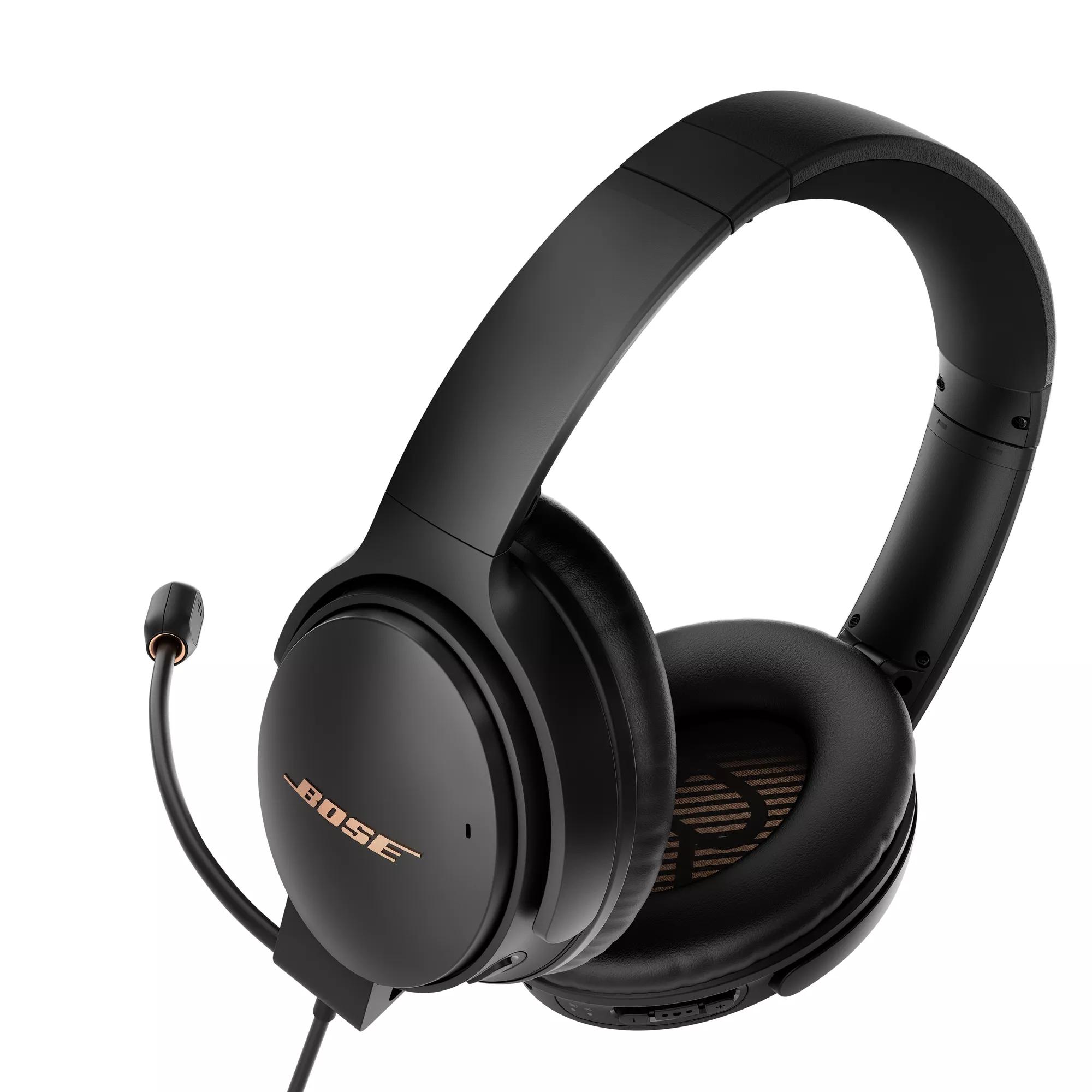
Low audio | QuietComfort® 35 II Gaming Headset
Determine if the problem is specifically related to bass performance.
If there is too little bass, see Too little bass or too much treble from product.
If there is too much bass, see Too much bass or too little treble from product.
In the sound settings menu of the connected device, verify headphone audio is not muted, disabled or the volume level is set too low.
- On a Playstation 5, press the logo on the controller open the home screen then select Settings > Sound > Audio Output. Set the Output Device to Headset (Controller) then set Output to Headphones as desired.
- On a Playstation 4, press the logo on the controller to open the Quick Menu then select Sound/Devices. Raise the Volume& Control (Headphones) setting then set Output to Headphones as desired.
- On an Xbox One system, press the logo on the controller to open the guide, select the Profile & system icon then select Audio.. Raise the Headset volume level.
- On a PC running Windows 10, right-click on the speaker icon in the lower-right corner of the screen then select Open Sound settings. When the Bose PC desktop controller is in use, set the Choose your output device selection to Headphones (Bose PC Desktop Controller), otherwise select the option that refers to the hardware the headset is connected to.
- On a Mac, open the Apple menu then select System Preferences > Sound > Output. When the Bose PC desktop controller is in use, set Bose PC Desktop Controller as the device for sound output, otherwise select the option that refers to the hardware the headset is connected to.