Was this helpful?
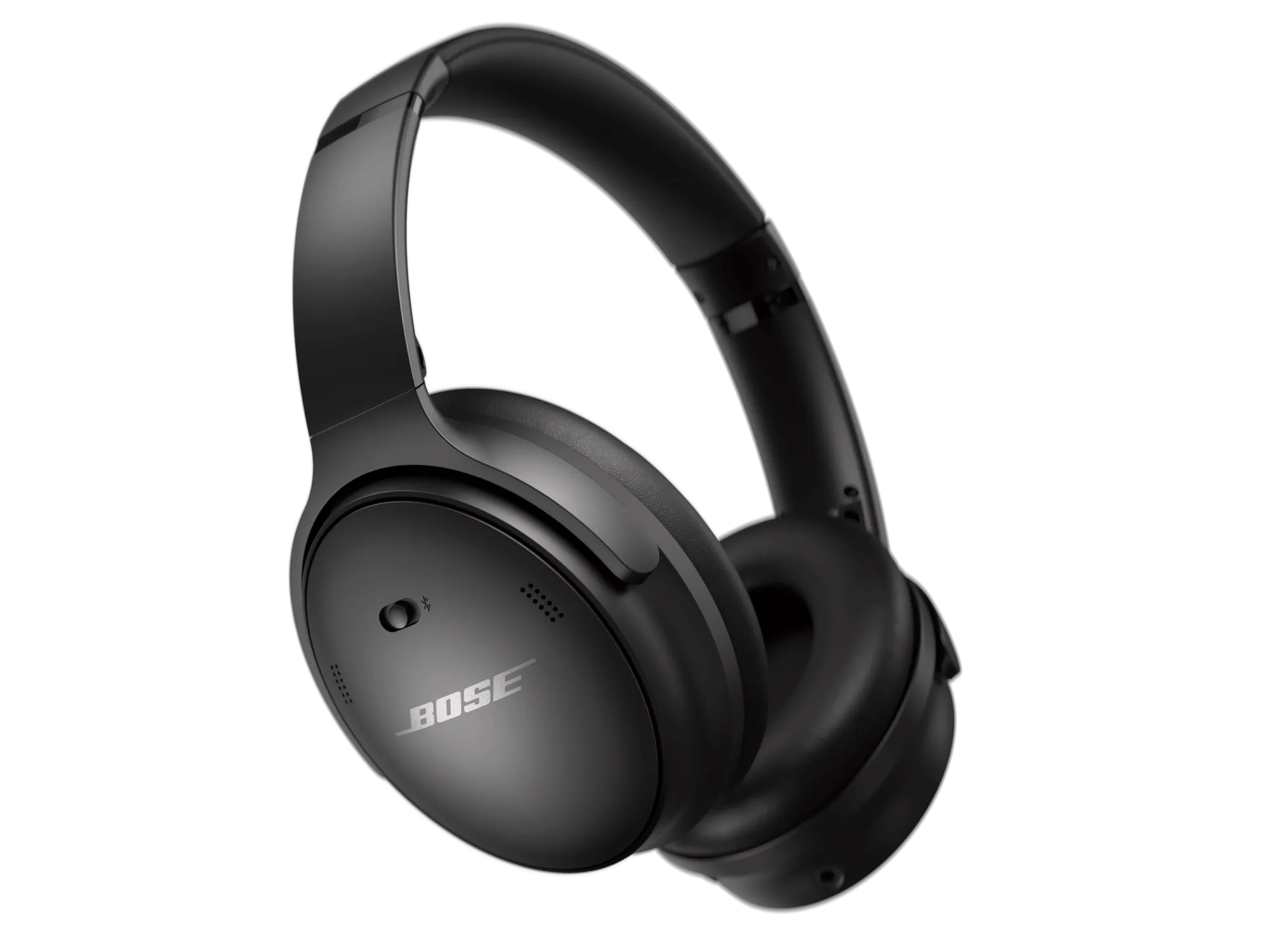
Software or firmware update will not install | Bose QuietComfort 45 headphones
If an update is not successful:
Click here for suggestions:
Disconnect and reconnect the USB cable.
Uninstall and reinstall the Bose app.
Reset your product.
In the Bluetooth® settings of the device, remove your product, reconnect it, then try the update again.
Try installing the update again.
If an update does not complete successfully, try installing the update again. For info, see Updating the software or firmware of your product.

Uninstall and reinstall the Bose Updater tool.
Reboot the computer.
Connect the product to another USB port.
Temporarily disable antivirus or firewall software on the computer.
Are you trying to update your product using the Bose Connect app?
Yes
Be sure your product is within 33 feet (10 meters) of the Bluetooth device.
This range can be reduced by obstacles (e.g. walls, doors, appliances, wireless devices, etc.). Try moving the device and product closer together.
In the Bluetooth® settings of the device, remove your product, reconnect it, then try the update again.
Uninstall and reinstall the Bose app.
No
Disconnect and reconnect the USB cable.
Connect the product to another USB port.
Try installing the update again.
If an update does not complete successfully, try installing the update again. For info, see Updating the software or firmware of your product.