Was this helpful?


Much like rebooting a smartphone, your product might need to be reset on occasion to correct minor issues. For more information, see Resetting your product.
If an update does not complete successfully, try installing the update again. For info, see Updating the software or firmware of your product.
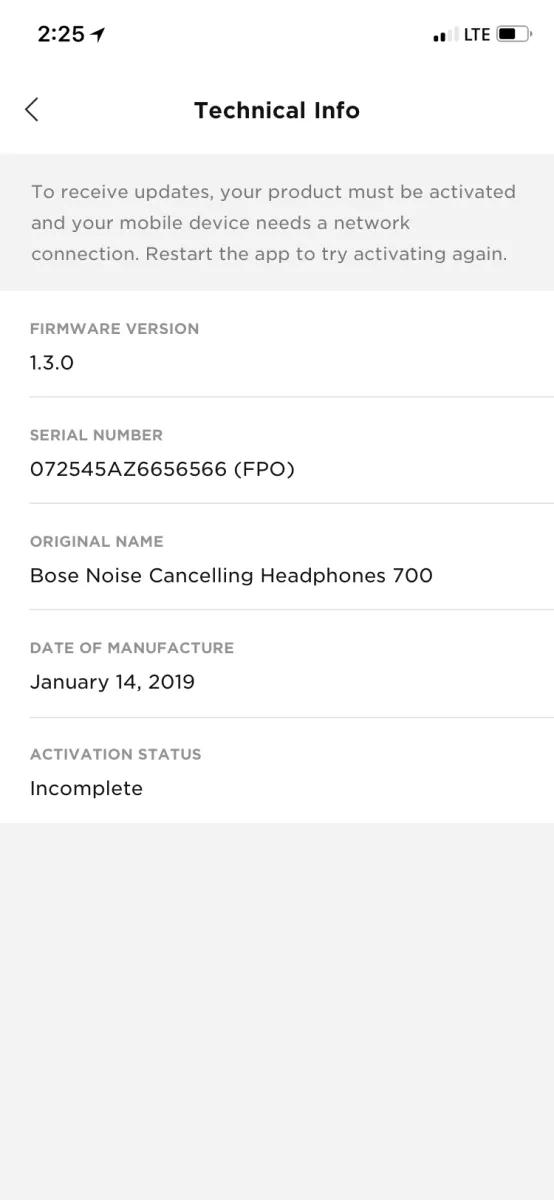
In the Bose app settings, go to technical info. If you see this message, you should close the app and restart it to try activating again.
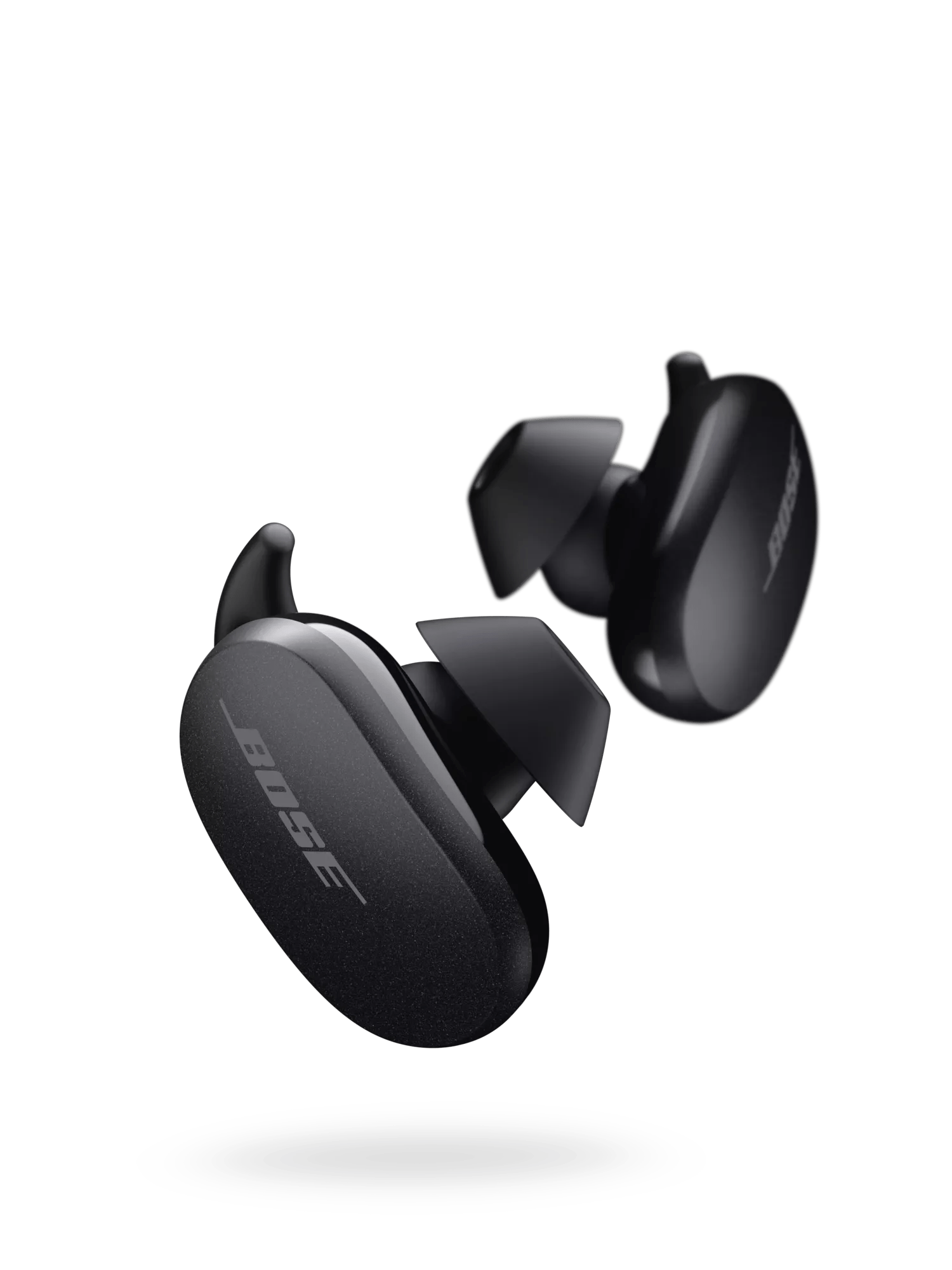
Image may differ in appearance from the actual product.

