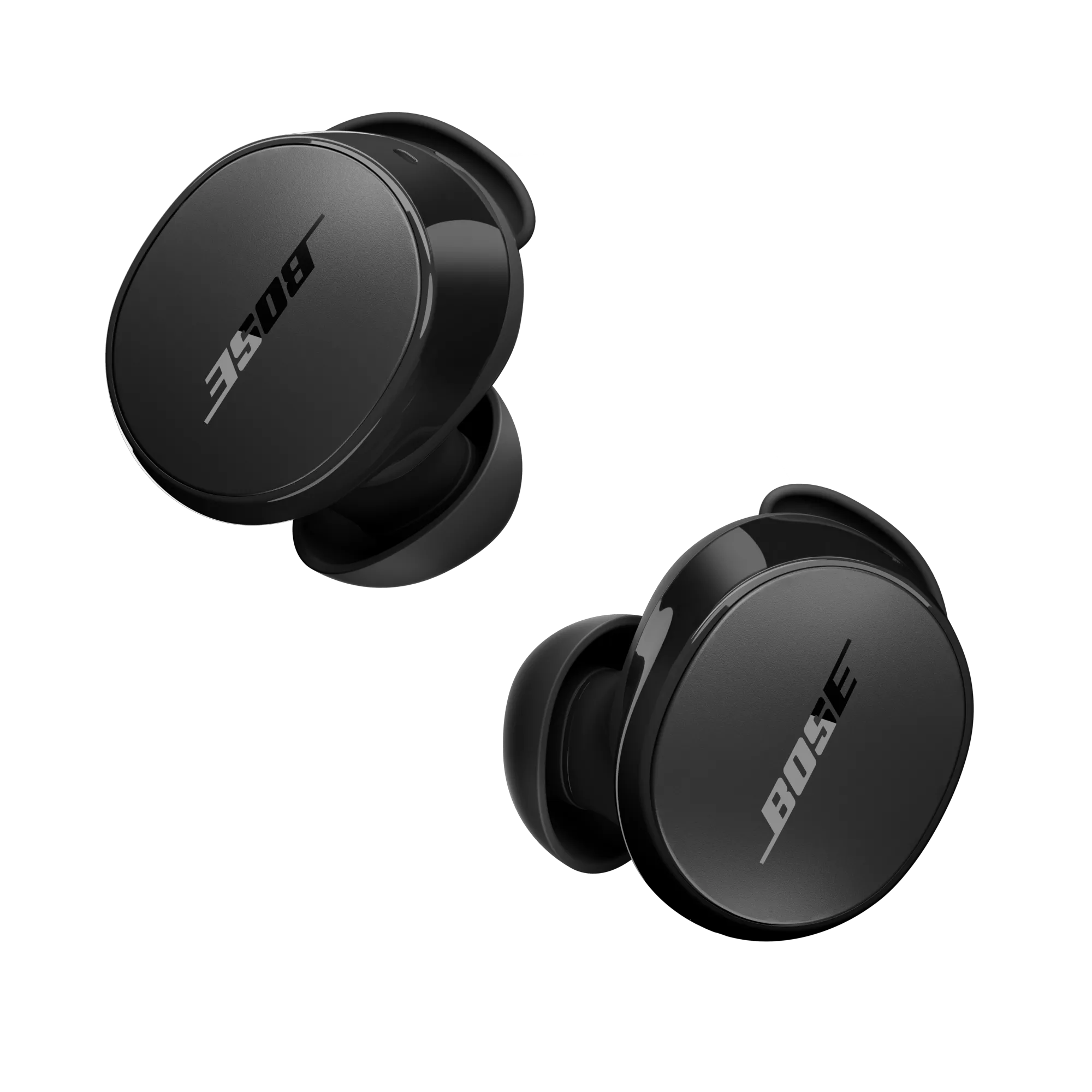
Battery will not charge | Bose QuietComfort Earbuds
bose-quietcomfort-earbuds
Bose QuietComfort EarbudsSold from 2024

Battery will not charge | Bose QuietComfort Earbuds

Make sure the stability band is aligned correctly so the earbud fits in the case correctly.

If the stability bands are not aligned correctly, it could prevent the earbuds from making a solid connection with the charging pins in the case.

Make sure the hole in the band aligns with the vent on the earbud and the tab on the top of the band fits in the notch on the top of the earbud


See Changing the stability bands for more information.
Make sure both earbuds are firmly seated in the case.

  1. With the case charged and the stability band aligned correctly, place the right earbud in the case:
    • The earbud should snap into place and the LED will illuminate
      If the LED does not light up, press the earbud downward until the LED illuminates
  2. Wait for the LED to turn off and repeat step 1 with the left earbud.
    The earbuds charge if the case is open or closed.
  3. Allow the earbuds three hours to fully charge.

Make sure to close the case when charging

If you place both earbuds in the charging case and keep the lid open, the earbuds will remain on. Always close the case to reserve the battery

If your product has been in extreme hot or cold temperature, wait until it reaches room temperature.

If the battery temperature is beyond the operating temperature range, wait until the product reaches room temperature, then try again.

How to reboot the QuietComfort Earbuds

  1. Insert the earbuds into your ears
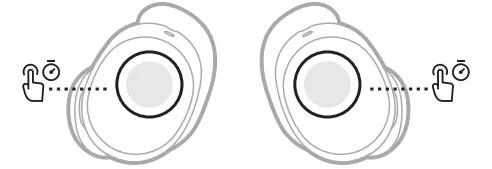
  2. Touch and hold each earbud for 15 seconds until you hear a tone.
    The earbuds power off.
    NOTE: Each earbud must be powered off individually.
    where to touch
  3. Hold each earbud for 1 second to power them on. Each earbud must be powered on individually.

Check that the USB charger meets the power requirement of your product.

On the USB charger, there will be text that indicates the amp (A) or milliamp (mA) rating of the charger. This rating varies among chargers – including those supplied with different models of Bose products. The closer the amp rating of the charger is to the maximum amp rating of the product, the more quickly the product will recharge. If the amp rating of the charger is too low, the product may recharge slowly or not at all. Refer to the specifications indicated on the product or within it's owner's guide on for details.

Some products require minimum of 1 amp of current in order to recharge. Many USB ports on a computers can only provide a maximum of 0.5 amps of current. Be sure to use a safety-agency-approved power supply that meets local regulatory requirements (e.g. UL, CSA, VDE, CCC).

Try a different charger.

Charge times can vary based on the charger. Chargers with a higher current rating generally charge products faster than those with a lower rating. Chargers typically list a current rating on the label in amps (A) or milliamps (mA). A current rating of 1 A / 1000 mA or higher is recommended.