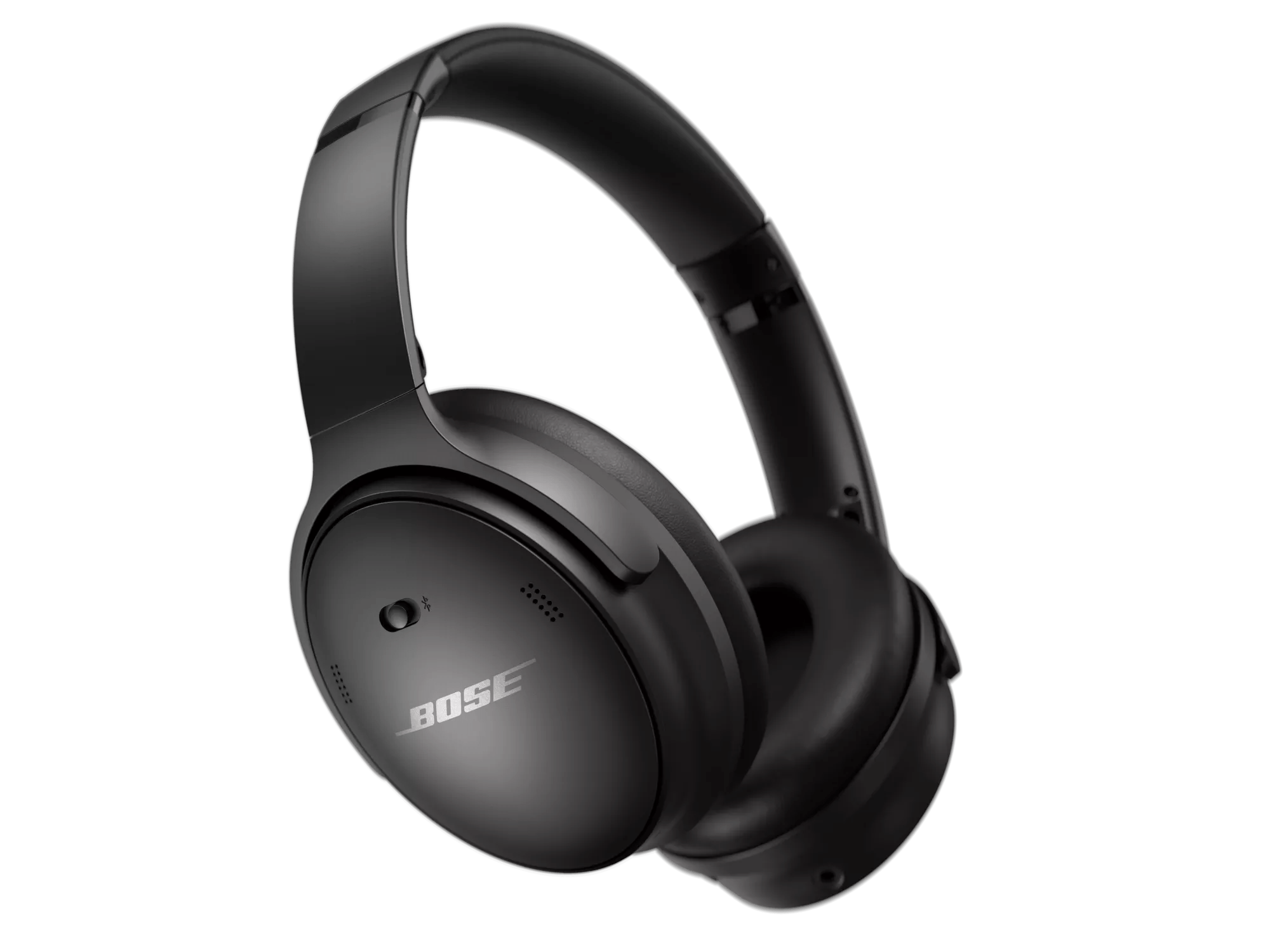
No audio from product | Bose QuietComfort 45 headphones
Check the product turns on
If you hear nothing, the headphones might not be turning on. Refer to Product will not turn on for help.
Inspect the Headphone Cable
- Check for damage: If the cable or plug is damaged, replace it.
- Avoid adapters or extensions: Connect the cable directly to your device to rule out issues with adapters or extension cables.
Check the Bluetooth Connection
If no connection is made:
- Ensure Bluetooth is enabled on your device.
- Reconnect the headphones. Refer to Cannot connect a Bluetooth® device.
Try connecting to another device. If the headphones work, the issue might be with your original device.
Note: Bluetooth® operation is disabled while charging. Disconnect the USB cable or use the supplied audio cable instead.
Check the volume on the source device
- If using the audio cable, press Volume + on the headphones to increase the volume.
- If the headphones are off or out of battery, adjust the volume directly from your device.
Reset your devices
- Connect a USB charging cable to the right earcup.
- Slide and hold the Power/Bluetooth switch to the right while plugging the other end of the cable into a wall charger.
- Release the switch to reset.
- Turn it off and back on.
Clear the Bluetooth Pairing
- Power them on.
- Slide and hold the Power/Bluetooth switch to the right for 15 seconds until you hear, “Bluetooth device list cleared. Ready to connect.”
- Remove the headphones from its Bluetooth list (including duplicates labelled \"LE\") and reconnect. Refer to Connecting a Bluetooth® device.