Was this helpful?


The touch surface is located on the outer surface of each earbud. The right earbud controls media playback, phone calls, and mobile device voice controls. The left earbud controls noise cancellation and your Shortcut.
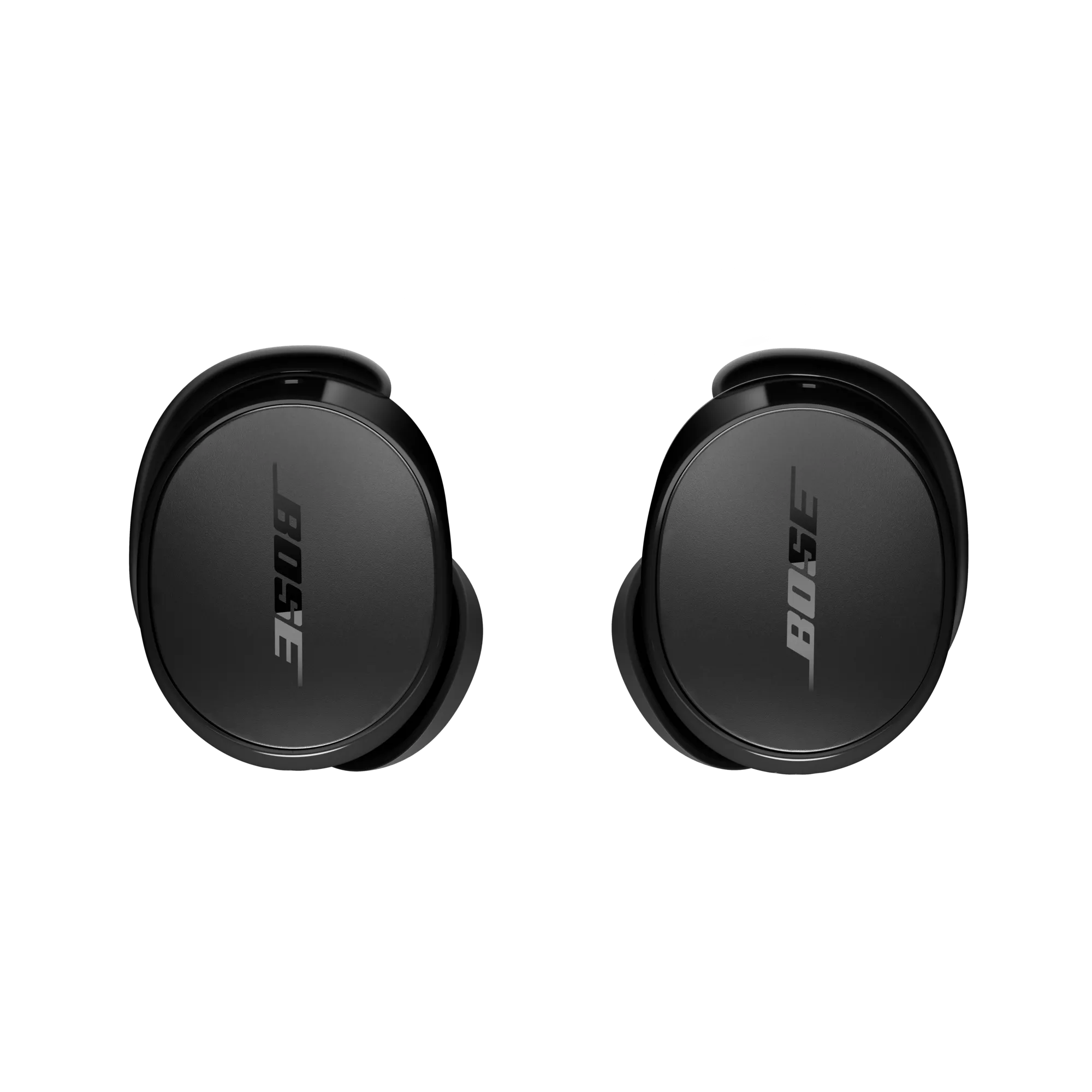
Each earbud has 4 different action triggers that can be customized.
| Left Earbud | Right Earbud | |
| Single Press | Play/Pause | Play/Pause |
| Double Press | Next Track | Next Track |
| Triple Press | Previous Track | Previous Track |
| Hold | Quiet/Aware/Off | Quiet/Aware/Off |
In the QCE app, select Touch Controls. You can then choose from a variety of actions to assign to each trigger.
For non-media control actions, such as Remote Selfie, Assistant, or Calls, you can also assign these from the relevant section in the app.

