Was this helpful?
Battery will not charge | Bose QuietComfort® Earbuds (2020)
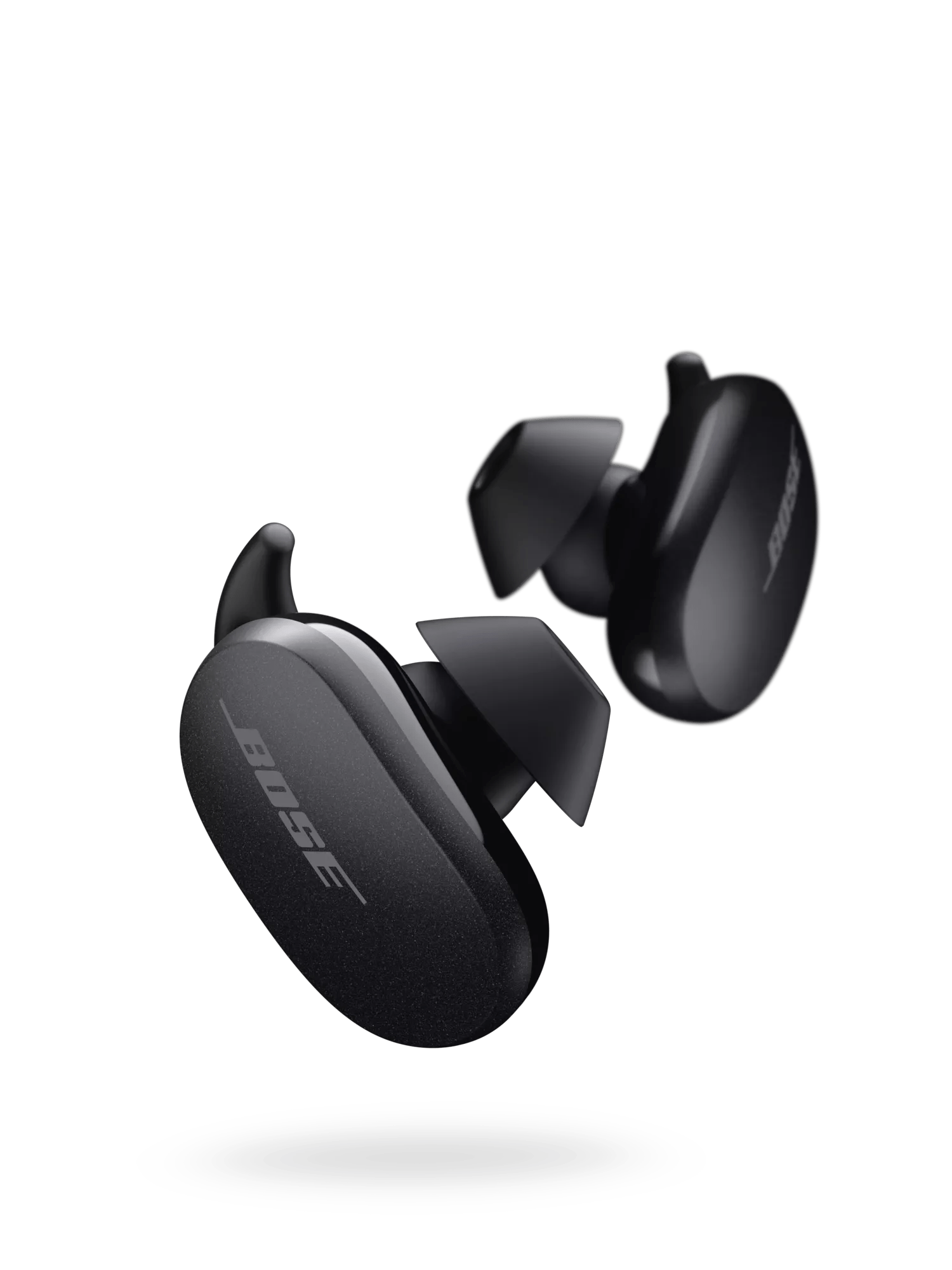
Make sure the earbuds are firmly seated on the charging pins when charging
- If you place both earbuds in the case and they are not seated on the charging pins, the earbuds will remain on and drain the battery
- The charging pins could also be stuck in a down position. You can push on the charging pin(s) to confirm they are moving up and down and not stuck in the down position
- When placing the earbuds in the charging case, the LEDs on the earbuds should flash or light up. This will confirm the earbuds are connecting with the charging pins
Check that the USB charger meets the power requirement of your product.
On the USB charger, there will be text that indicates the amp (A) or milliamp (mA) rating of the charger. This rating varies among chargers – including those supplied with different models of Bose products. The closer the amp rating of the charger is to the maximum amp rating of the product, the more quickly the product will recharge. If the amp rating of the charger is too low, the product may recharge slowly or not at all. Refer to the specifications indicated on the product or within it's owner's guide on for details.
Some products require minimum of 1 amp of current in order to recharge. Many USB ports on a computers can only provide a maximum of 0.5 amps of current. Be sure to use a safety-agency-approved power supply that meets local regulatory requirements (e.g. UL, CSA, VDE, CCC).
Try a different USB cable.
Reset your earbuds.
- Connect the charging case to power.
- Place the earbuds in the charging case.
- Close the charging case lid for 5 seconds, then open the lid.
- In the charging case, press and hold the Bluetooth button for 30 seconds, then release it: The earbud LEDs blink, glow solid white, and then blink blue.
- On the device that was previously connected to your earbuds, go to the Bluetooth menu and, in the list of remembered connections, remove your earbuds.
- Reconnect your earbuds to the device. For more info, see Connecting a Bluetooth® device .
If your product has been in extreme hot or cold temperature, wait until it reaches room temperature.
Your earbuds need to be replaced.
If the steps above did not resolve your issue, your earbuds need to be replaced. Click START A REPAIR OR REPLACEMENT below to begin the process online — the fastest and easiest way to get service.
