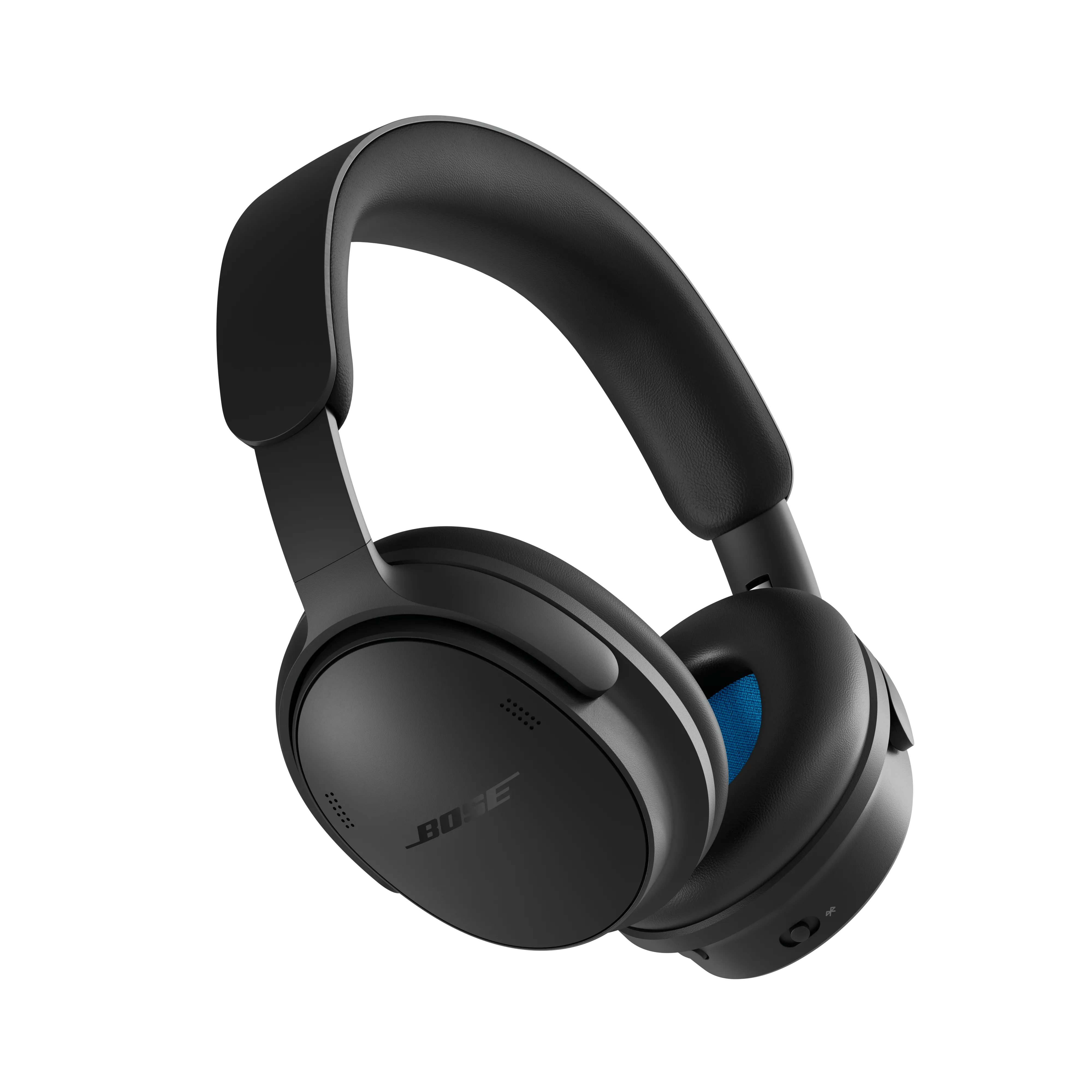
Check the functionality of the Multi-function button.
The Multi-function button performs different actions depending on whether you're listening to audio or handling calls.
- While audio is playing, press the Multi-function button once to play or pause audio.
- During a phone call, press the Multi-function button once to answer or end a call.
If the button does not respond correctly in either situation, continue to the next troubleshooting step.
Be sure the headset is paired to the phone.
Check the condition of the USB cable.
Inspect the USB cable for any signs of damage, including cuts, fraying, bent connectors, exposed wires, or excessive wear.
Damage to the cable can cause charging issues, audio interruptions, connectivity problems, or prevent the headset from being detected by your device.
If the USB plug or any part of the cable is damaged, replace the USB cable and test the connection again.
Note: If available, try a different compatible USB cable to determine whether the cable is causing the issue.
Keep your product within 33 feet (10 meters) of your personal device.
Distance and obstacles like walls, doors, or other electronics can weaken the Bluetooth signal. If you're having trouble, try moving your personal device and product closer together or relocating other devices that may cause interference.
Reboot the connected device.
Electronics might need to be reset from time-to-time—much like rebooting a computer. Power off the device, then power it back on and try again.
Remove your product from the memory of the Bluetooth® device, then try again.
In the Bluetooth settings of the Bluetooth device, find the list of previously connected products. Remove your product from the list, then reconnect it to the device. For more info, see
Connecting a Bluetooth® device.
Try connecting a different audio device.
If available, connect another audio device using the same cables and connections to determine if the issue is related to the first device or its settings.
On mobile devices, be sure the app you want to control is open or running in the background.
If the app you are trying to control is not open or running in the background, you won't be able to control it. Open the app to be sure it's running. Then, when leaving the app, don't close it completely (i.e. don't clear it from the recent apps screen).
Try a different app.
If the issue only occurs with a particular app, it is likely related to the app or app settings.
Some controls might not be available via Bluetooth®.
Not all controls (i.e. volume, skip track, play/pause, etc.) are available via Bluetooth or with certain devices. Check the device and/or app documentation for more info. Additionally, some controls might need to be enabled in the settings menu of the device.
Determine if the mobile device is running Android 8 or later
Android 8 and later has removed the function of pressing and holding to fast forward or rewinding through tracks. Skipping forward and back should still work, but scanning through tracks is no longer available.
Restore the headphones to factory settings
A restore to factory settings can clear all settings and return the headphones to their original out-of-box state. After, the headphones can be configured as if they were being set up for the first time. Restoring to factory settings is only recommended if you are having issues with the headphones, or you have been instructed to do so by Bose customer service.
- Remove the headphones from the Bluetooth list on your device.
- Remove the headphones from your Bose account using the Bose app
 .
. - Slide the Power/Bluetooth switch to the right and hold. At the same time, press and hold the Action button for 30 seconds. The status light blinks white. After 30 seconds, the status light blinks amber to indicate factory settings are being restored (2 to 3 seconds). When the reset is complete, the status light slowly blinks blue. The headphones are now in their original out-of-box state.