Was this helpful?
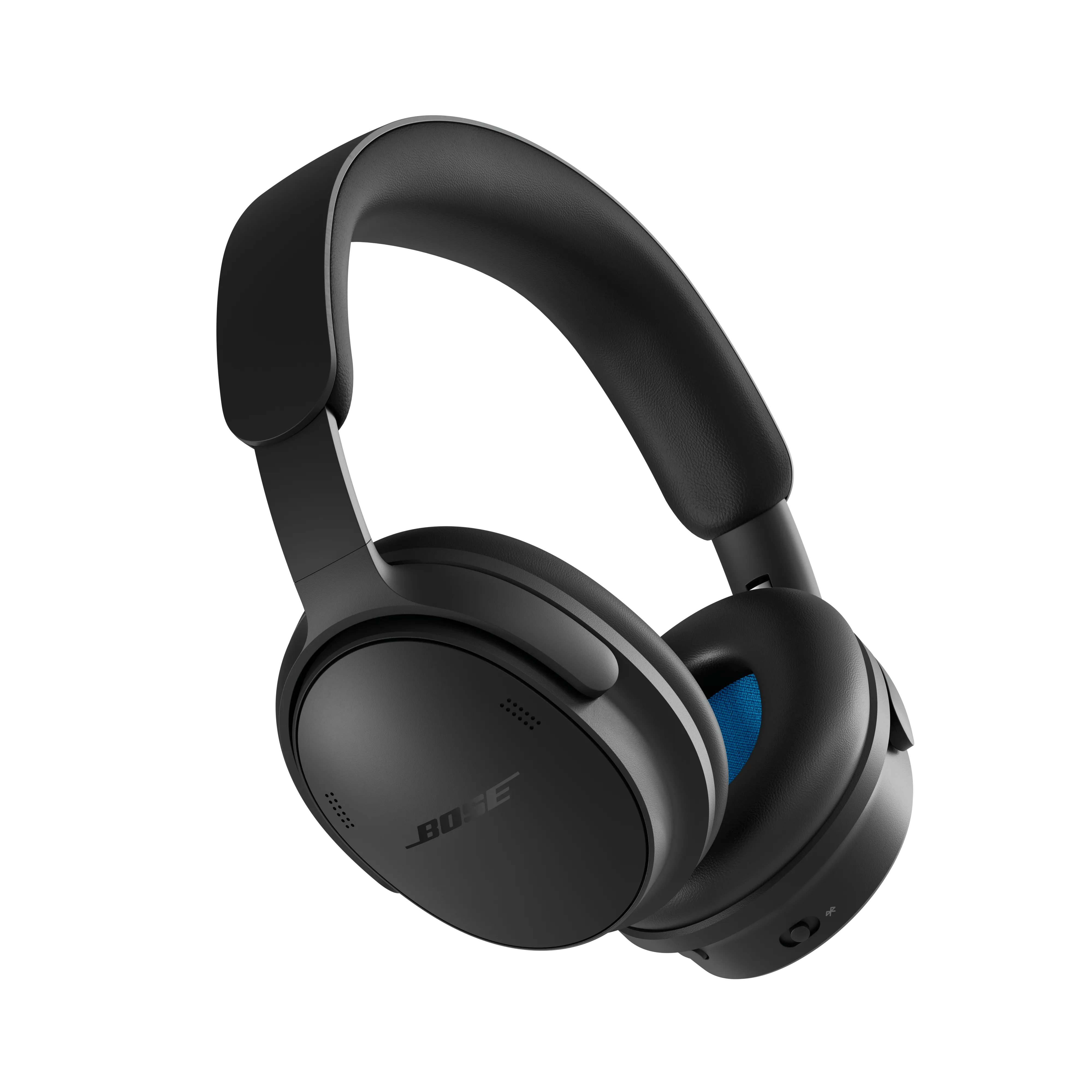
Using multiple Bluetooth connections | Bose QuietComfort Headphones (2nd Gen)
Switching between connected devices
Your headphones can connect to up to two devices at the same time (multi-point connection) and store up to six devices in the device list.
To connect a new device, use one of the following methods:
- The Bose app
- Your device’s Bluetooth settings
- Fast Pair (Android devices only)
Notes:
- Audio can only play from one device at a time.
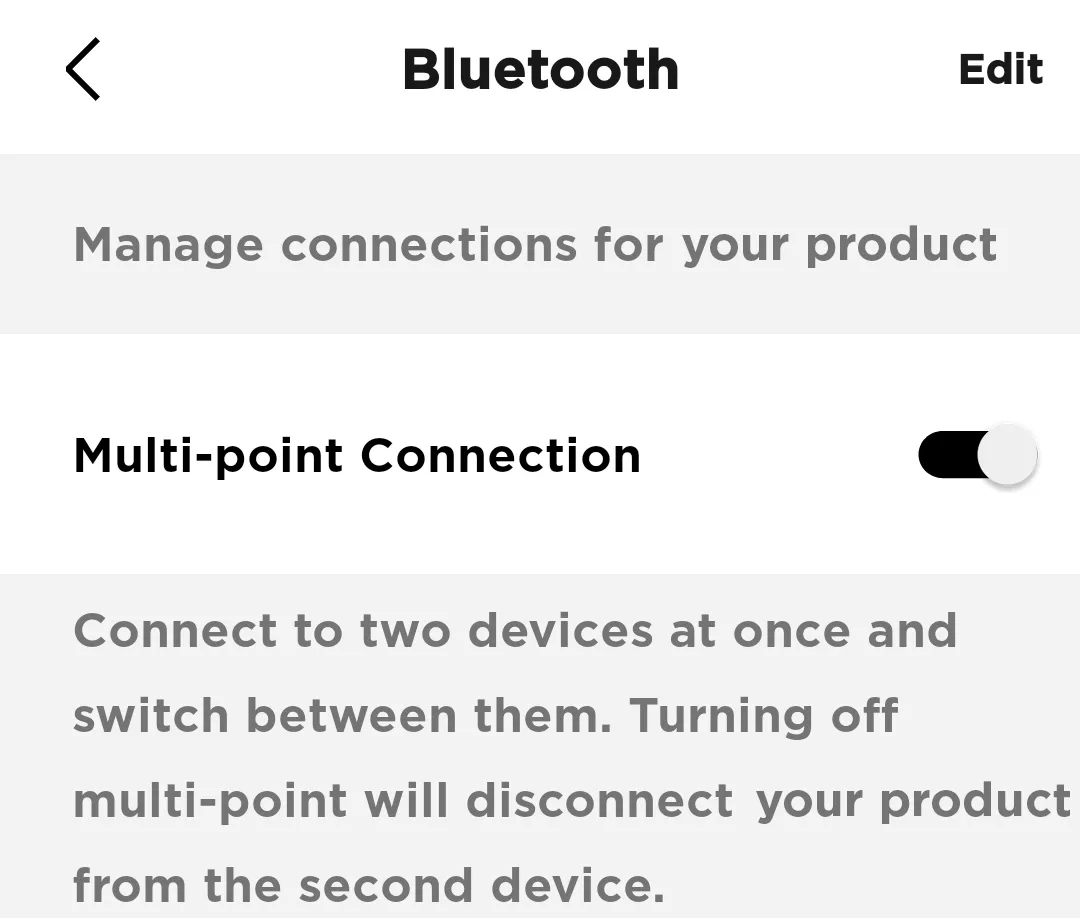
- You can manage or turn off multi-point connections in the Bose app (Settings menu).
- Turning off multi-point disconnects the second device.
Switching between two connected devices
To switch audio between devices:
- Pause audio on the first device.
- Start playing audio on the second device.
Notes:
- The headphones can receive calls from both devices, regardless of which one is playing audio.
- You can also switch between devices using the Bose app (Settings menu).
Reconnecting to a previously connected device
Your headphones automatically try to reconnect to recently used devices when powered on. If they don’t reconnect, you can manually reconnect using one of the following methods:
- Bose app:
Open the app and select your headphones. Choose the previously connected device from the device list. - Bluetooth settings (phone, tablet, or computer):
Go to your device’s Bluetooth menu and select your headphones from the list of paired devices.
Tips:
- Make sure Bluetooth is enabled on your device.
- Keep the device within range and powered on.
- If the headphones don’t appear, try turning Bluetooth off and back on, or restarting the headphones.
Try disabling the Multi-point connection in the app
In the Bose app, go to Settings>Bluetooth Connections and toggle Multi-point connection to 'off'. This will disconnect your secondary device.
Note: You will only be able to connect to one device at a time. If you want to connect to two devices simultaneously, toggle Multi-point connection back to 'on'