Was this helpful?
Wearing and adjusting your earbuds | Bose QuietComfort Ultra Earbuds (2nd Gen)
Wearing your earbuds.
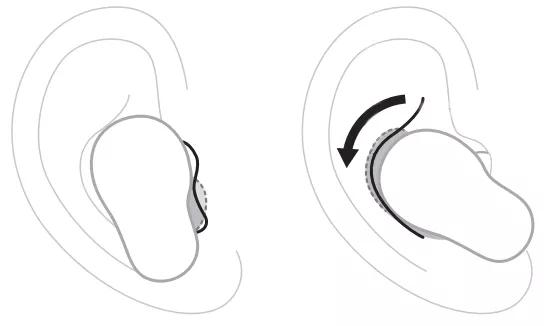
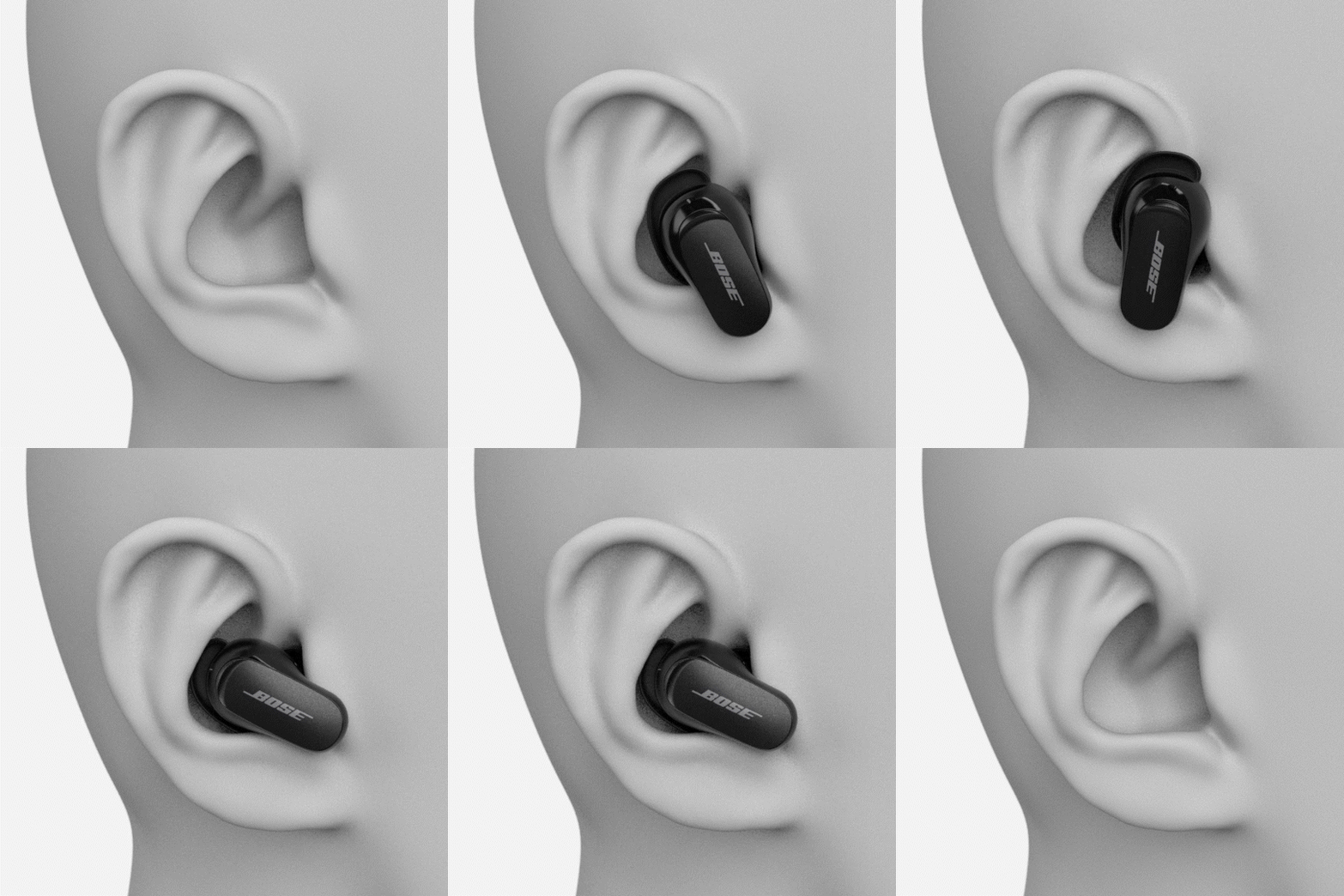
- Insert the earbud so the eartip gently rests at the opening of your ear canal.
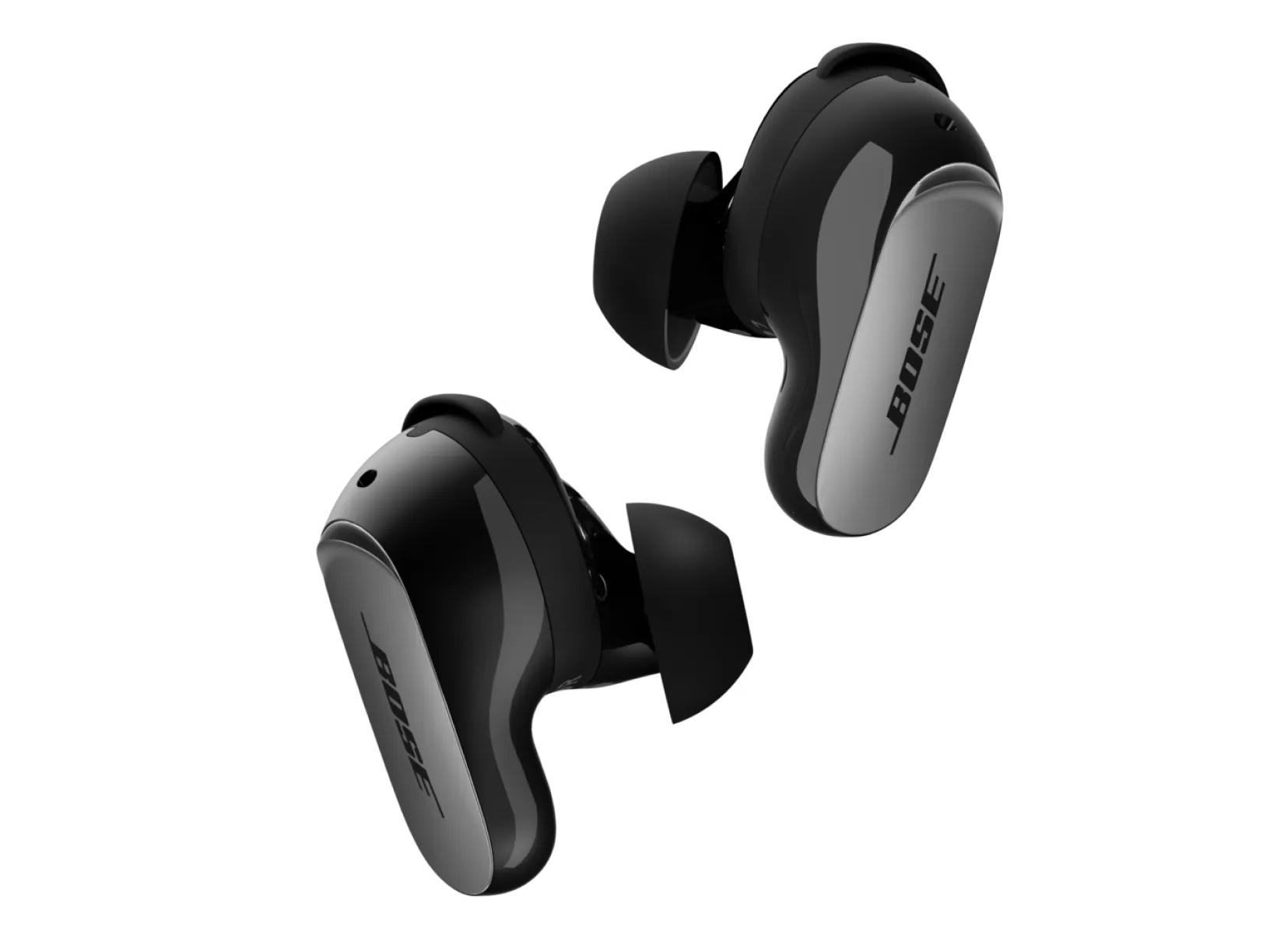
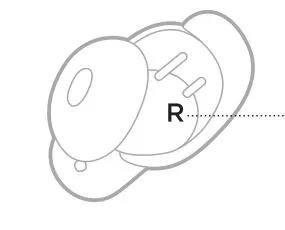
Each earbud is marked with either an R (right) or L (left).
- Slightly rotate the earbud back until the eartip creates a comfortable seal at your ear canal and the stability band rests against your ear ridge.

- You may need to rotate the earbud back and forth for the eartip to create a comfortable seal. However, rotating it too far back or forward may impact audio and microphone sound quality.
- Check the fit. See details below.
- Repeat steps 1 – 3 to insert the other earbud.
Checking your fit.
You can also check your fit using the Earbud Seal Test in the Bose app. You can access this option from the earbuds Settings menu.
Eartips
- Proper fit - The eartip gently rests at the opening of your ear canal to create a comfortable seal.
Background noise should sound muffled before the earbuds are powered on and noise cancellation is active - Too much pressure - The eartip feels uncomfortable and squished in your ear canal
- Too loose - The eartip rests too deep in your ear canal, feels loose in your ear, or falls out when you move your head
Stability Bands
- Proper fit - The band doesn’t stick out or feel squished against your ear ridge
- Too big - The band is sticking out or feels squished under your ear ridge
- Too small - The band doesn’t reach your ear ridge
Try other size eartips and/or stability band sizes.
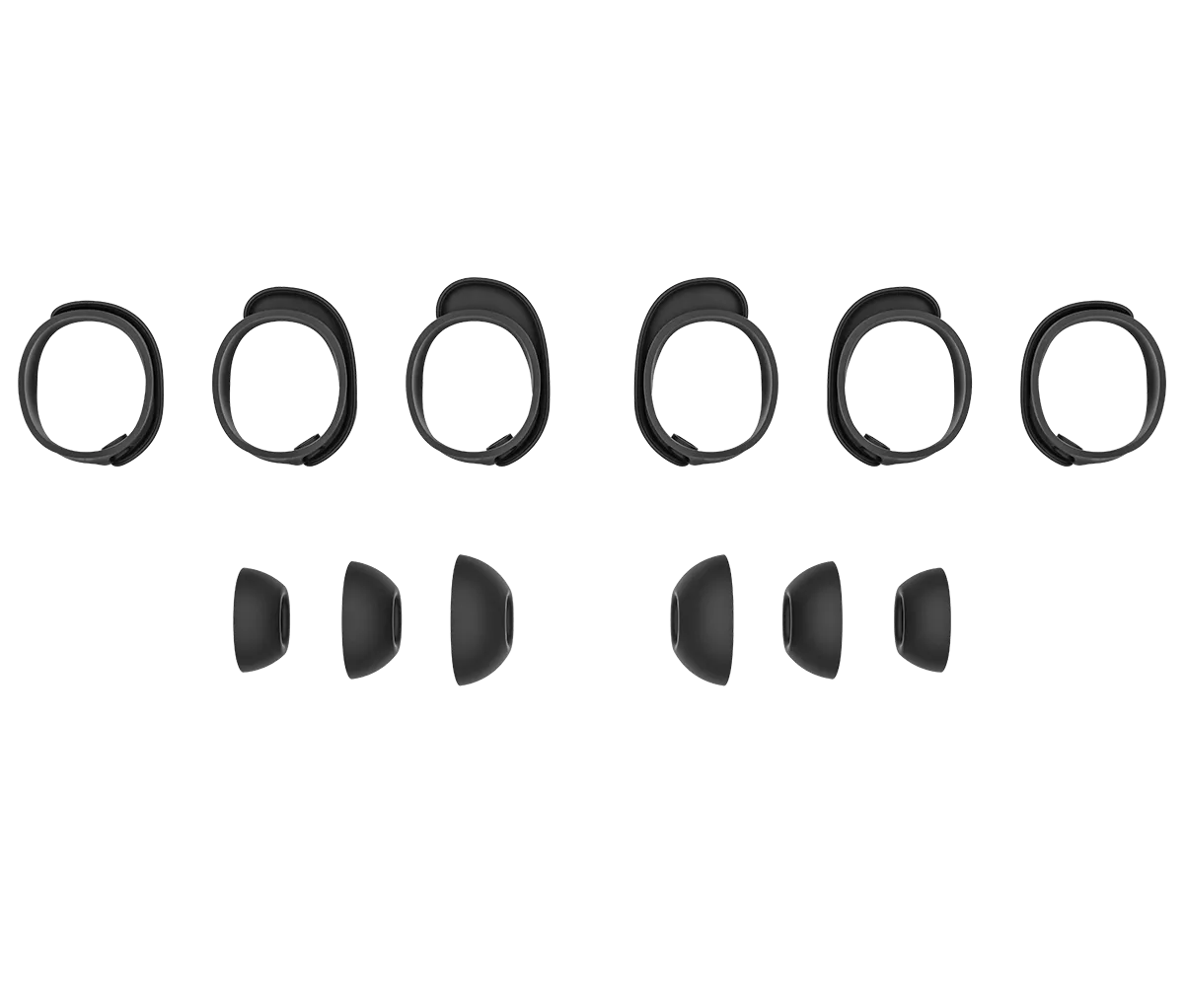
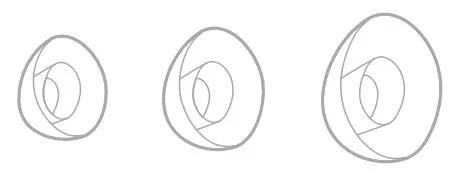
Eartips - The eartips come in small, medium, and large. Medium eartips come attached to the earbuds. If they feel too small, try large eartips. If they feel too big, try small eartips.
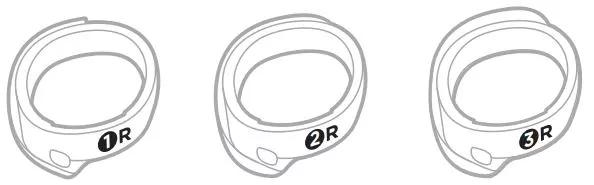
Stability bands - The stability bands are marked with size 1 (small), 2 (medium), or 3 (large) and an R (right) or L (left). Size 1 bands come attached to the earbuds. If they feel too small, try size 2 bands.
Begin the Earbud Seal Test.
- In the Bose app, select your earbuds then tap the Settings icon
in the upper-right corner.
- In the How To Wear section of the Settings menu, select Earbud Seal Test and follow the instructions presented in the app.