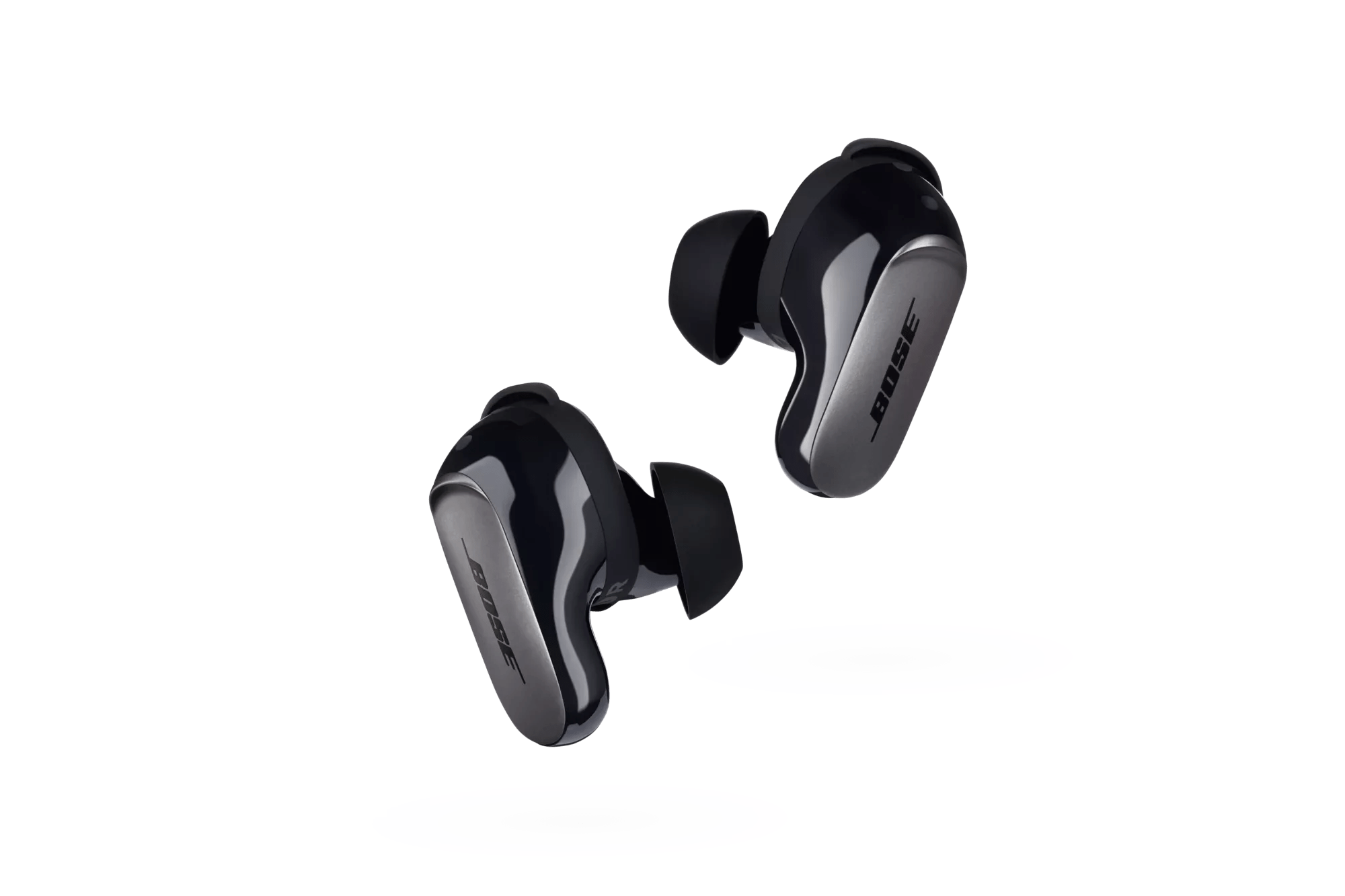
Reconnecting a Bluetooth Device | Bose QuietComfort Ultra Earbuds
bose-quietcomfort-ultra-earbuds
Bose QuietComfort Ultra EarbudsSold from 2023

Reconnecting a Bluetooth Device | Bose QuietComfort Ultra Earbuds

Reconnecting a mobile device

IMPORTANT:

  • The device must be within range (30 ft or 9 m) and powered on
  • Make sure the Bluetooth feature is enabled on your mobile device
  • Make sure the Bose Earbuds are listed in the mobile device's Bluetooth pairing list


When the earbuds are removed from the case, they try to connect with the most recently-connected device. To connect to a different previously-connected device, use the device's Bluetooth settings to connect to the earbuds:

  1. Go to the Bluetooth settings menu in the previously-paired device that you now wish to use, such as a computer or phone
  2. In the device list, select the Bose earbuds and they will automatically connect to the new previously-connected device, basically stealing the connection from the device that was currently connected and in use.

You can also cycle between previously connected devices using the shortcut, if enabled. See Customizing the touch control shortcut.

If you are unable to connect a Bluetooth device,